Resume headshot generator
A resume photo is expected in some countries and discouraged in others. Browse CV-sized styles here — and read the honest guidance below on whether your resume should have a photo at all.
- Photos auto-deleted in 7 days
- Never used to train other models
- Free to browse, no signup
Browse a professional headshot style
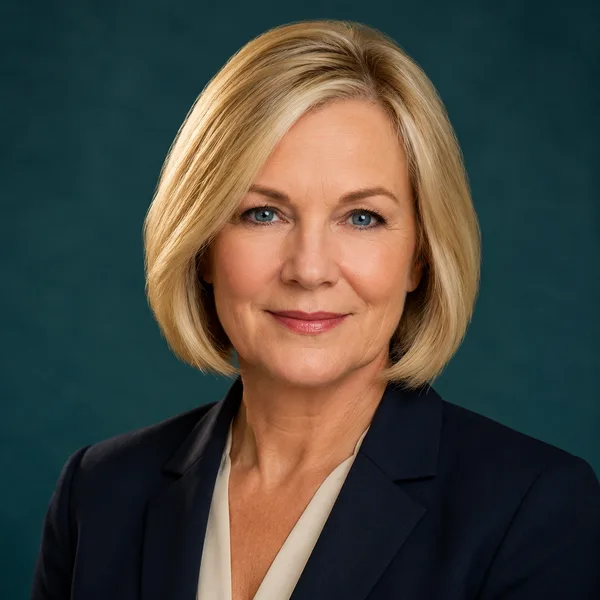
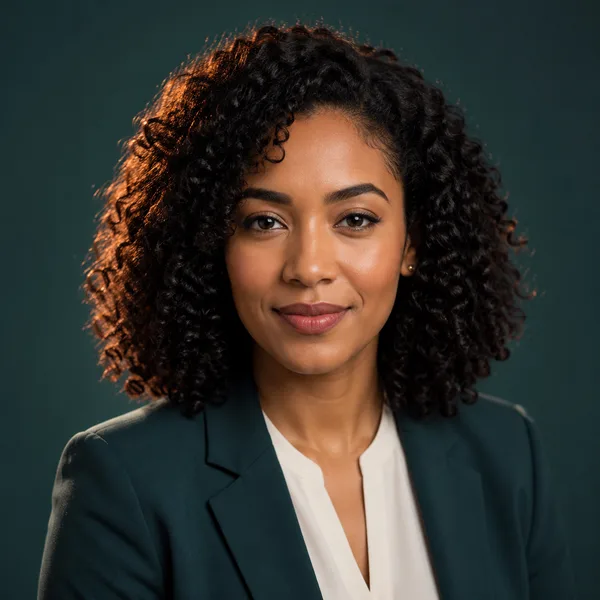
Pick a look and see where it fits — LinkedIn, your resume, a company page. Every face below is an AI-generated example, not a real person.
Portrait crop sized to drop straight into a resume header.
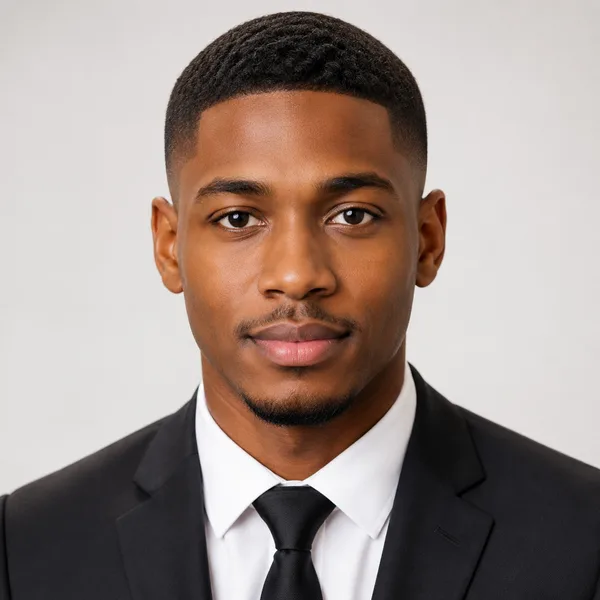
Corporate / Formal
Suit or blazer, clean studio-grey backdrop, classic executive lighting. Best for: LinkedIn, law, finance, consulting, senior roles.
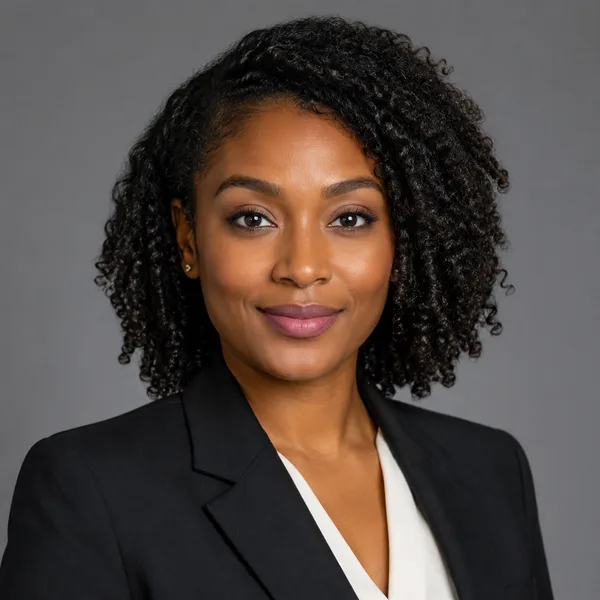


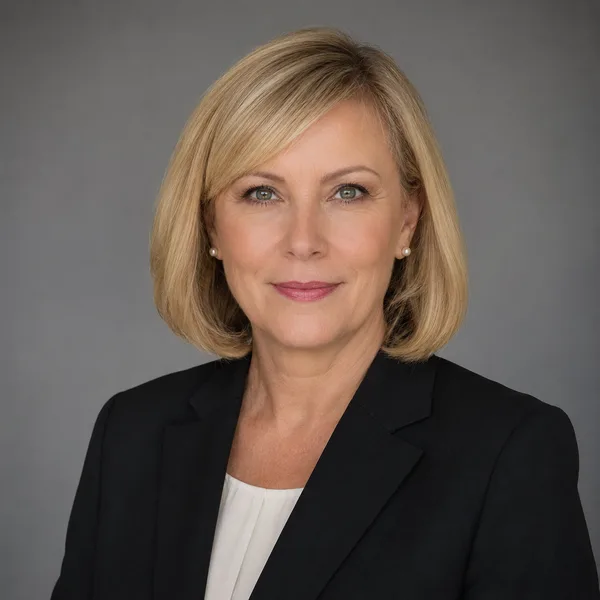
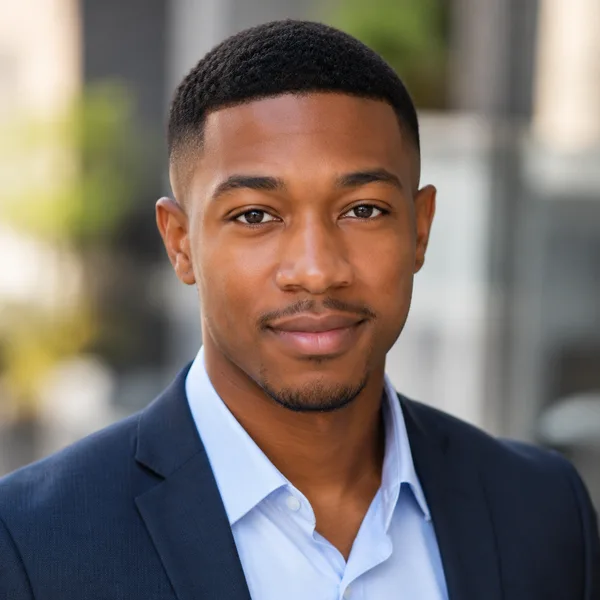
Business Casual
Smart casual shirt or knit, softer background, warm and approachable. Best for: Startups, tech, sales, recruiters, client-facing roles.




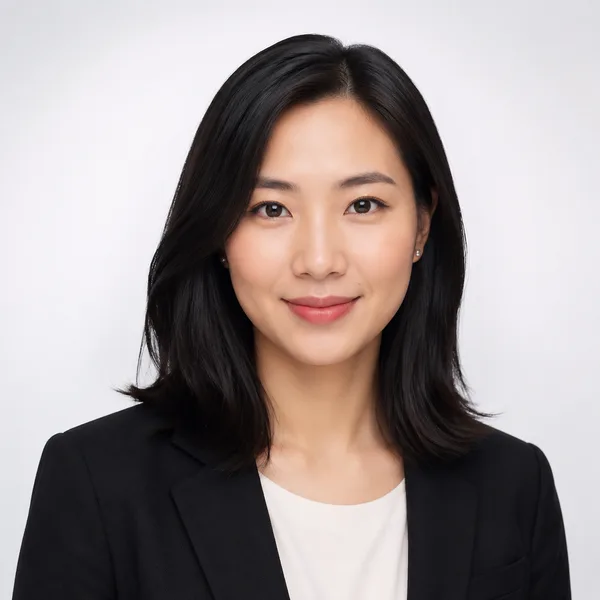
Studio Classic
Clean seamless backdrop, even three-point lighting — the photographer look. Best for: Resumes, company pages, anyone wanting a timeless safe choice.
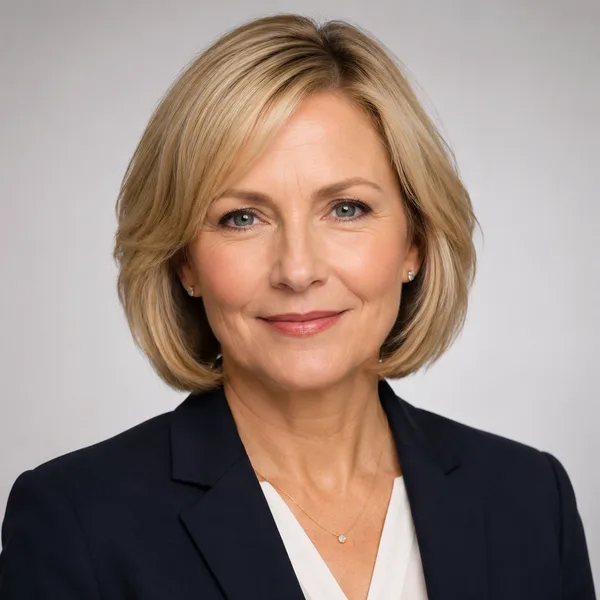
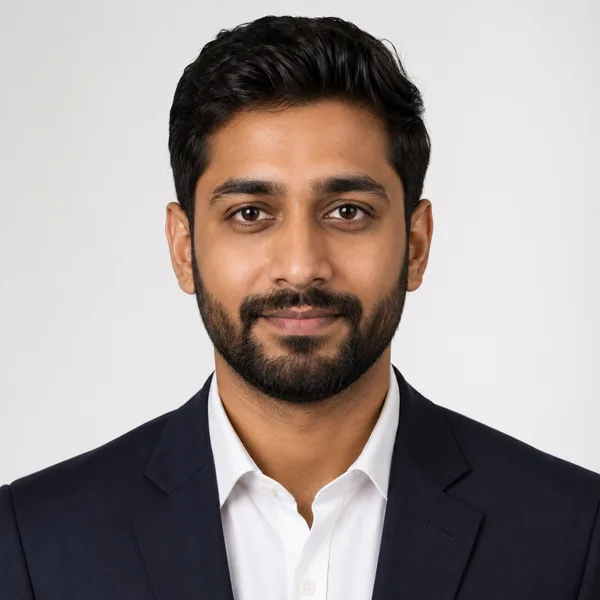
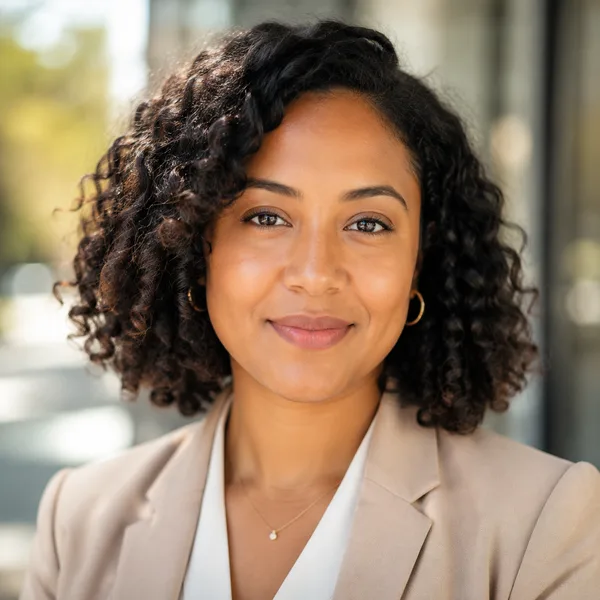
Outdoor / Natural
Natural daylight, softly blurred outdoor or window-lit setting, authentic feel. Best for: Real estate, creatives, coaches, personal brands.


Creative / Modern
Editorial colour backdrop, contemporary styling, a touch of personality. Best for: Founders, designers, marketers, speakers.


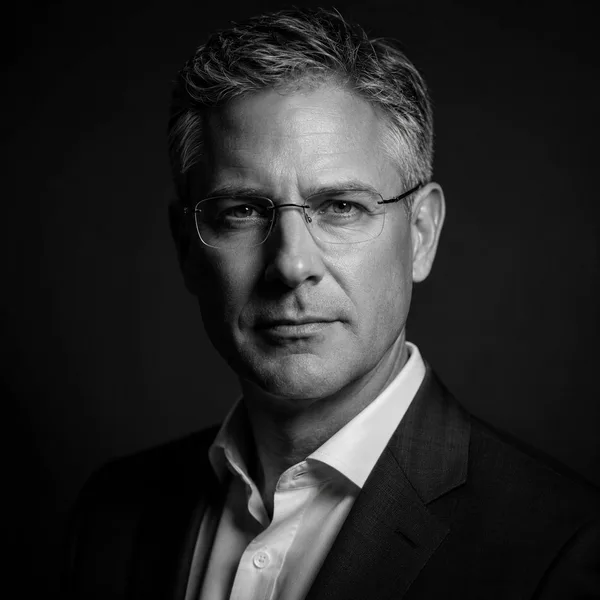
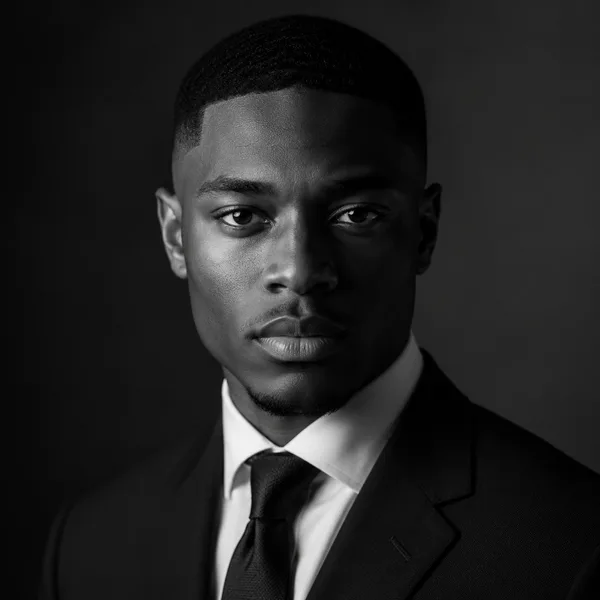
Executive B&W
Dramatic monochrome, strong contrast — for leadership and author bios. Best for: Executives, board bios, authors, keynote speakers.
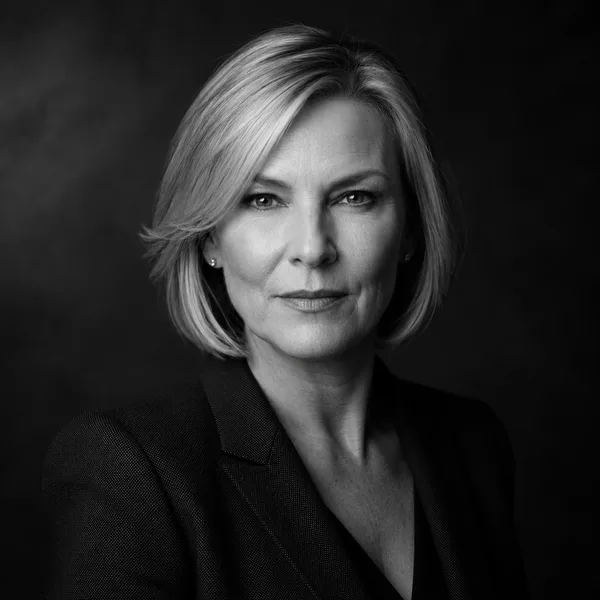
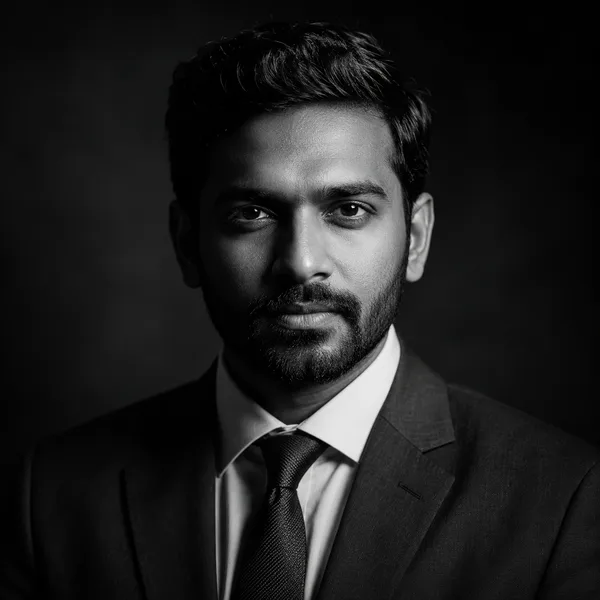
Showing every style. Enable JavaScript to filter by style and platform.
Browsing every style above needs no account. Upload-your-own-photo previews are rolling out carefully — privacy and consent first. Drop your email only if you want to be first in line.
Should you put a photo on your resume?
It depends on where you’re applying. In the United States, Canada, the UK, Ireland and Australia, the convention is to leave the photo off: many employers avoid photos to reduce bias, and some applicant-tracking systems (ATS) mis-read documents with images, scrambling your text. In much of continental Europe (Germany, France, Switzerland), the Middle East, parts of Asia and Latin America, a neat headshot on the CV is normal and sometimes expected.
A safe rule: follow the local norm of the job’s country, and when you’re unsure, omit it for an ATS-screened online application and include it for a designed CV you send directly to a person. If you do include one, keep it small, professional and in the header.
Sizing and placing a resume photo
Where photos are used, a passport-style portrait around 3.5 × 4.5 cm (roughly 350 × 450 px on screen) in the top corner or header is the standard. Use a plain, light background and conservative attire so it complements the document rather than dominating it — Studio Classic and Corporate / Formal are the safest choices.
Place the image in your document’s header or a layout box, not as inline body content, so an ATS reading the text isn’t disrupted. The explorer above previews each style at a CV-appropriate portrait crop. Pair it with a clean, well-structured resume — our free resume templates are linked at the foot of the page.
Frequently asked questions
Should I put a photo on my resume?
Follow the norm of the job’s country. In the US, Canada and UK, usually leave it off — many employers avoid photos and some ATS mis-read images. In much of Europe, the Middle East, Asia and Latin America, a neat headshot is common and sometimes expected.
Will a photo break applicant-tracking systems (ATS)?
It can, if the document is parsed as text. If you include a photo, place it in the header or a layout box rather than inline, and keep a clean text version for online applications.
What size should a resume photo be?
A passport-style portrait around 3.5 × 4.5 cm (about 350 × 450 px) in the top corner or header, with a plain light background and conservative attire.
Which style is best for a CV photo?
Studio Classic or Corporate / Formal — clean background, even lighting and professional attire that complements the document instead of competing with it.