Team headshot generator
Team headshots only work when they match. Browse unified styles now, and get on the list for batch generation, seats and an admin view as they roll out.
- Photos auto-deleted in 7 days
- Never used to train other models
- Free to browse, no signup
Browse a professional headshot style
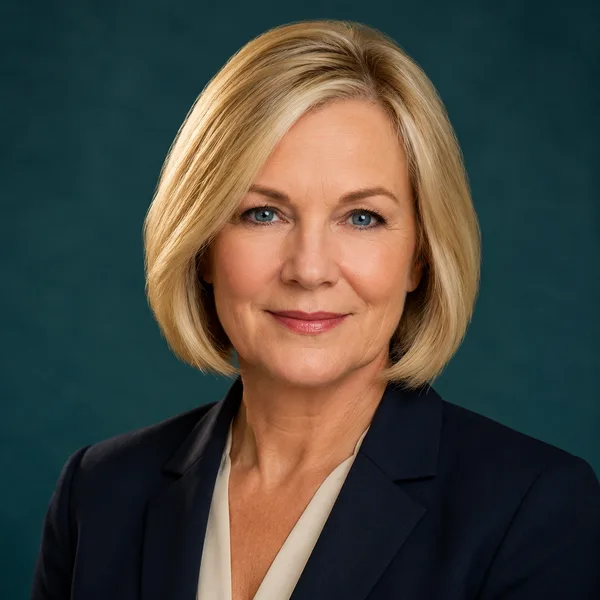
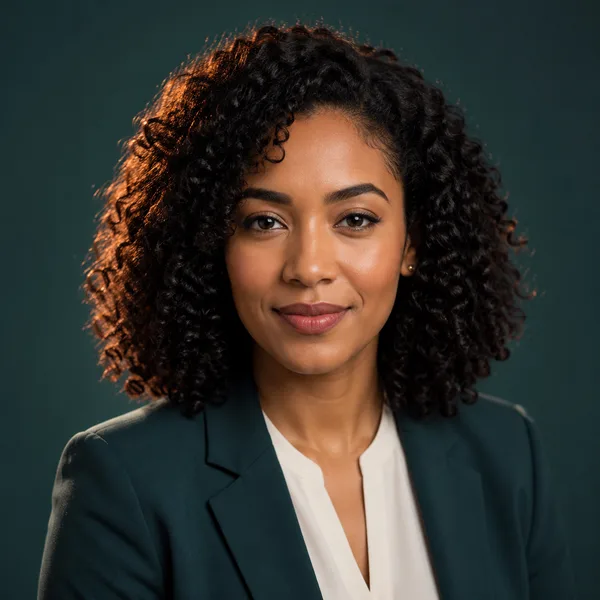
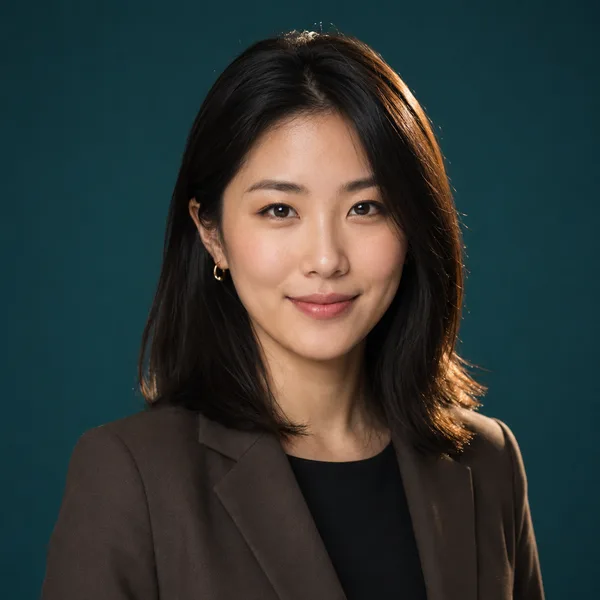
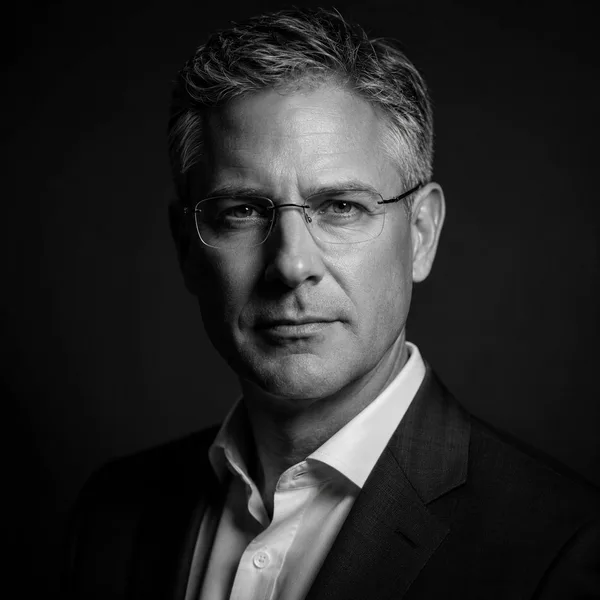
Pick a look and see where it fits — LinkedIn, your resume, a company page. Every face below is an AI-generated example, not a real person.
A consistent square crop for About / Team pages.
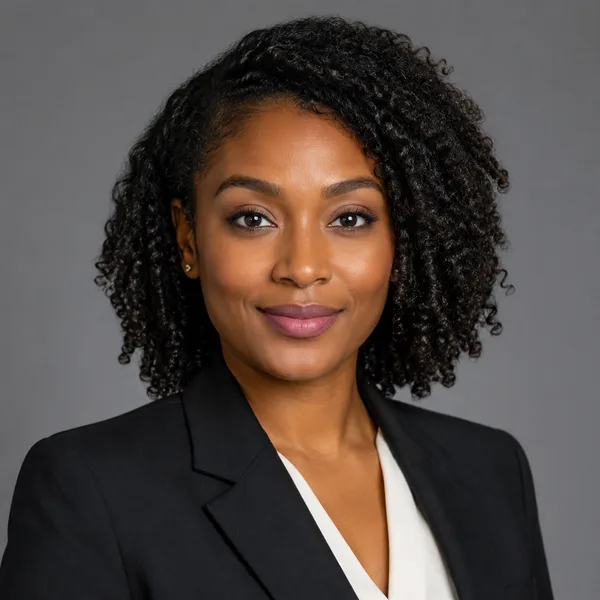
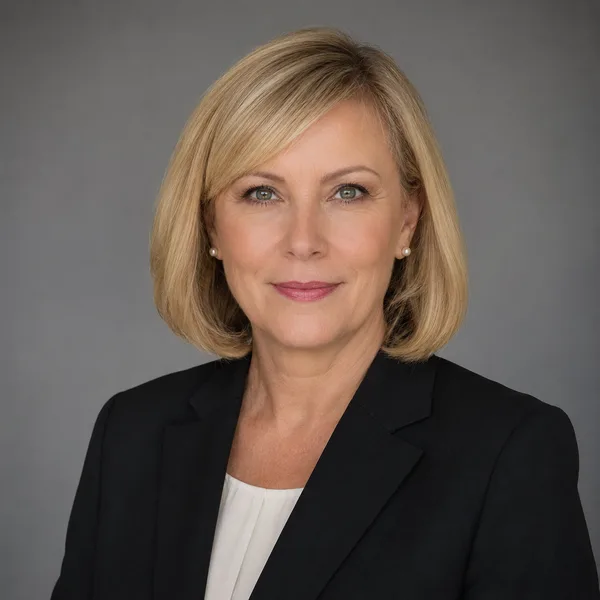
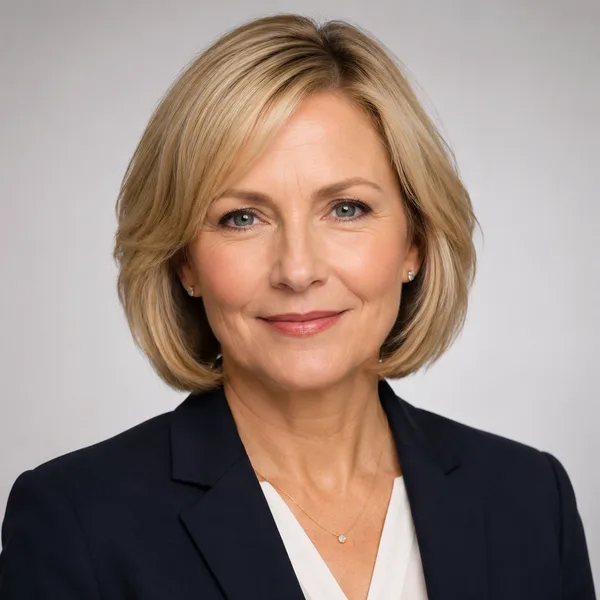
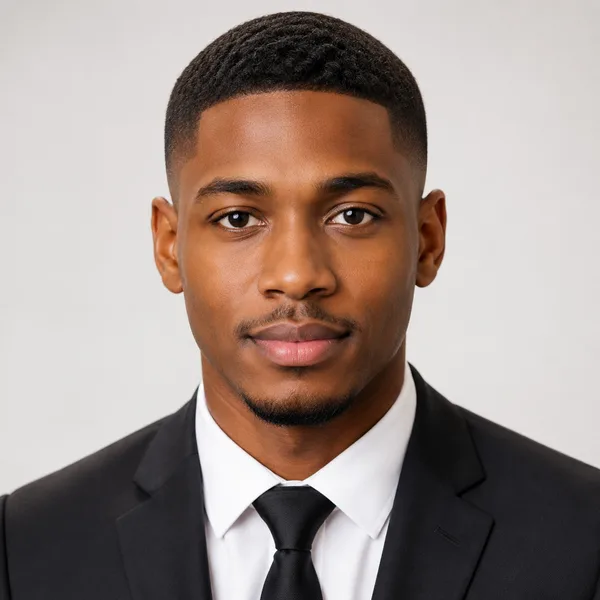
Corporate / Formal
Suit or blazer, clean studio-grey backdrop, classic executive lighting. Best for: LinkedIn, law, finance, consulting, senior roles.


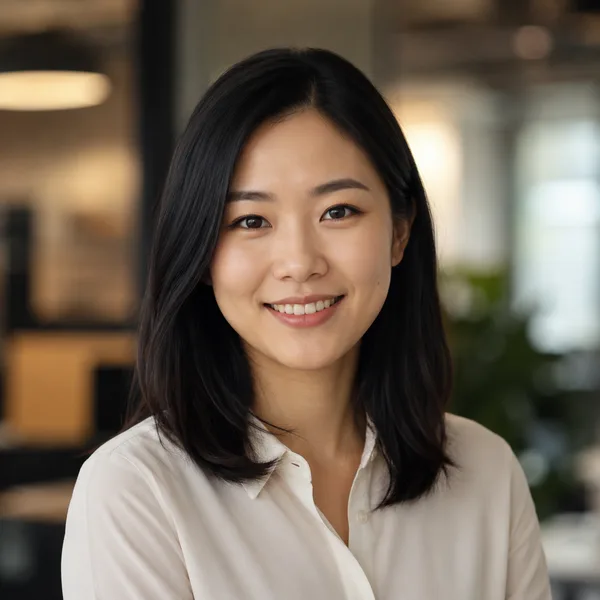
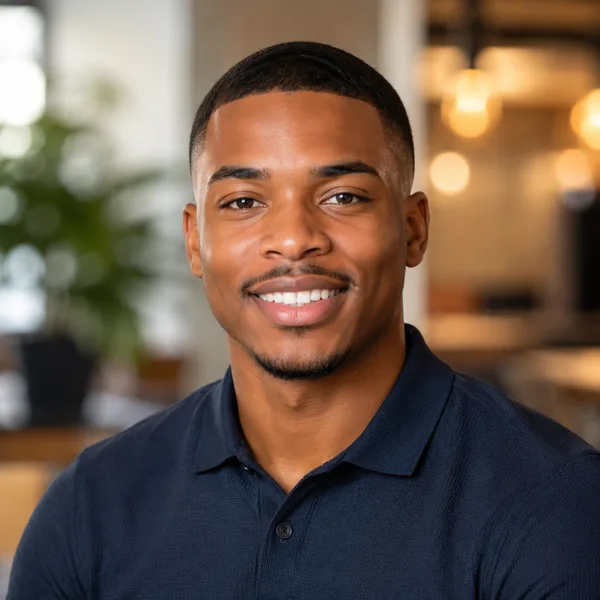
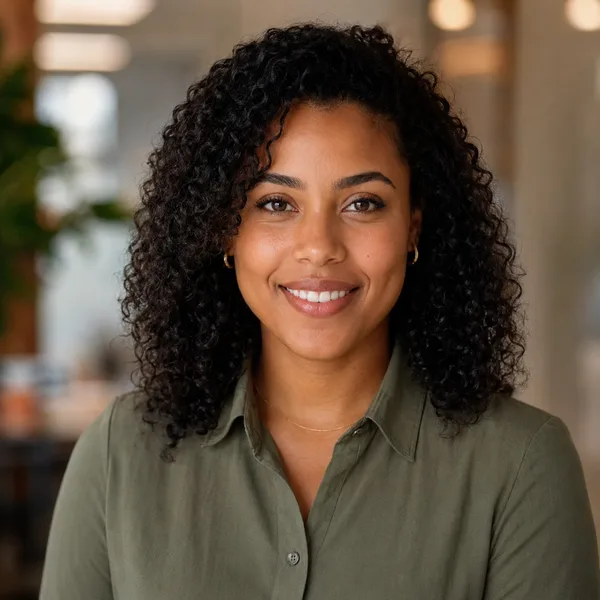
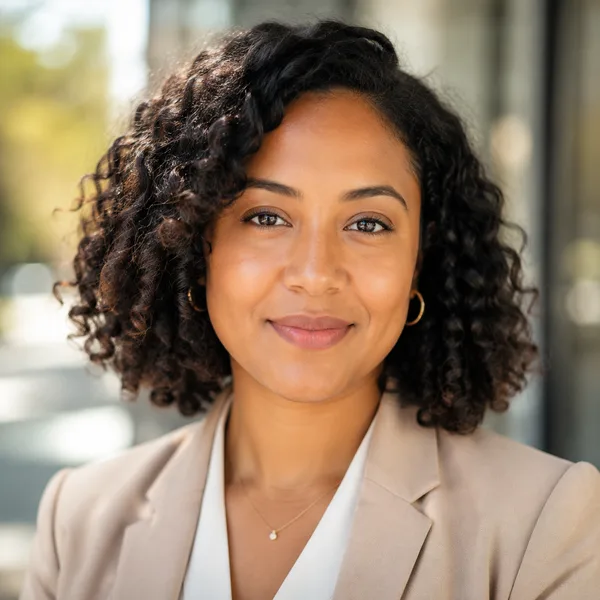
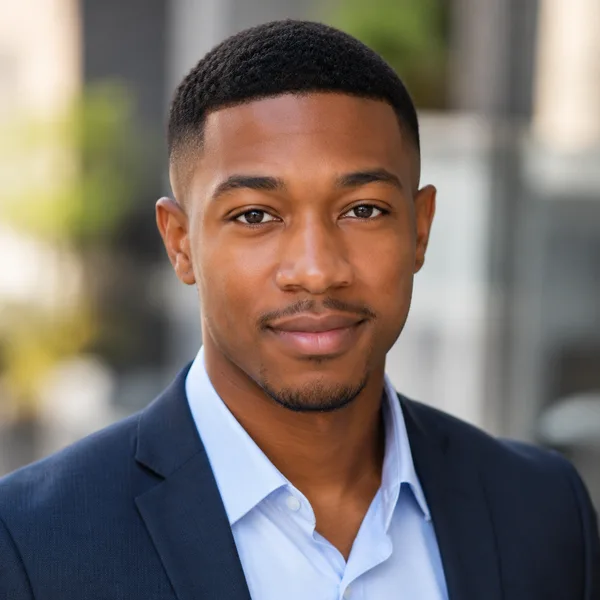
Business Casual
Smart casual shirt or knit, softer background, warm and approachable. Best for: Startups, tech, sales, recruiters, client-facing roles.

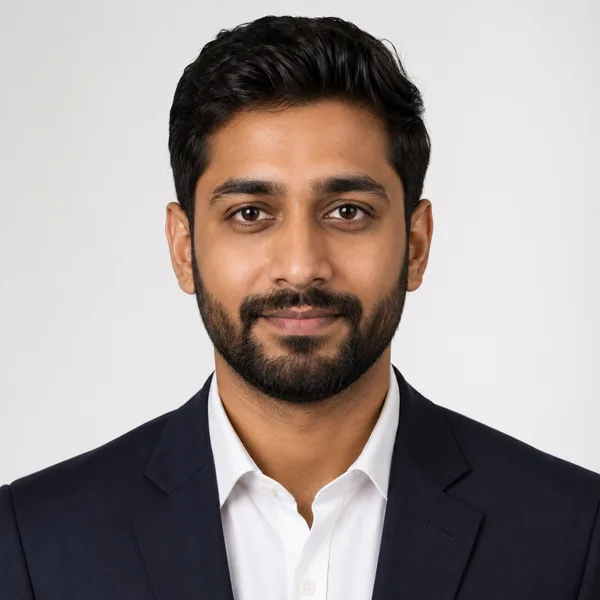
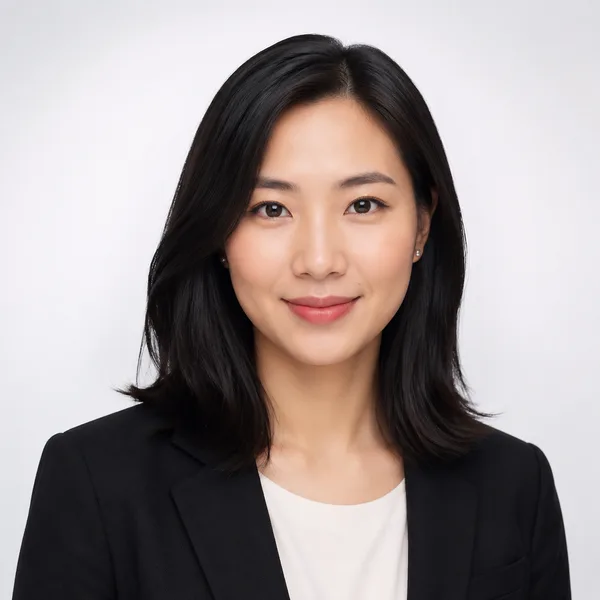
Studio Classic
Clean seamless backdrop, even three-point lighting — the photographer look. Best for: Resumes, company pages, anyone wanting a timeless safe choice.
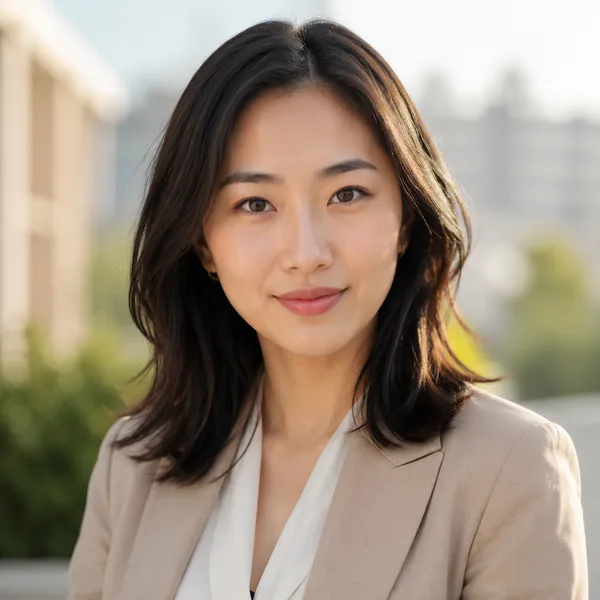
Outdoor / Natural
Natural daylight, softly blurred outdoor or window-lit setting, authentic feel. Best for: Real estate, creatives, coaches, personal brands.

Creative / Modern
Editorial colour backdrop, contemporary styling, a touch of personality. Best for: Founders, designers, marketers, speakers.

Executive B&W
Dramatic monochrome, strong contrast — for leadership and author bios. Best for: Executives, board bios, authors, keynote speakers.
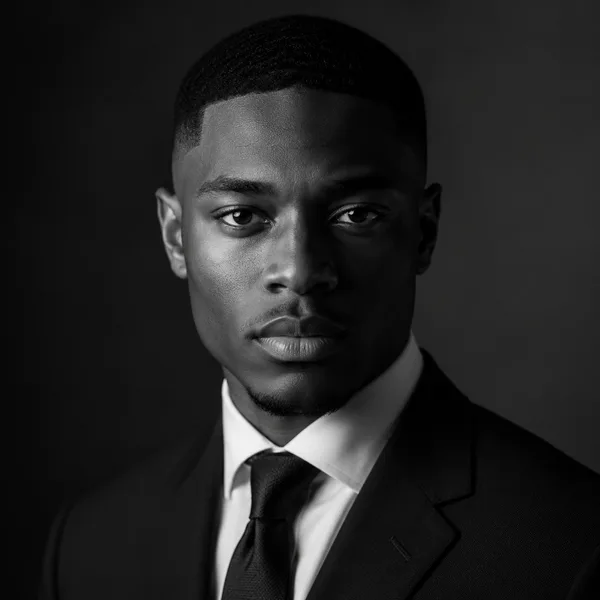
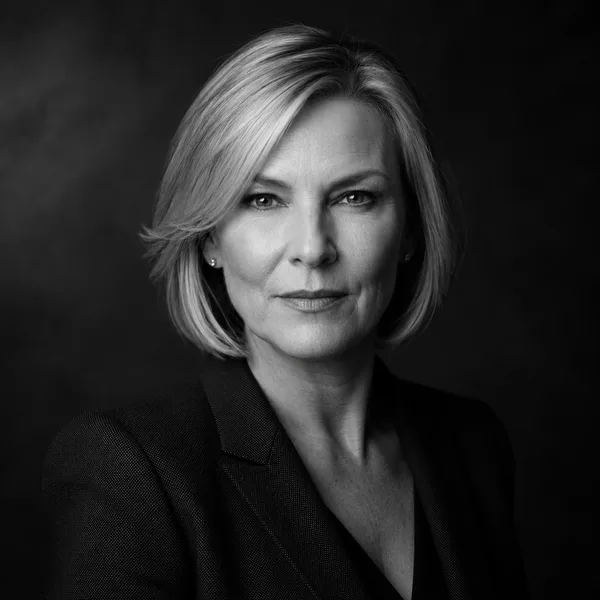
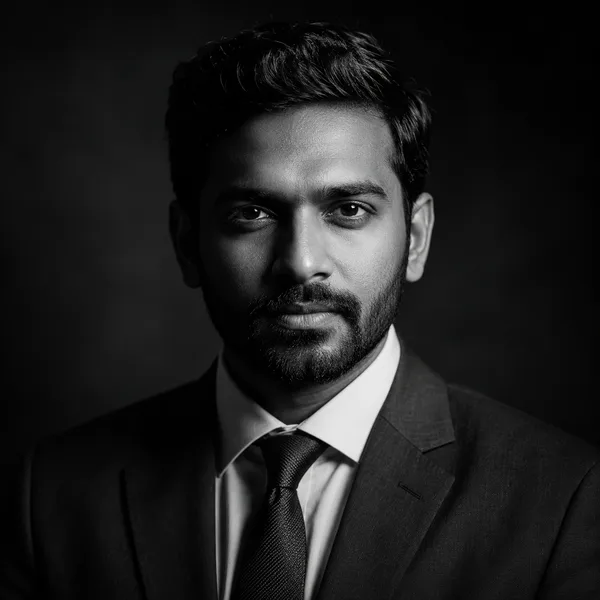
Showing every style. Enable JavaScript to filter by style and platform.
Browsing every style above needs no account. Upload-your-own-photo previews are rolling out carefully — privacy and consent first. Drop your email only if you want to be first in line.
Why team headshots should match
A team page is read as a single image, not a set of individual ones. When the photos share a background, crop and lighting, the team looks coordinated and trustworthy; when they don’t, the eye snags on the inconsistencies. Matching headshots also make a company feel current — visibly updated at the same time, rather than a patchwork accumulated over years.
The hard part has always been logistics: getting everyone, including remote staff, photographed to the same specification on the same day. Rendering each person into one shared style removes that bottleneck entirely.
On the roadmap: batch, seats and admin
Today this page lets you preview the unified styles a team would use. Batch generation — uploading photos for several people, choosing one house style, and downloading a matched set — is being built with the same privacy rules as the rest of the site: every uploaded photo deleted within days, never used to train other models, never shared.
Because team uploads mean handling several people’s photos, we’re rolling this out deliberately, with clear consent for each person and an admin view to manage it. Join the early-access list above and we’ll tell you the moment team batches and seats are ready.
Frequently asked questions
Can I generate headshots for my whole team at once?
Batch generation — one house style applied to several people with a downloadable matched set — is on the early-access roadmap. You can preview the unified styles now and join the list to be notified when batches open.
How is everyone’s photo kept private in a team batch?
The same rules apply to every person: photos are processed privately, never used to train other models, never shared, and deleted within days, with clear consent collected for each individual.
Will there be seats and an admin view?
Yes — seats and an admin view to manage a team’s headshots are part of the planned team release. Join early access to get details first.
What style works for a team?
Pick one — Studio Classic or Corporate / Formal against a single background — and apply it to everyone so the team page reads as a unified set.