LinkedIn headshot generator
LinkedIn shows your face in a small circle at the top of every interaction. Browse styles cropped exactly for that round frame and see which one makes the right first impression.
- Photos auto-deleted in 7 days
- Never used to train other models
- Free to browse, no signup
Browse a professional headshot style
Pick a look and see where it fits — LinkedIn, your resume, a company page. Every face below is an AI-generated example, not a real person.
Fills LinkedIn’s round profile frame without awkward cropping.
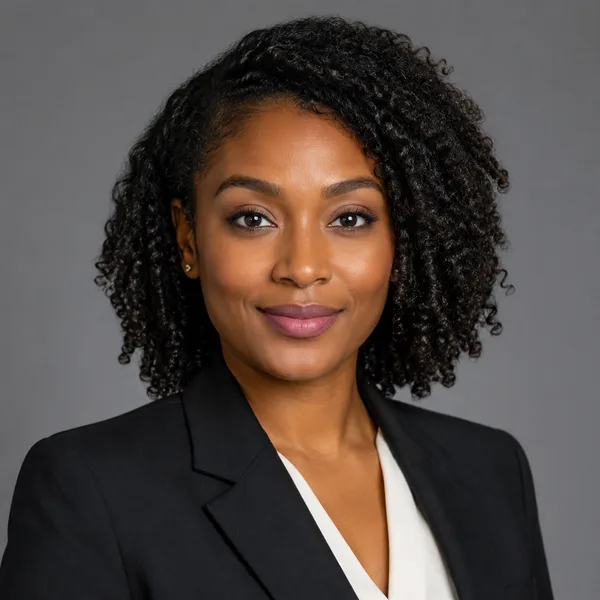
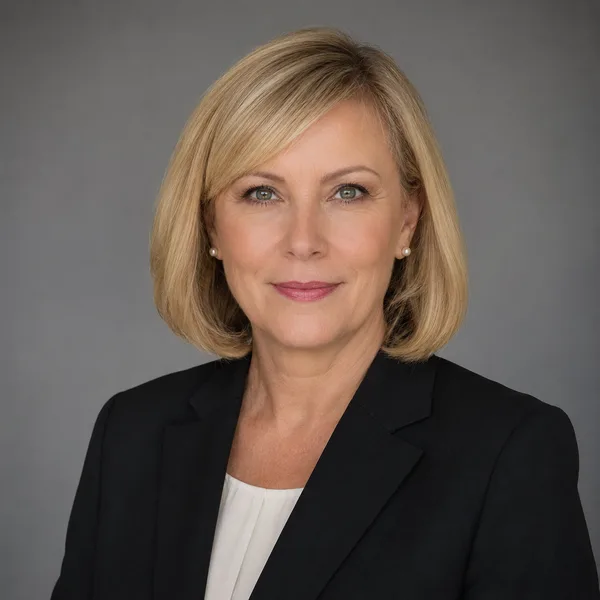
Corporate / Formal
Suit or blazer, clean studio-grey backdrop, classic executive lighting. Best for: LinkedIn, law, finance, consulting, senior roles.


Business Casual
Smart casual shirt or knit, softer background, warm and approachable. Best for: Startups, tech, sales, recruiters, client-facing roles.




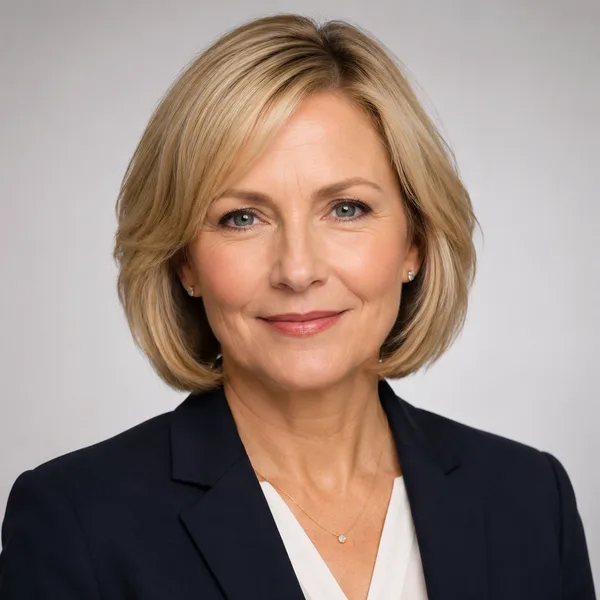
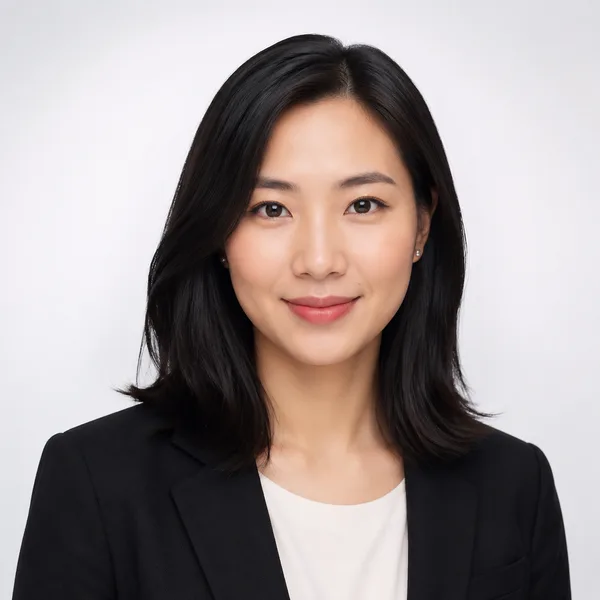
Studio Classic
Clean seamless backdrop, even three-point lighting — the photographer look. Best for: Resumes, company pages, anyone wanting a timeless safe choice.

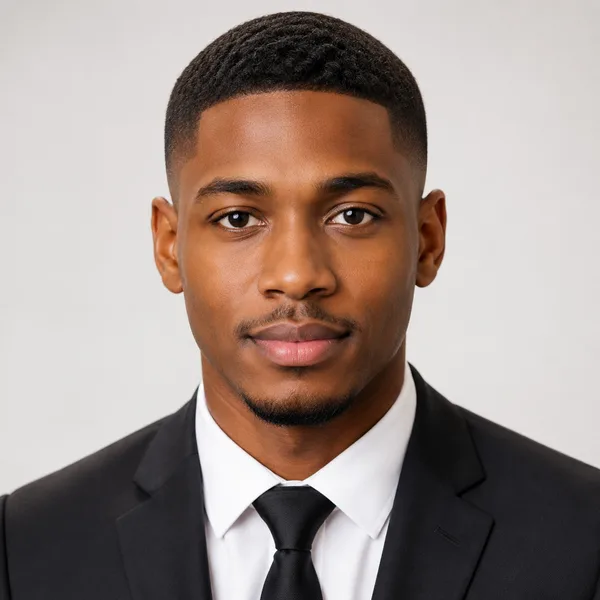
Outdoor / Natural
Natural daylight, softly blurred outdoor or window-lit setting, authentic feel. Best for: Real estate, creatives, coaches, personal brands.
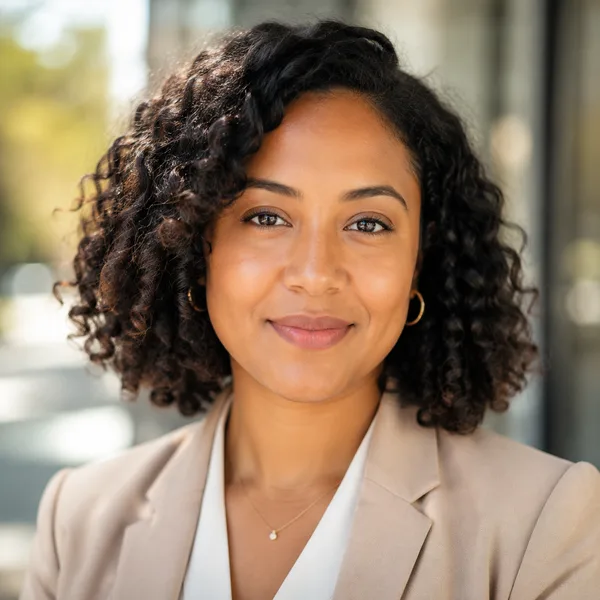


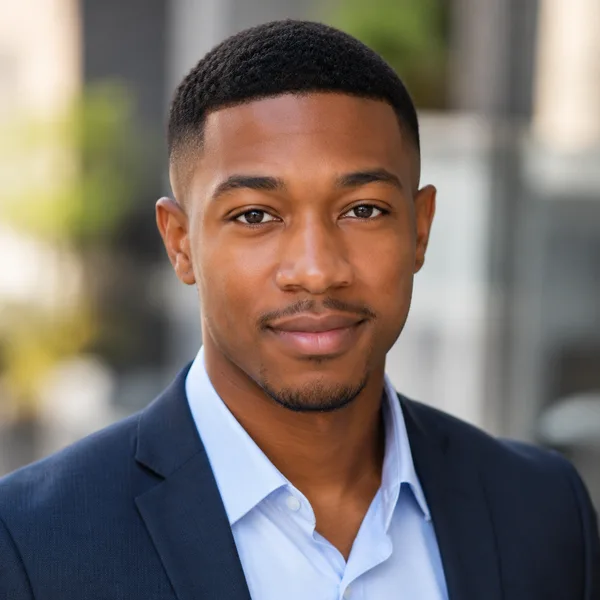
Creative / Modern
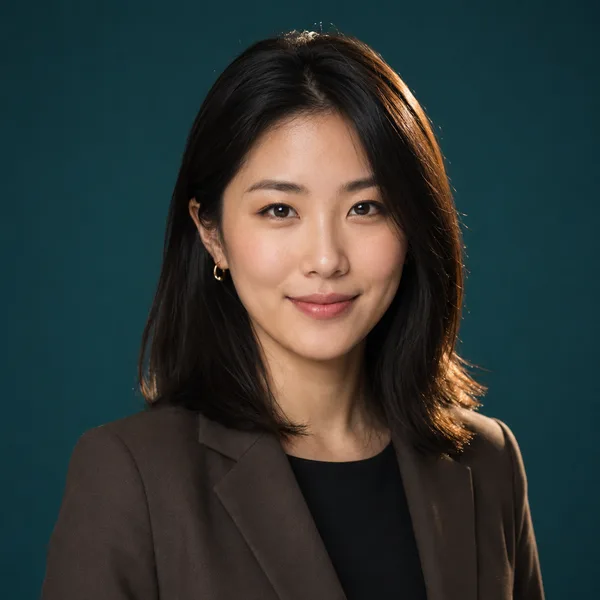
Editorial colour backdrop, contemporary styling, a touch of personality. Best for: Founders, designers, marketers, speakers.


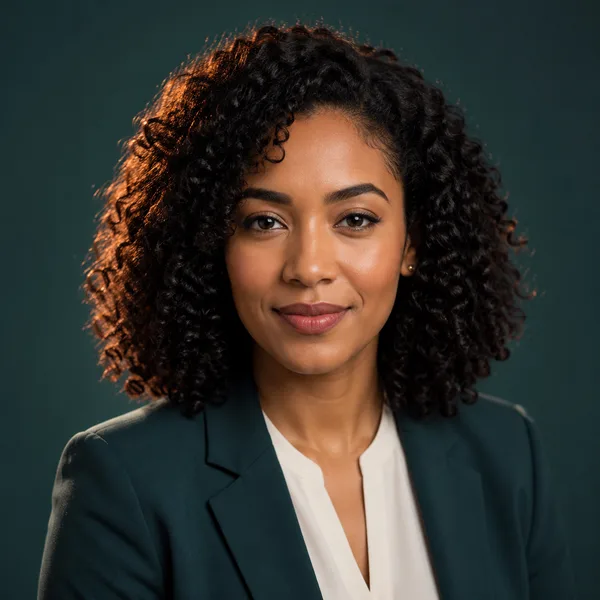
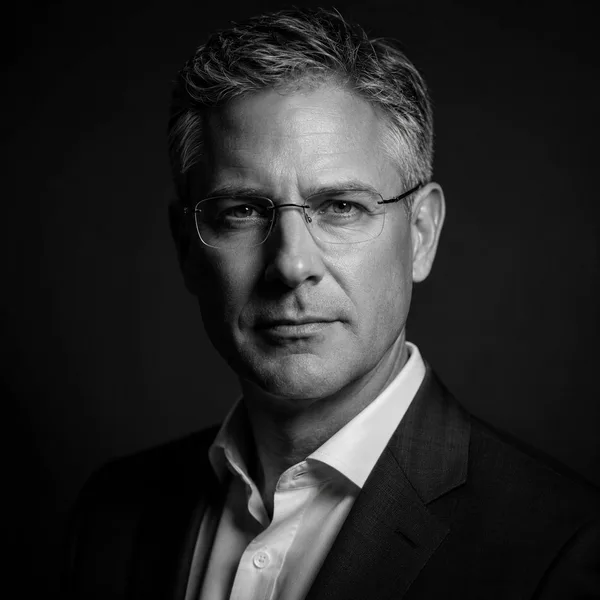
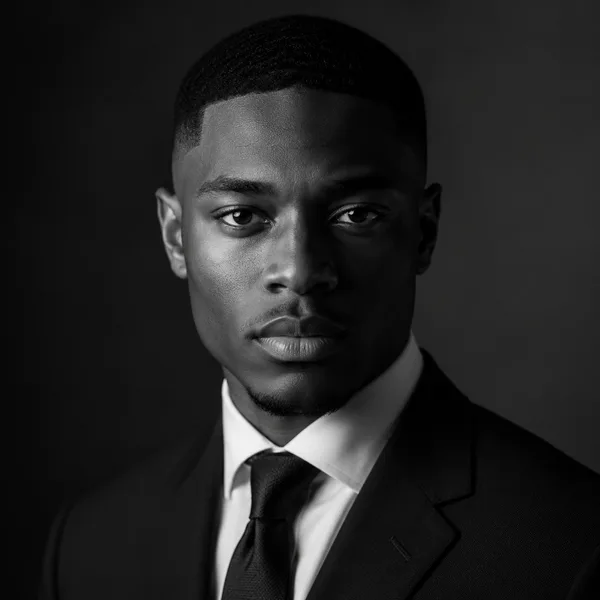
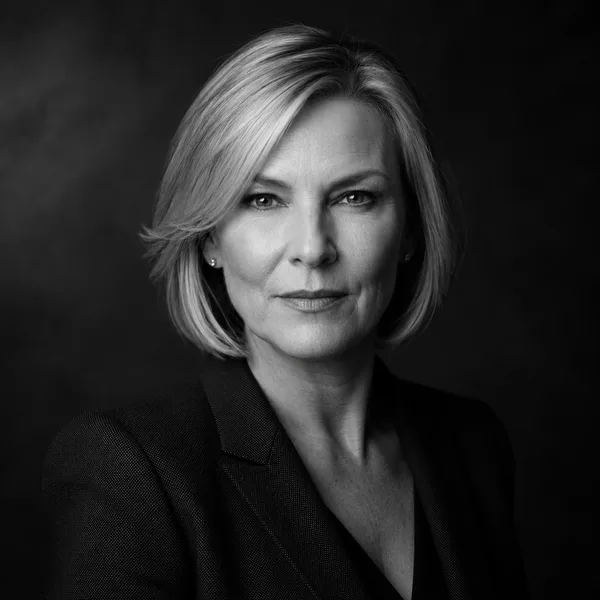
Executive B&W
Dramatic monochrome, strong contrast — for leadership and author bios. Best for: Executives, board bios, authors, keynote speakers.
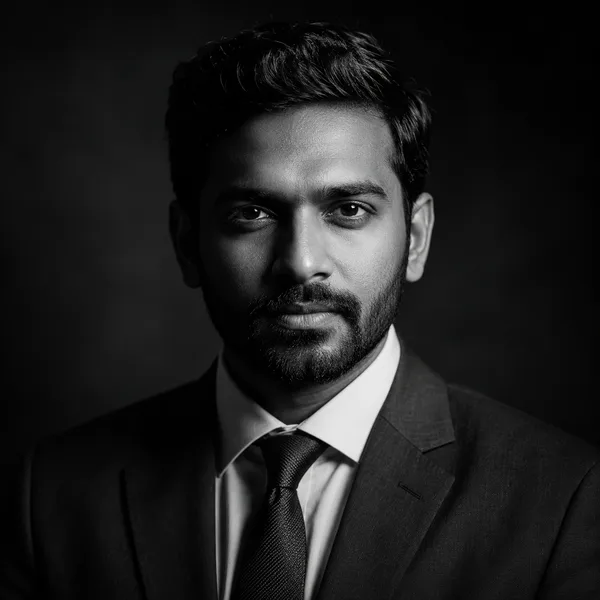
Showing every style. Enable JavaScript to filter by style and platform.
Browsing every style above needs no account. Upload-your-own-photo previews are rolling out carefully — privacy and consent first. Drop your email only if you want to be first in line.
What works for a LinkedIn photo
Because the photo is small and round, detail at the edges is lost — so a tighter head-and-shoulders crop beats a full upper body. Faces that fill more of the frame are easier to recognise in the feed and in search results. A clean or softly blurred background stops the circle from looking cluttered.
Approachability tends to win on LinkedIn: a genuine, relaxed expression and direct eye contact read as confident and friendly. Business Casual and Studio Classic are reliable choices for most professionals; Corporate / Formal suits senior and conservative roles.
Sizing and the round crop
Upload at least 400×400 pixels — larger is better, since LinkedIn downsizes a large square cleanly but can’t add detail to a small one. Keep your head centred and leave a little headroom, because LinkedIn masks the square into a circle and trims the corners.
The explorer above previews every style inside LinkedIn’s actual round frame, so you can see whether your head sits well before you commit. Switch the platform to “Email & Slack” to check how the same photo holds up at tiny avatar sizes too.
LinkedIn profile picture background and examples
The background of a LinkedIn profile picture should stay out of the way. A clean studio backdrop, a softly blurred office or a simple neutral wall all keep the focus on your face inside the small circle. Avoid busy scenes, harsh colours or anything that competes for attention at thumbnail size — a plain or gently defocused background reads as professional and keeps you recognisable in the feed.
Good LinkedIn profile picture examples share the same traits whatever the style: a tight head-and-shoulders crop, your face filling most of the frame, direct eye contact and a genuine, approachable expression. Each style above is previewed inside LinkedIn’s round frame so you can compare examples and backgrounds before you commit — Business Casual and Studio Classic are the safe, popular choices for most professionals.
Frequently asked questions
What size should a LinkedIn headshot be?
At least 400×400 pixels, uploaded as a square up to 8 MB. LinkedIn displays it as a circle, so keep your head centred with a little headroom so the corner crop doesn’t cut you off.
What kind of photo performs best on LinkedIn?
A tight head-and-shoulders crop, a clean or softly blurred background, direct eye contact and a relaxed genuine expression. Faces that fill more of the round frame are easier to recognise.
Can I use an AI headshot on LinkedIn?
Yes — many professionals do. Use a realistic headshot generated from your own photos so it’s genuinely you. Avoid heavily stylised or obviously synthetic images, which undercut trust.
Do I need a LinkedIn Premium account or any signup here?
No. You can browse LinkedIn-cropped styles for free with no account, and join early access with just an email.
What background is best for a LinkedIn profile picture?
A clean, simple background — a plain wall, a studio backdrop or a softly blurred office — so nothing competes with your face inside LinkedIn’s small circle. Avoid busy scenes and harsh colours; a neutral or gently defocused background reads as professional and keeps you recognisable in the feed.
What do good LinkedIn profile picture examples have in common?
A tight head-and-shoulders crop with your face filling most of the frame, direct eye contact, a relaxed genuine expression and a clean background. The style explorer above previews each look inside LinkedIn’s round frame so you can compare examples before choosing.