AI headshot generators with no signup: what to check
No account, no password, no “verify your email to continue.” On this site you can browse every professional style and crop your own photo with no signup — and here’s what to check on any AI tool that asks for your face.
- Your photo stays on your device
- Example faces are AI-generated
- Free, no signup
Browse a professional headshot style
Pick a look and see where it fits — LinkedIn, your resume, a company page. Every face below is an AI-generated example, not a real person.
Fills LinkedIn’s round profile frame without awkward cropping.
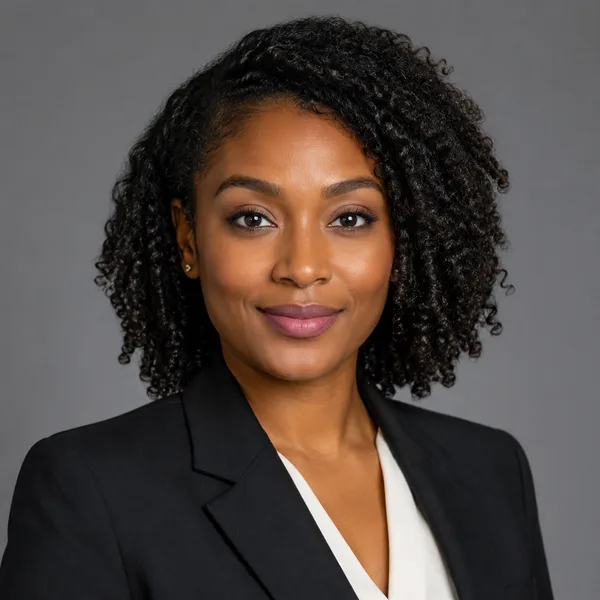
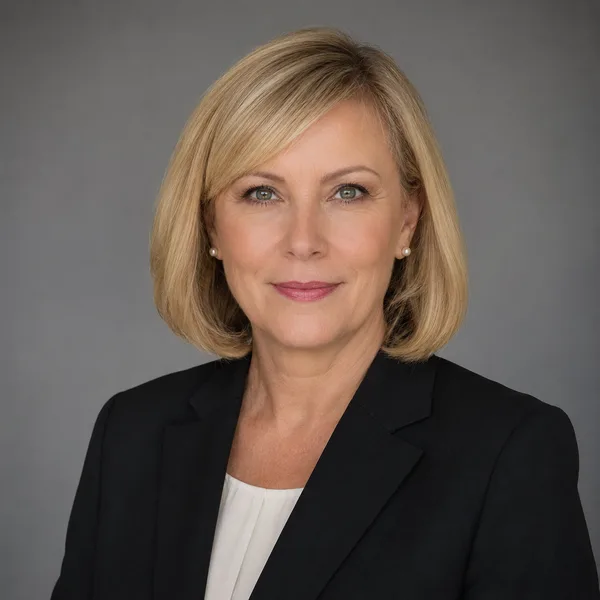
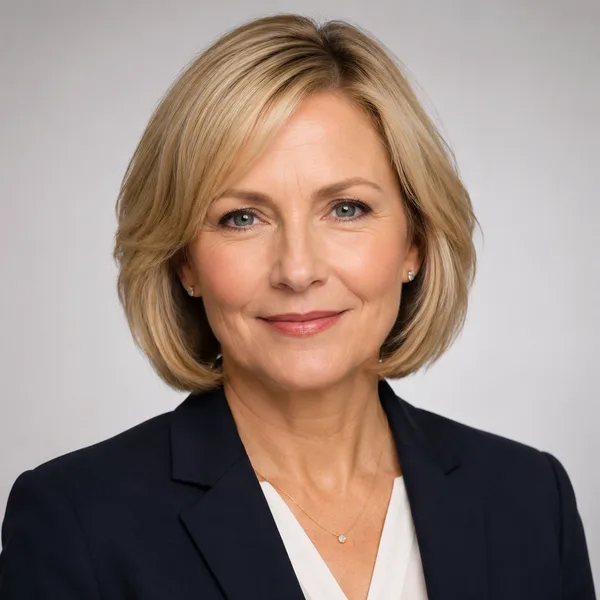
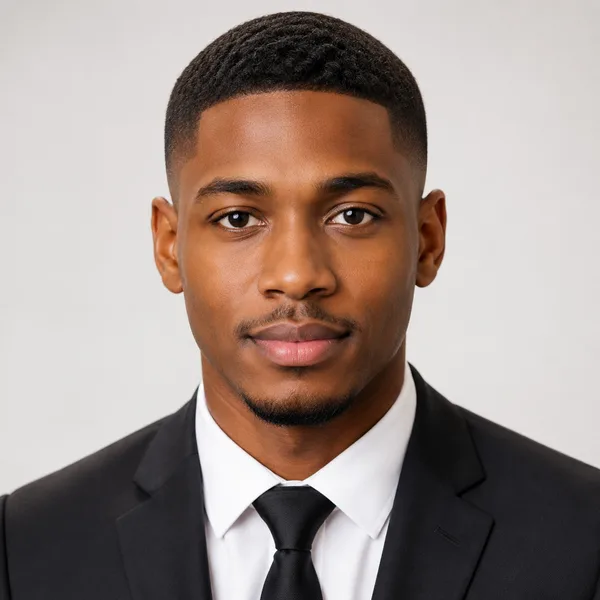
Corporate / Formal
Suit or blazer, clean studio-grey backdrop, classic executive lighting. Best for: LinkedIn, law, finance, consulting, senior roles.


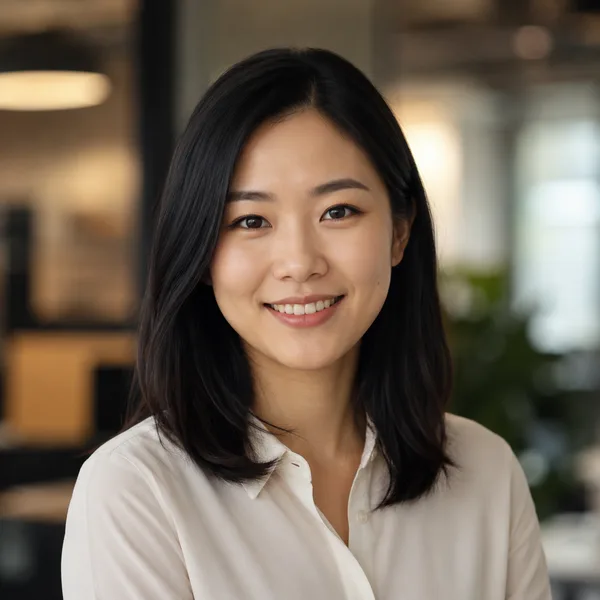
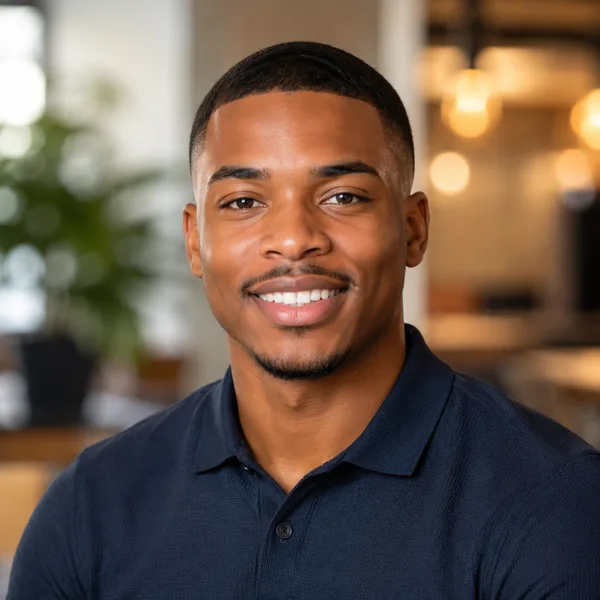
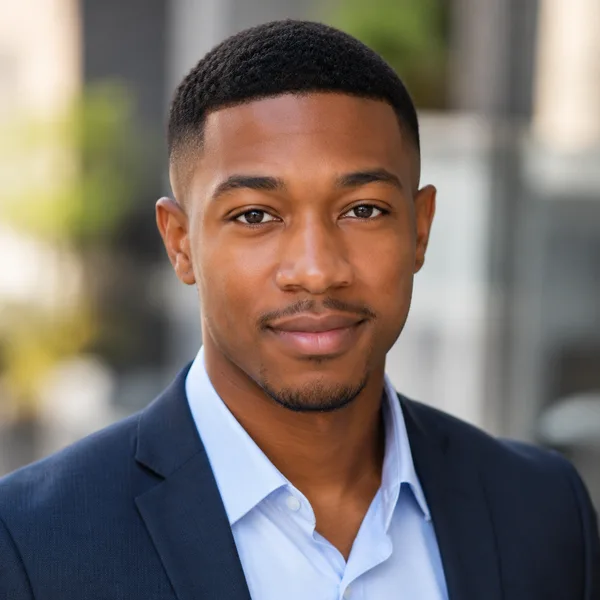
Business Casual
Smart casual shirt or knit, softer background, warm and approachable. Best for: Startups, tech, sales, recruiters, client-facing roles.
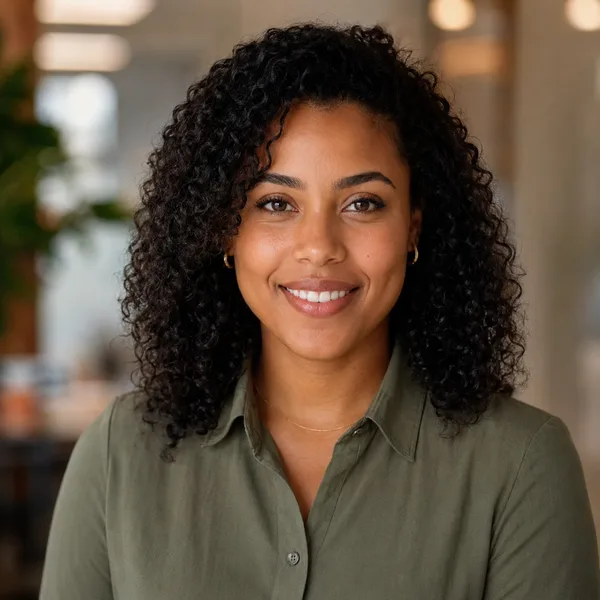

Studio Classic
Clean seamless backdrop, even three-point lighting — the photographer look. Best for: Resumes, company pages, anyone wanting a timeless safe choice.
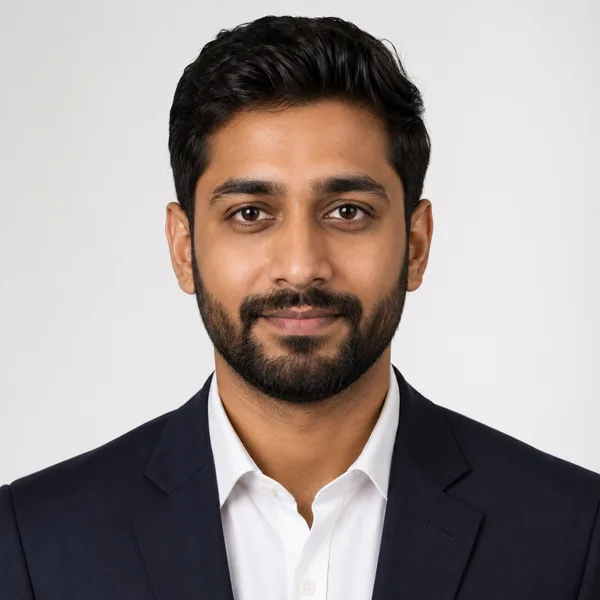
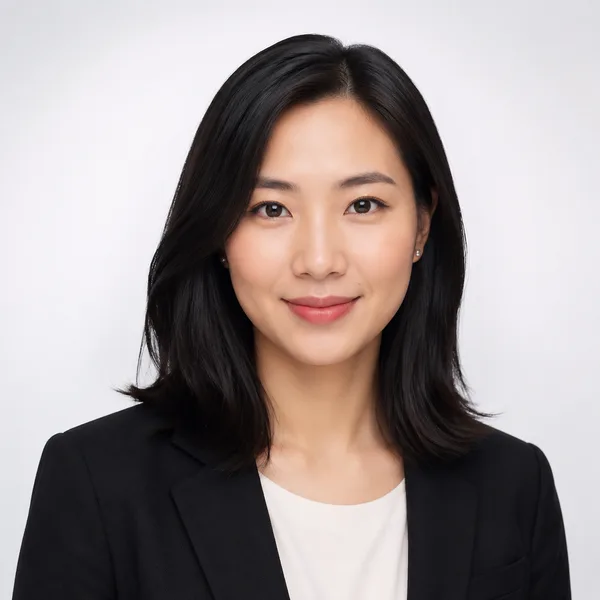
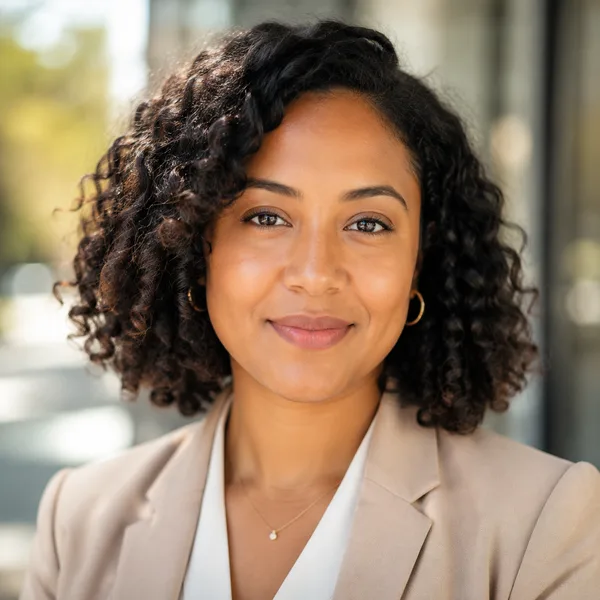
Outdoor / Natural
Natural daylight, softly blurred outdoor or window-lit setting, authentic feel. Best for: Real estate, creatives, coaches, personal brands.
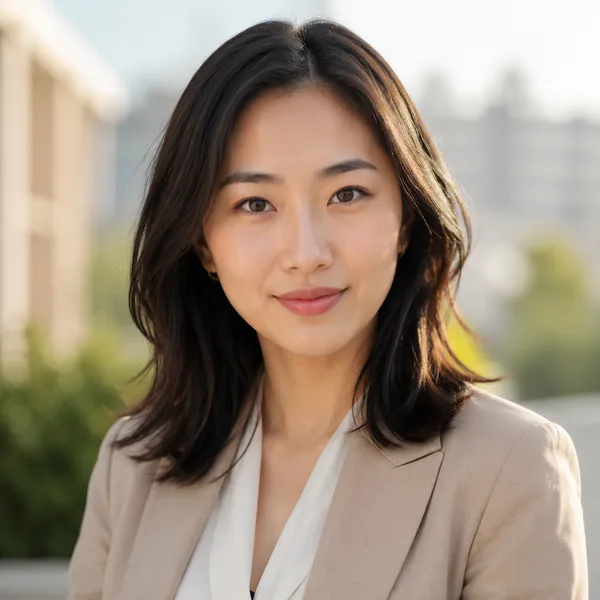

Creative / Modern
Editorial colour backdrop, contemporary styling, a touch of personality. Best for: Founders, designers, marketers, speakers.
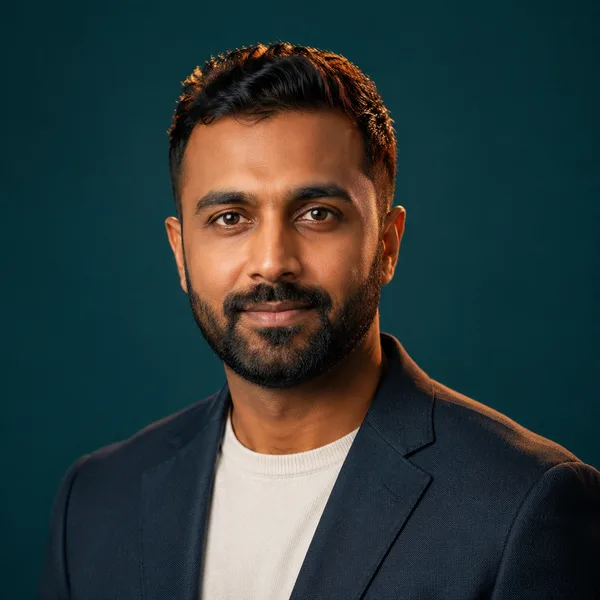
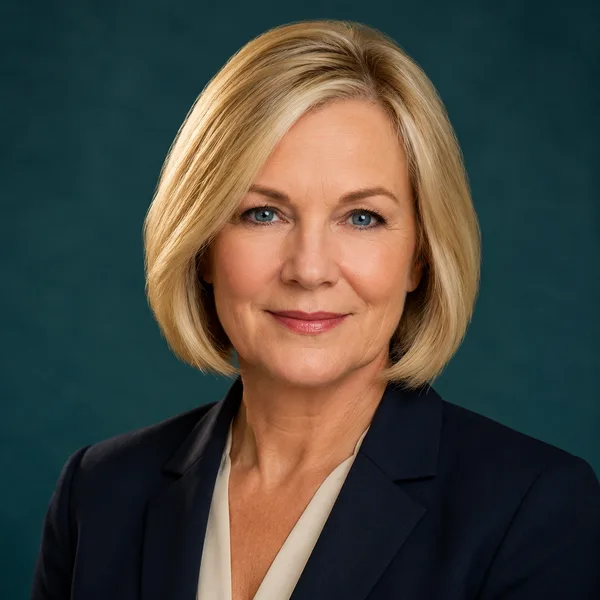
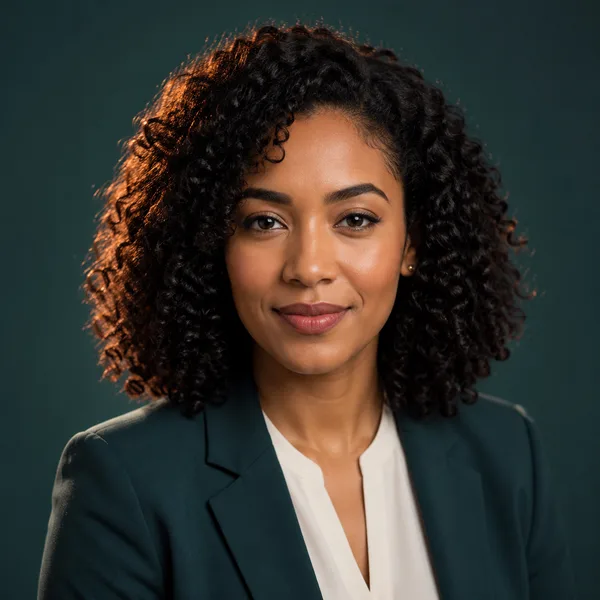
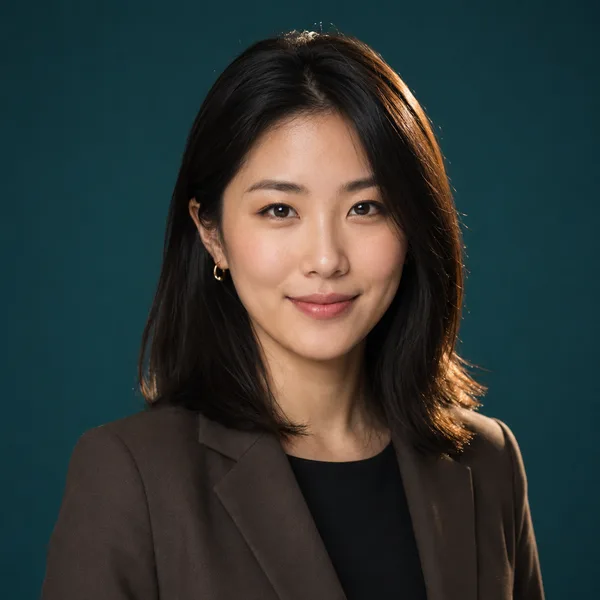
Executive B&W
Dramatic monochrome, strong contrast — for leadership and author bios. Best for: Executives, board bios, authors, keynote speakers.
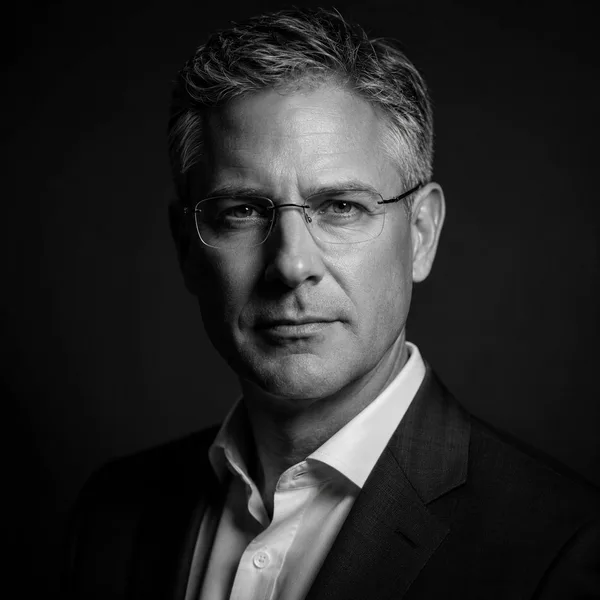
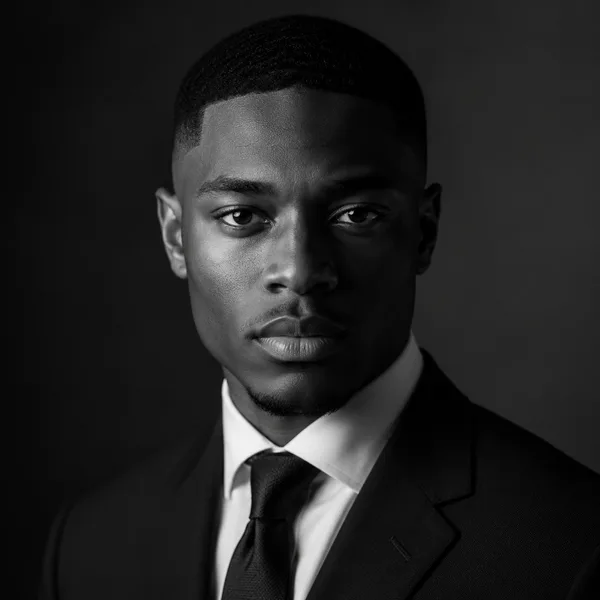
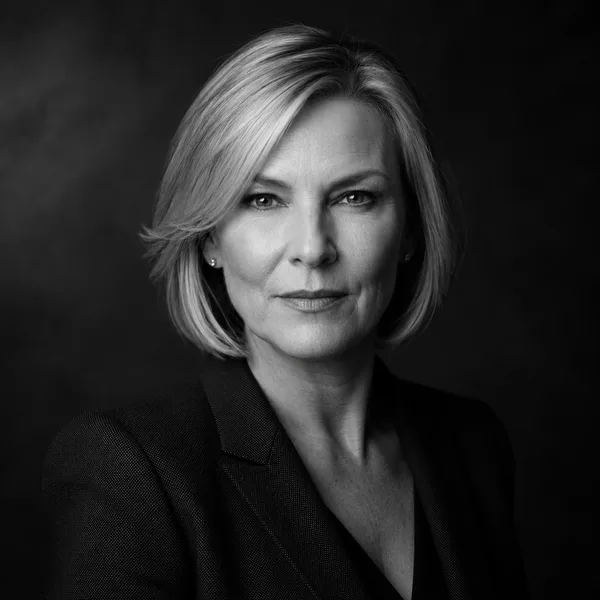
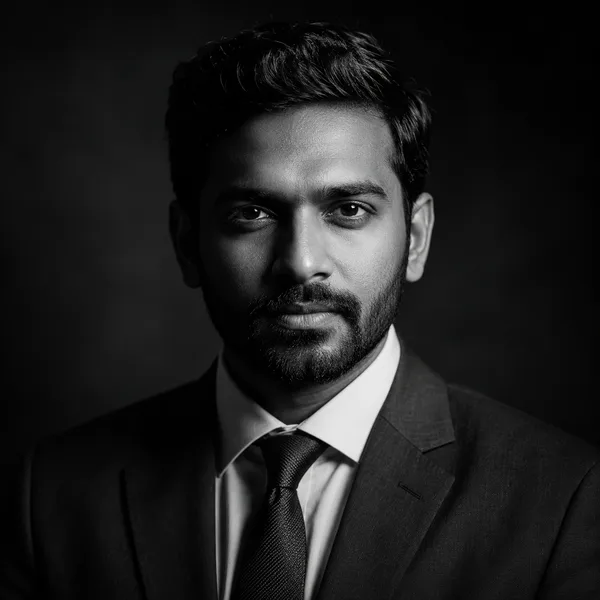
Showing every style. Enable JavaScript to filter by style and platform.
This site doesn’t generate headshots. Already have a photo of yourself? Crop it to 35 × 45 mm, LinkedIn 400 × 400 px or another exact size — in your browser, with nothing uploaded.
JPG at the exact pixel size · runs on your device
What you can do here without an account
Most tools put a sign-up wall between you and the very thing you came to evaluate. Here, every style on every platform crop is browsable without an account, and the photo cropper needs none either. This site doesn’t generate headshots, so it never asks for your email or your face.
Skipping the account isn’t just convenient; it’s a privacy choice. Fewer accounts mean fewer copies of your data sitting on servers, fewer marketing emails, and nothing to delete later. You stay in control of what you share and when.
Why “no signup” matters for your photos
A headshot generator asks for something sensitive: your face. Before you upload to any of them, look for a plain-language answer to three questions: how long are the photos kept, are they used to train models, and can you delete them yourself?
No signup should also mean no surprise billing: check that a “free” preview really is free and that nothing turns into a subscription. If a tool can’t answer these questions on its own pages, treat that as an answer.
Frequently asked questions
Can I use an AI headshot generator here with no signup?
This site doesn’t generate headshots. What you can do here with no account: browse every style and platform crop, and crop your own photo to an exact size. For AI tools, check their own signup and privacy terms before uploading.
Why do other tools require an account?
Usually to capture your email for marketing and to gate the result behind a login. That’s worth knowing before you hand over both your email and your face.
Is no-signup less safe?
It’s usually safer for you — fewer accounts means fewer copies of your data and nothing to delete later. On this site your photo is never uploaded at all.
Do I have to pay to look?
No. Browsing and cropping are free with no account and no card, and there is nothing to buy on this site.