Headshot styles, sizes and a free photo cropper
This site doesn’t generate headshots. It helps you get yours right: compare six professional styles on LinkedIn, résumé and company-page crops (every face is an AI-generated example), check the sizes each use expects, and crop your own photo to an exact size in your browser.
- Your photo stays on your device
- Example faces are AI-generated
- Free, no signup
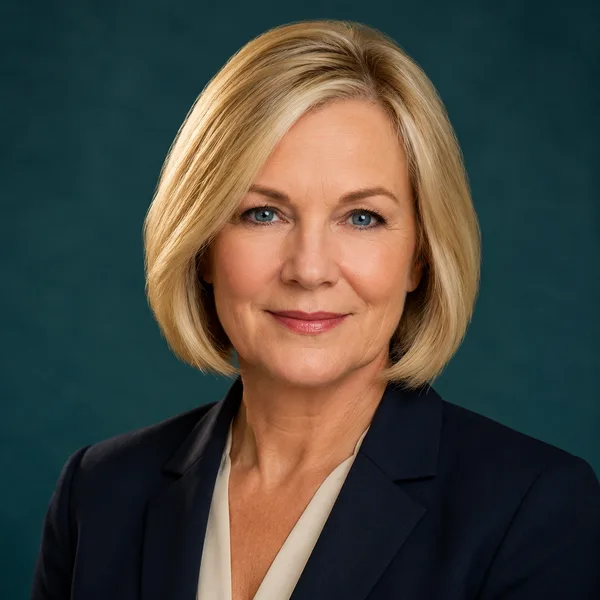
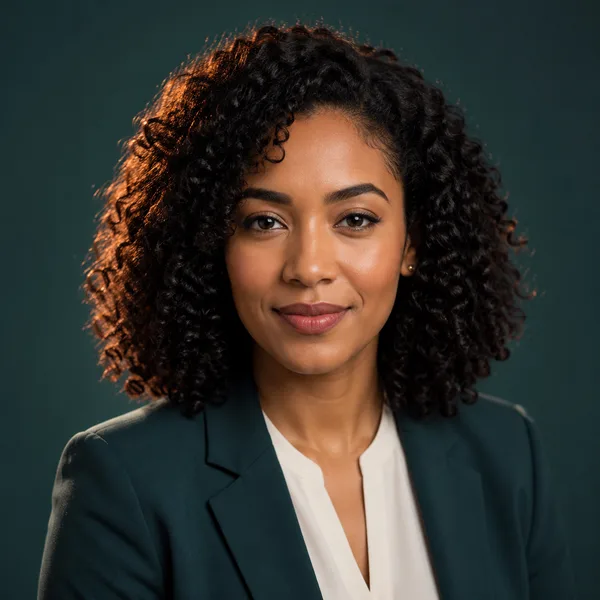
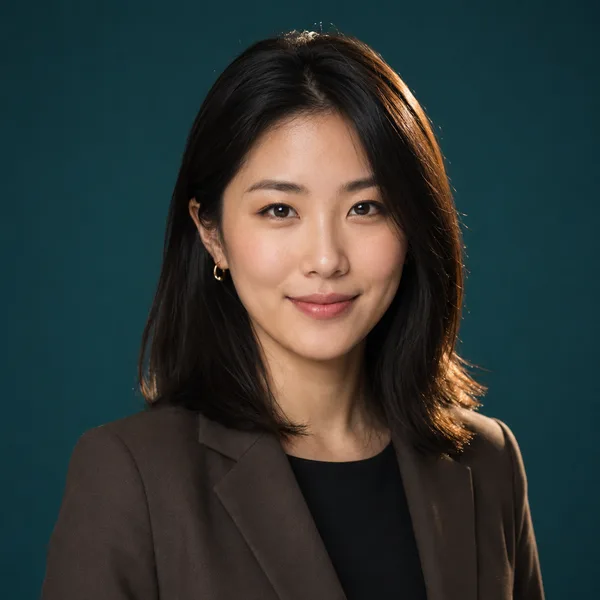
Browse a professional headshot style
Pick a look and see where it fits — LinkedIn, your resume, a company page. Every face below is an AI-generated example, not a real person.
Fills LinkedIn’s round profile frame without awkward cropping.
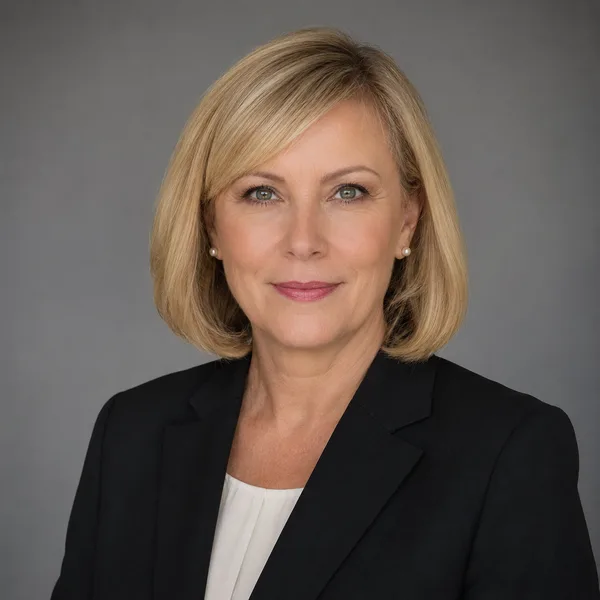
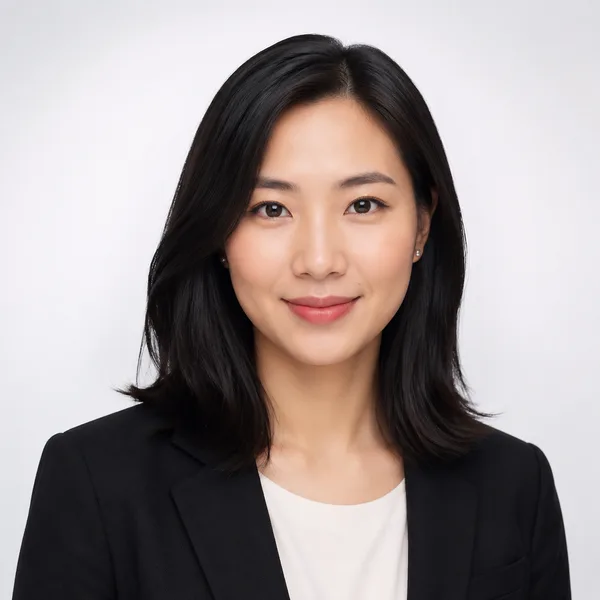
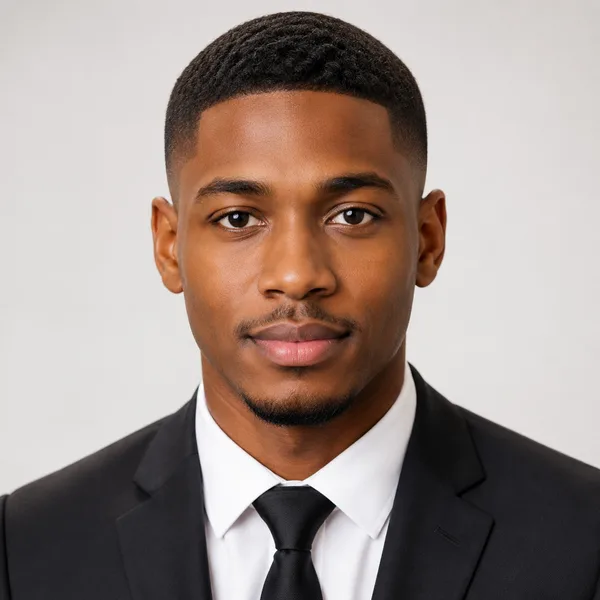
Corporate / Formal
Suit or blazer, clean studio-grey backdrop, classic executive lighting. Best for: LinkedIn, law, finance, consulting, senior roles.


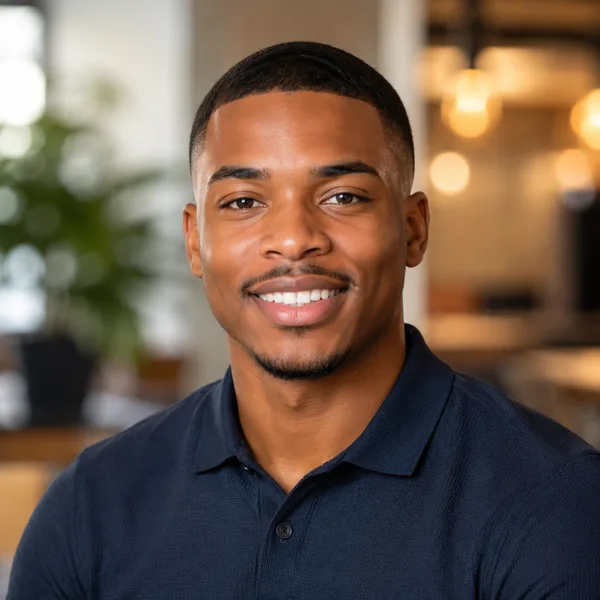
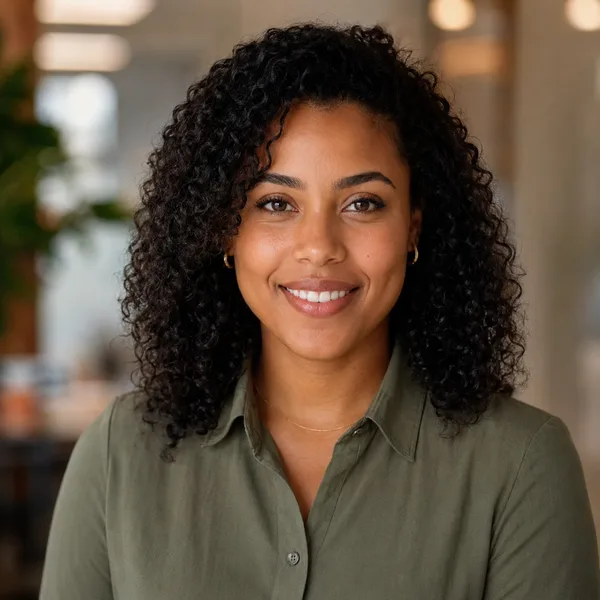
Business Casual
Smart casual shirt or knit, softer background, warm and approachable. Best for: Startups, tech, sales, recruiters, client-facing roles.

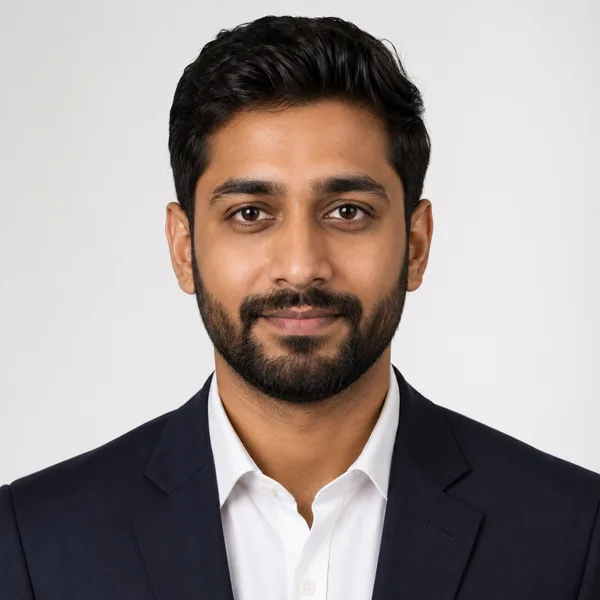
Studio Classic
Clean seamless backdrop, even three-point lighting — the photographer look. Best for: Resumes, company pages, anyone wanting a timeless safe choice.
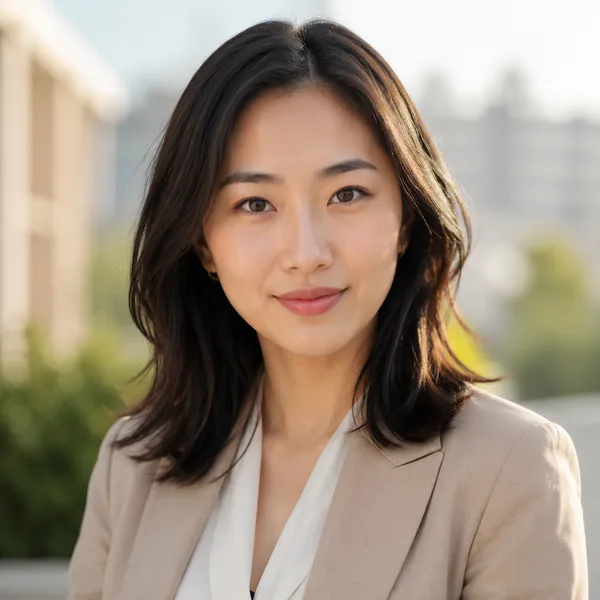
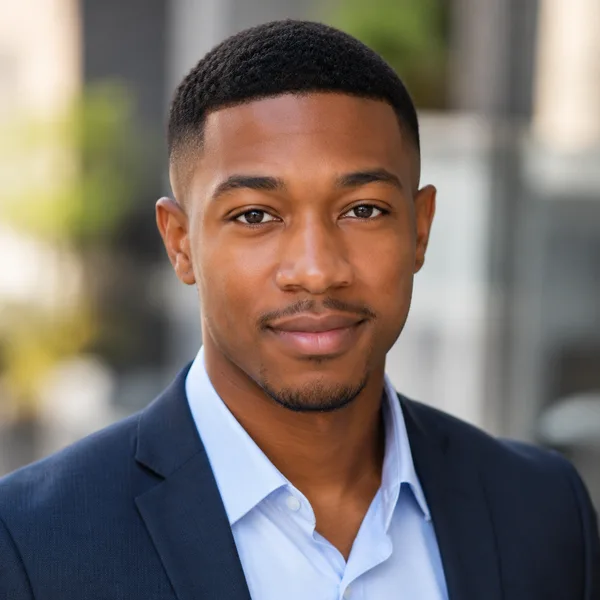
Outdoor / Natural
Natural daylight, softly blurred outdoor or window-lit setting, authentic feel. Best for: Real estate, creatives, coaches, personal brands.

Creative / Modern
Editorial colour backdrop, contemporary styling, a touch of personality. Best for: Founders, designers, marketers, speakers.
Executive B&W
Dramatic monochrome, strong contrast — for leadership and author bios. Best for: Executives, board bios, authors, keynote speakers.
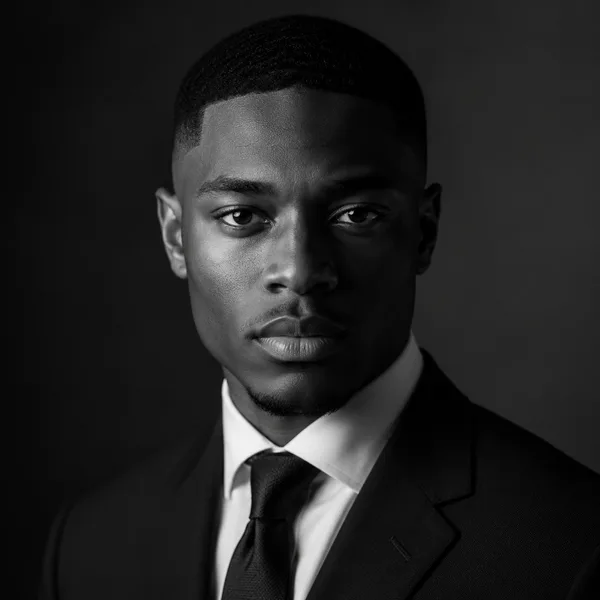
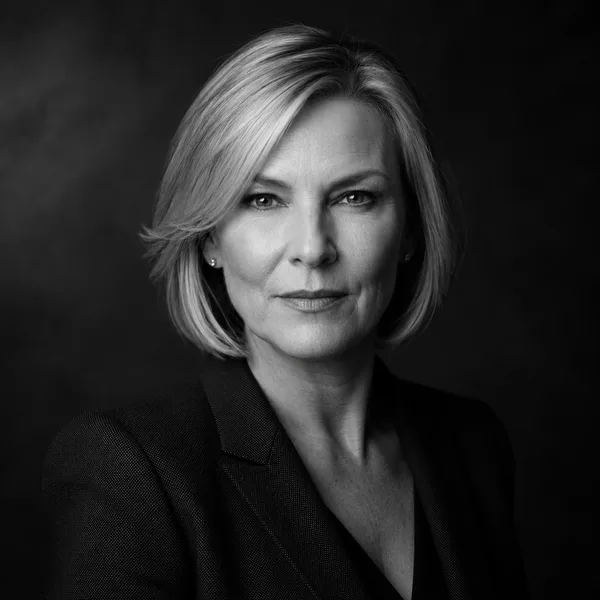
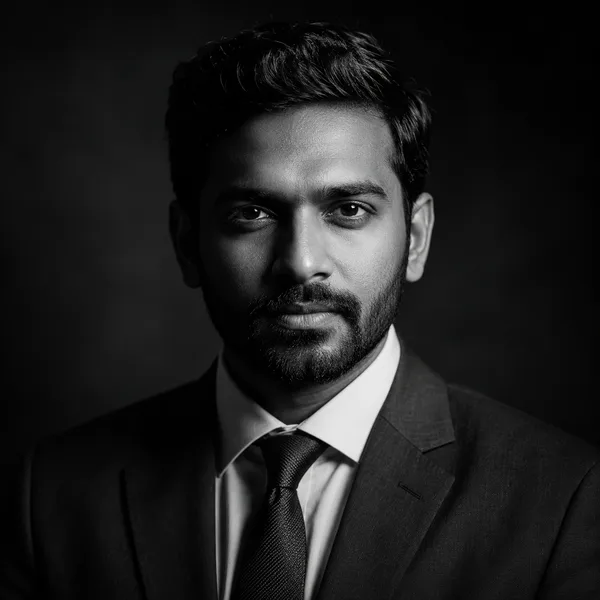
Showing every style. Enable JavaScript to filter by style and platform.
This site doesn’t generate headshots. Already have a photo of yourself? Crop it to 35 × 45 mm, LinkedIn 400 × 400 px or another exact size — in your browser, with nothing uploaded.
JPG at the exact pixel size · runs on your device
Three steps, all free
- I
Pick a style
Compare professional looks on real LinkedIn, résumé and company-page crops. Free, no account.
- II
Take your photo
Use a recent photo that looks like you today. Our guides cover light, background and framing for a phone shot.
- III
Crop it to size
Choose 35 × 45 mm, LinkedIn 400 × 400 px or another size and download a JPG at those exact pixels. It runs in your browser; nothing is uploaded.
Your photo never leaves your device
The cropper opens your photo inside your browser and creates the JPG there. In our test, choosing, cropping and resizing a photo sent nothing over the network; clicking Download sent only analytics events (the size you picked; Google Analytics also logs the click) — never the image. There is nothing of yours for us to store, share or delete.
- Your photo stays on your device The cropper opens your photo in your browser and creates the JPG there. Nothing is uploaded or stored.
- Example faces are AI-generated Every portrait in the style explorer is an AI-generated example, not a real person — shown only to illustrate a style.
- Free, no signup Browse every style and use the cropper without an account. There is nothing to pay for.
Six professional looks
Each style is shown on real platform crops. The portraits below are AI-generated examples, not real people.
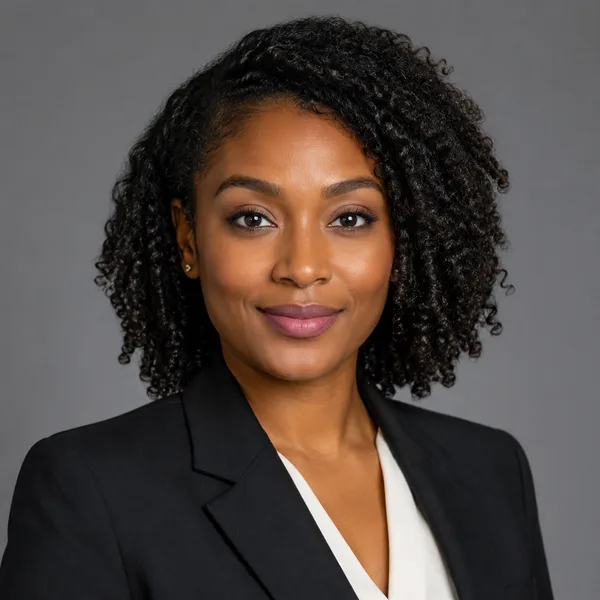
Corporate / Formal
Suit or blazer, clean studio-grey backdrop, classic executive lighting.
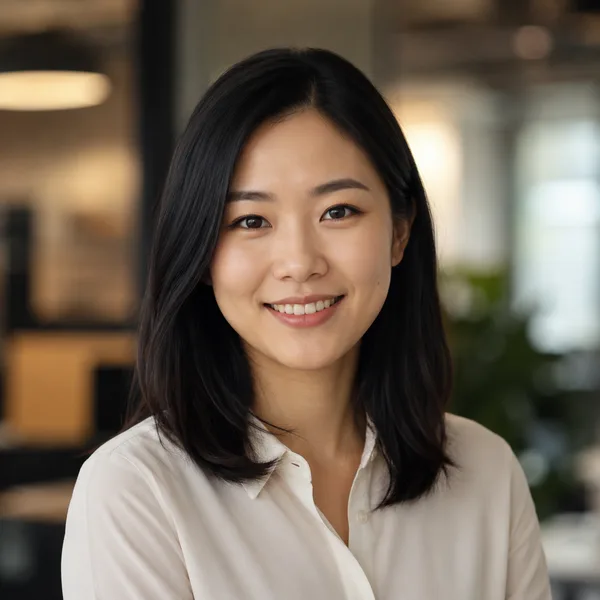
Business Casual
Smart casual shirt or knit, softer background, warm and approachable.
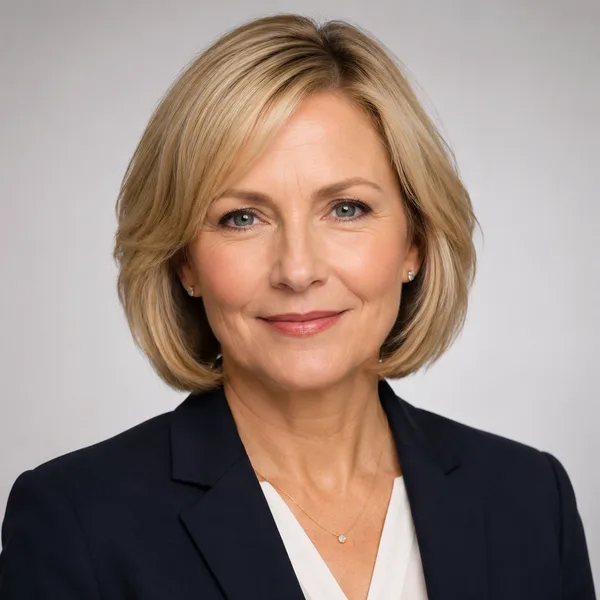
Studio Classic
Clean seamless backdrop, even three-point lighting — the photographer look.
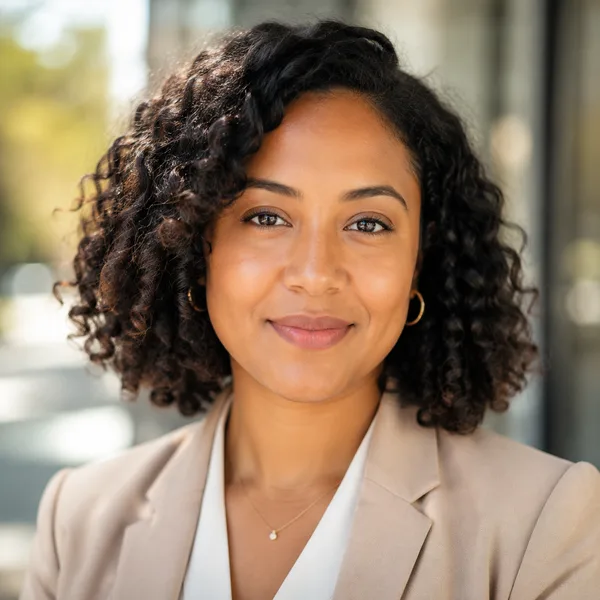
Outdoor / Natural
Natural daylight, softly blurred outdoor or window-lit setting, authentic feel.

Creative / Modern
Editorial colour backdrop, contemporary styling, a touch of personality.
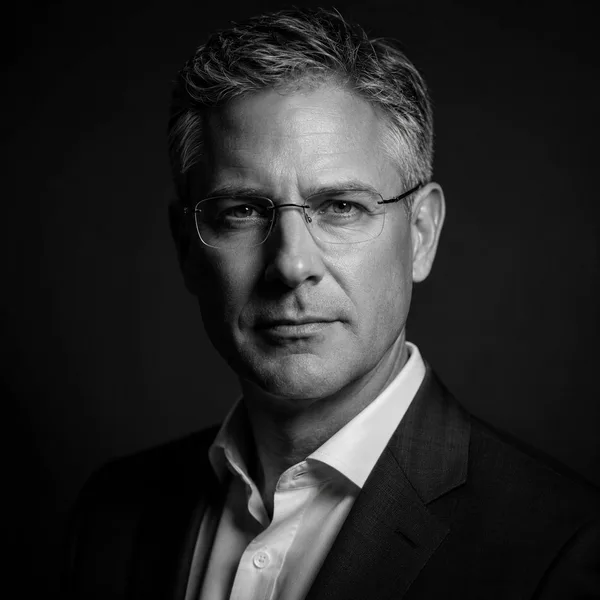
Executive B&W
Dramatic monochrome, strong contrast — for leadership and author bios.
Frequently asked questions
Does this site generate AI headshots?
No. There is no photo upload and no AI generation here. The site shows AI-generated example portraits so you can compare styles, explains the sizes each platform expects, and offers a free cropper that resizes your own photo in your browser. If you want an AI-generated headshot, our honest comparison of headshot generators covers tools that make them.
Do I upload my photo?
No. The cropper reads the photo you choose inside your browser and gives you back a JPG; nothing is sent to us or anyone else.
What sizes can the cropper make?
413 × 531 px (35 × 45 mm at 300 dpi), 354 × 472 px (30 × 40 mm at 300 dpi), 400 × 400 px for LinkedIn, 600 × 600 px for a company page and 128 × 128 px for email or Slack — always as a JPG.
Are the example faces real people?
No. Every example portrait on this site is fully AI-generated and depicts no real person. They exist only to show what each style looks like.
Which styles can I choose from?
Corporate / Formal, Business Casual, Studio Classic, Outdoor / Natural, Creative / Modern and Executive Black & White — each shown on LinkedIn, resume, company and avatar crops.
Can I use an AI headshot on LinkedIn or my resume?
Yes, if it is realistic and genuinely looks like you today. For resumes, check local norms — photos are expected in much of Europe and Asia but usually omitted in the US, UK and Canada.