AI ID photo & passport-style headshots
The formal, white-background “ID photo” look — 증명사진 in Korea, a passport or application photo elsewhere. Browse the style for free, see the sizes that matter, and read honest guidance on where AI photos are and aren’t accepted.
- Photos auto-deleted in 7 days
- Never used to train other models
- Free to browse, no signup
Browse a professional headshot style
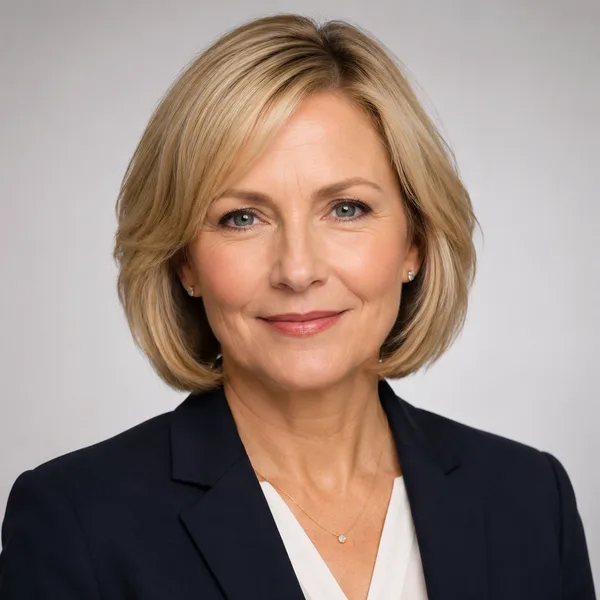
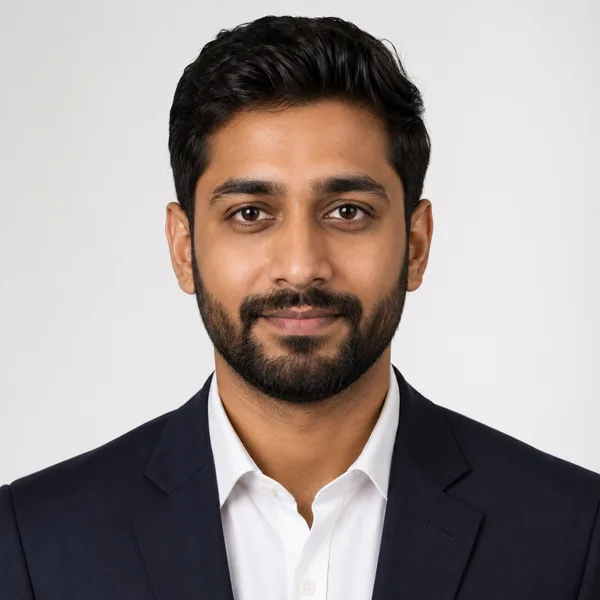
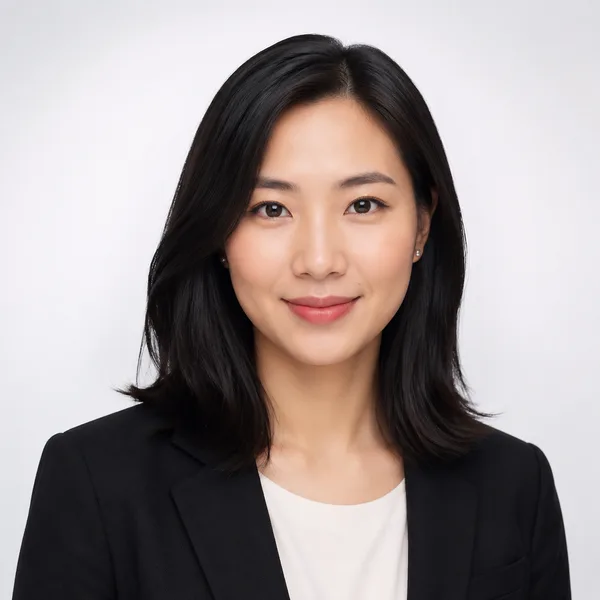
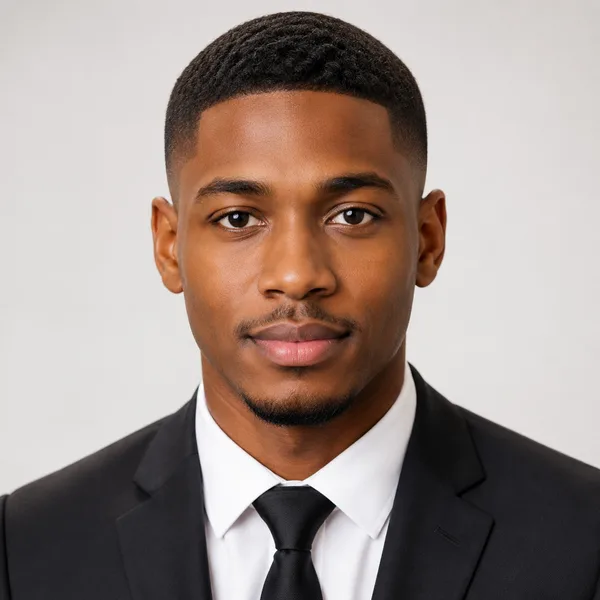
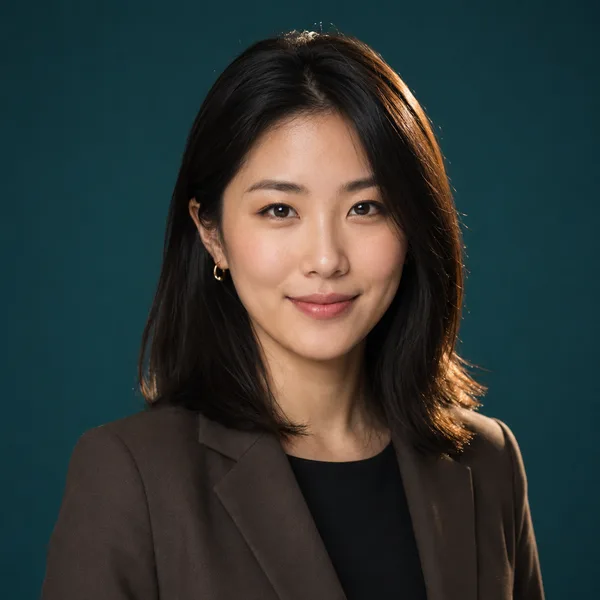
Pick a look and see where it fits — LinkedIn, your resume, a company page. Every face below is an AI-generated example, not a real person.
Portrait crop sized to drop straight into a resume header.
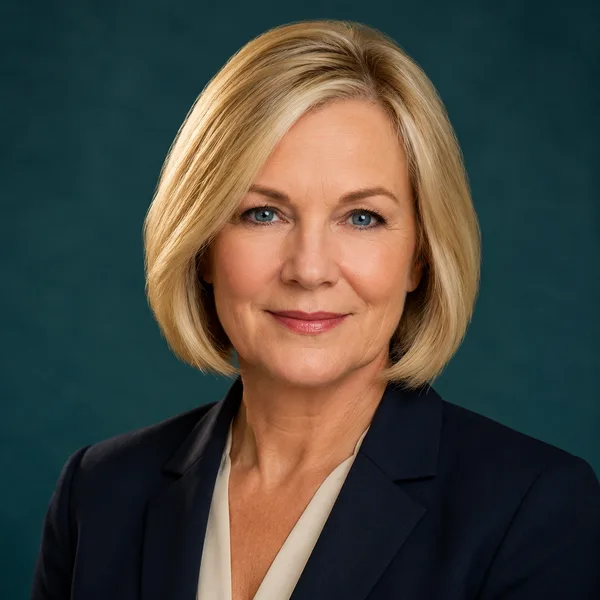
Corporate / Formal
Suit or blazer, clean studio-grey backdrop, classic executive lighting. Best for: LinkedIn, law, finance, consulting, senior roles.
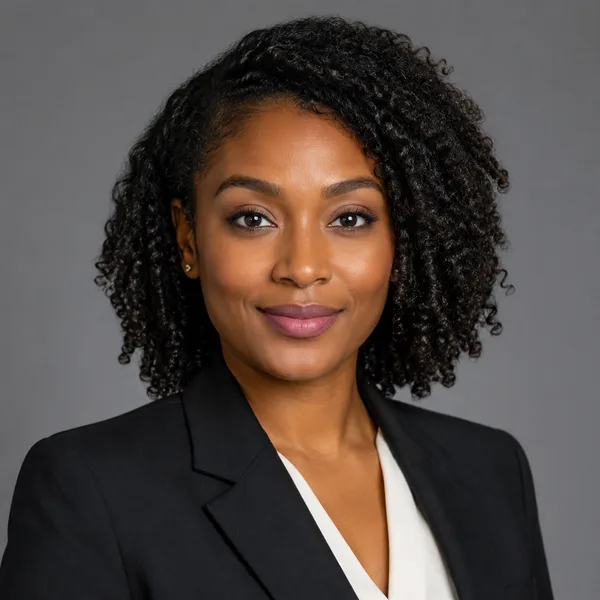


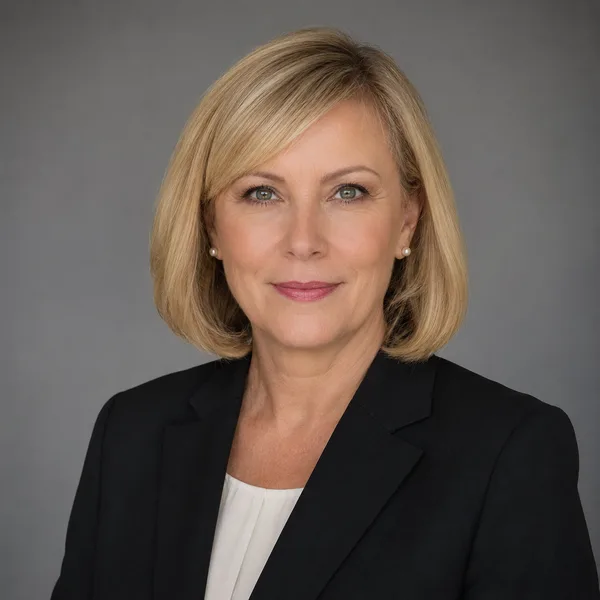
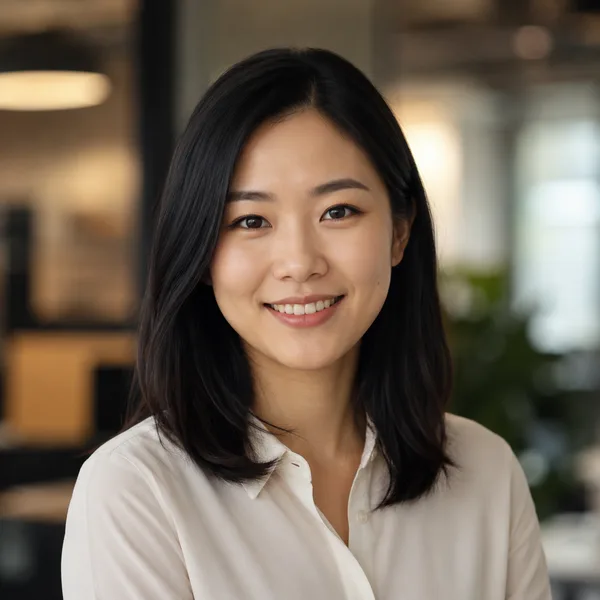
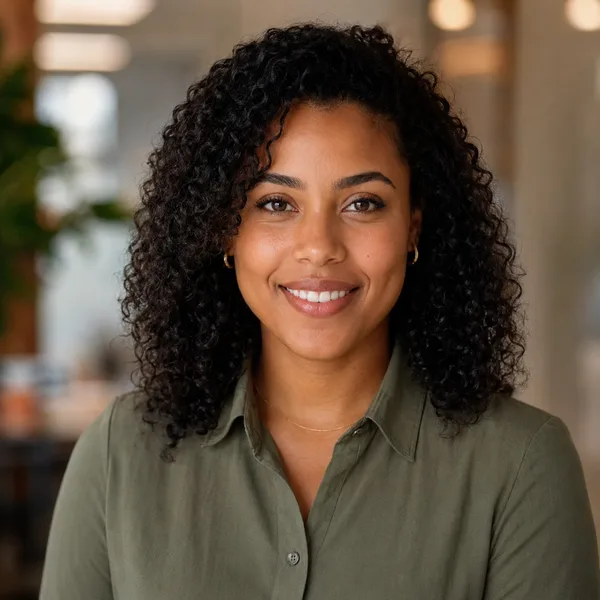
Business Casual
Smart casual shirt or knit, softer background, warm and approachable. Best for: Startups, tech, sales, recruiters, client-facing roles.


Studio Classic
Clean seamless backdrop, even three-point lighting — the photographer look. Best for: Resumes, company pages, anyone wanting a timeless safe choice.
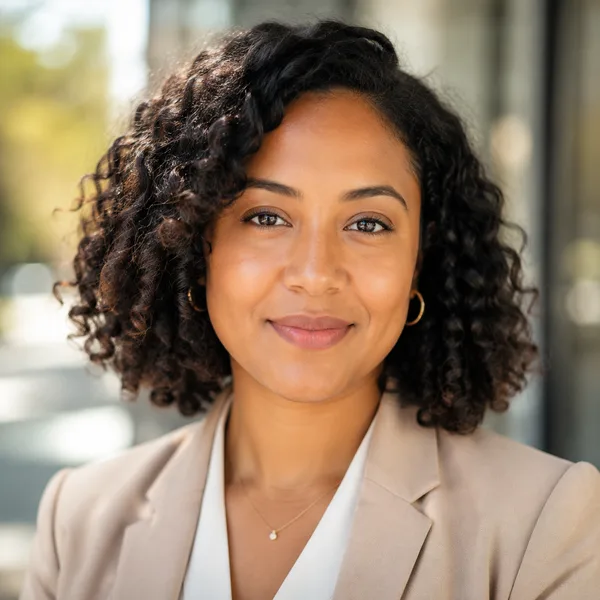
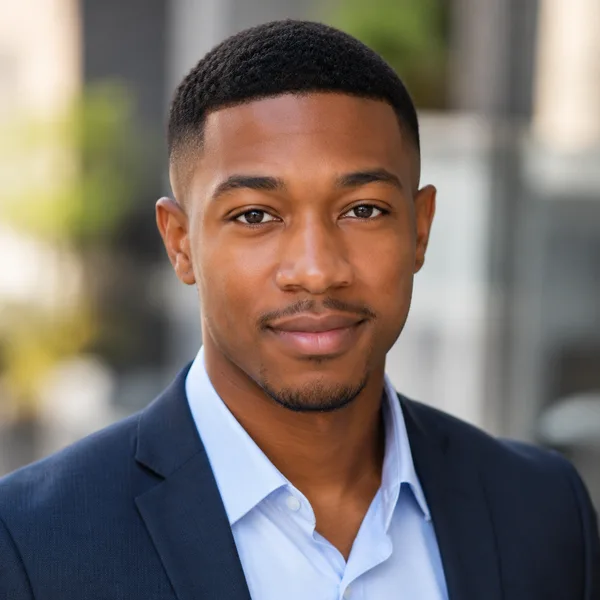
Outdoor / Natural
Natural daylight, softly blurred outdoor or window-lit setting, authentic feel. Best for: Real estate, creatives, coaches, personal brands.


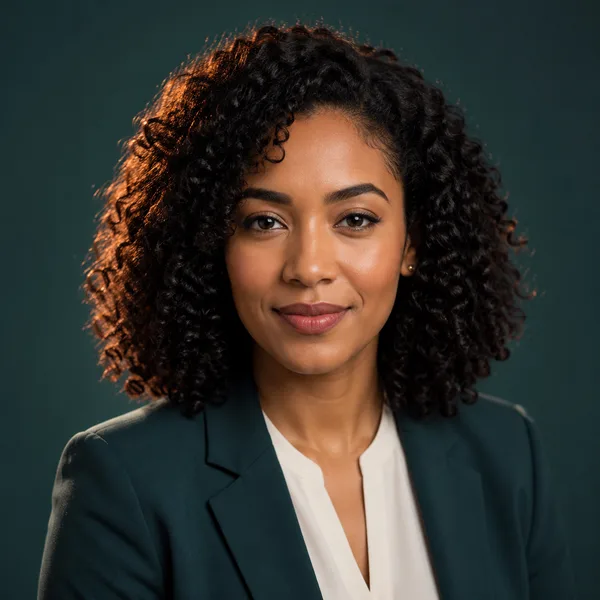
Creative / Modern
Editorial colour backdrop, contemporary styling, a touch of personality. Best for: Founders, designers, marketers, speakers.

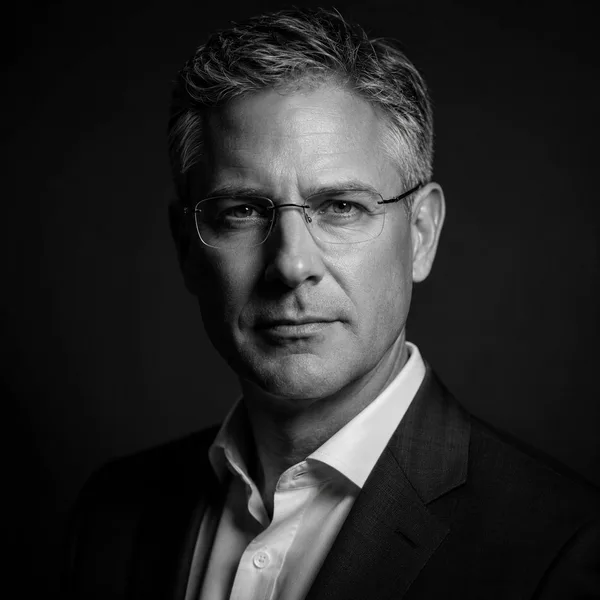
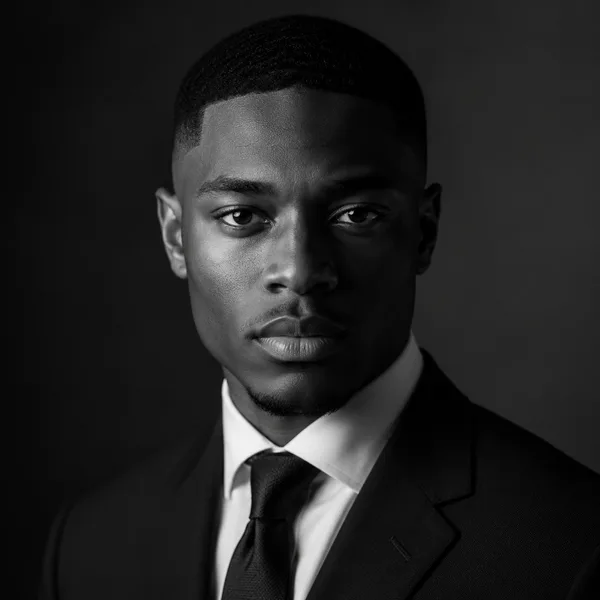
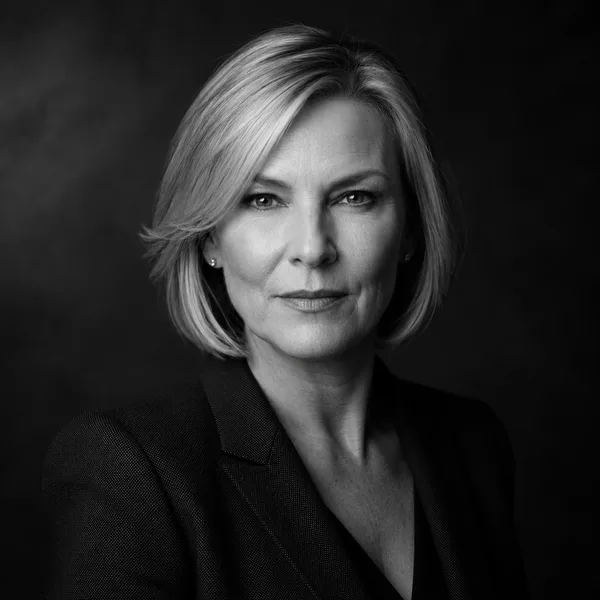
Executive B&W
Dramatic monochrome, strong contrast — for leadership and author bios. Best for: Executives, board bios, authors, keynote speakers.
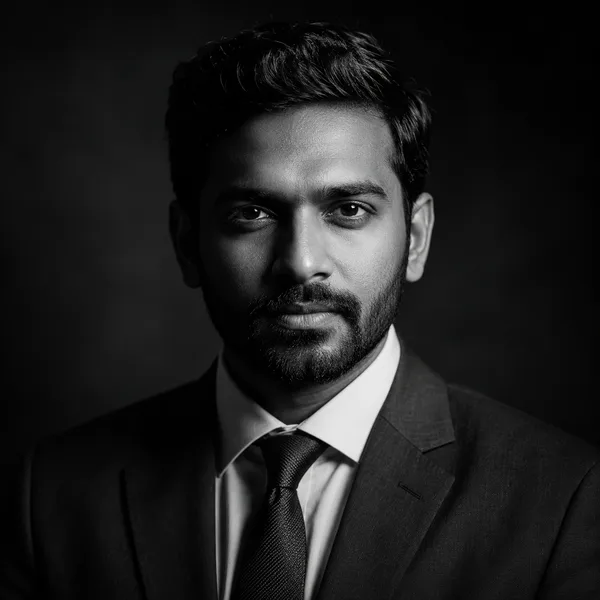
Showing every style. Enable JavaScript to filter by style and platform.
Browsing every style above needs no account. Upload-your-own-photo previews are rolling out carefully — privacy and consent first. Drop your email only if you want to be first in line.
What makes a good ID or passport-style photo
An ID-style photo is stripped back on purpose: a plain white or light-grey background, even frontal lighting, a neutral expression, and your head and the top of your shoulders centred in frame, with no shadows or props. It’s the look most countries ask for on passports, visas and résumé photos, and the 증명사진 that’s standard for job and school applications across Korea and much of East Asia.
Because the style is so standardised, what goes wrong is mechanical: a busy background, uneven lighting, hair over the eyes, glasses glare, or a crop that’s too tight or too loose. The Studio Classic look above is the closest match — a clean seamless backdrop and balanced lighting — so use it as the starting point for an ID-style result.
Sizes, rules — and where AI photos are not accepted
Sizes differ by country and document: Korea’s 증명사진 is 3.5 × 4.5 cm, a Schengen visa photo is 35 × 45 mm, a US passport is 2 × 2 inches. For an online profile or a résumé, the exact millimetres matter less than a clean, recognisable, white-background crop — the size card lists the most common ones for reference.
Be honest with yourself about official documents, though. Many governments — Germany among them — now require passport photos to be captured or transmitted through approved channels and explicitly reject AI-generated or AI-edited images. For an actual passport or national ID, follow your country’s official requirements rather than relying on any AI tool, including this one. Where an AI photo is fine — résumés, applications, company badges, online profiles — it’s a fast, low-cost way to get the formal look.
Frequently asked questions
Can I use an AI photo for my passport or national ID?
Often no. A growing number of governments (Germany, for example) require passport photos to come through approved studios or secure digital channels and reject AI-generated or AI-edited images. Always follow your country’s official rules for passports and national IDs. AI ID-style photos are best for résumés, applications, company badges and online profiles.
What size is a Korean 증명사진 or standard ID photo?
A Korean 증명사진 is 3.5 × 4.5 cm. Other common sizes are 35 × 45 mm for a Schengen visa and 2 × 2 inches for a US passport. For résumés and profiles, a clean white-background crop matters more than the exact size.
What background should an ID photo have?
A plain, evenly lit white or very light grey background with no shadows, patterns or objects behind you. The Studio Classic style here is built around exactly that clean, seamless backdrop.
Is it free, and do I need to sign up?
Browsing the ID-style examples is free with no account. Upload-and-generate is in early access; when it opens you’ll get a free preview before any paid download — and any photo would be deleted within 7 days, never used to train other models.