AI profile picture & portrait generator
Your profile picture is the small, round image that represents you everywhere — LinkedIn, social, messaging, a company avatar. Browse portrait styles for free and see how each one reads at avatar size.
- Photos auto-deleted in 7 days
- Never used to train other models
- Free to browse, no signup
Browse a professional headshot style
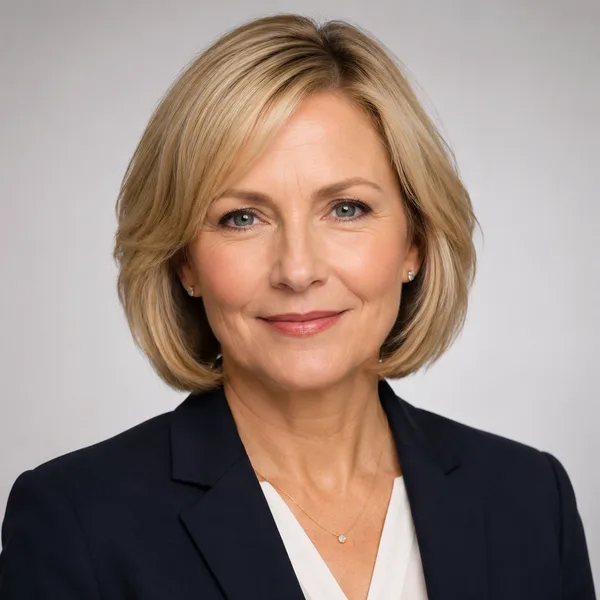
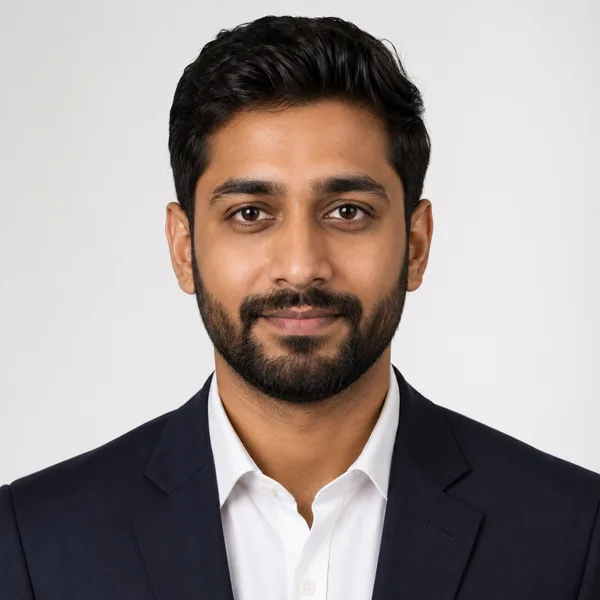
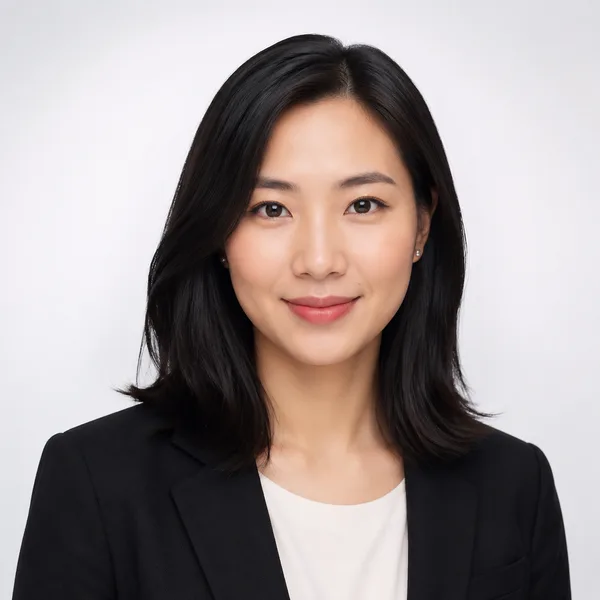
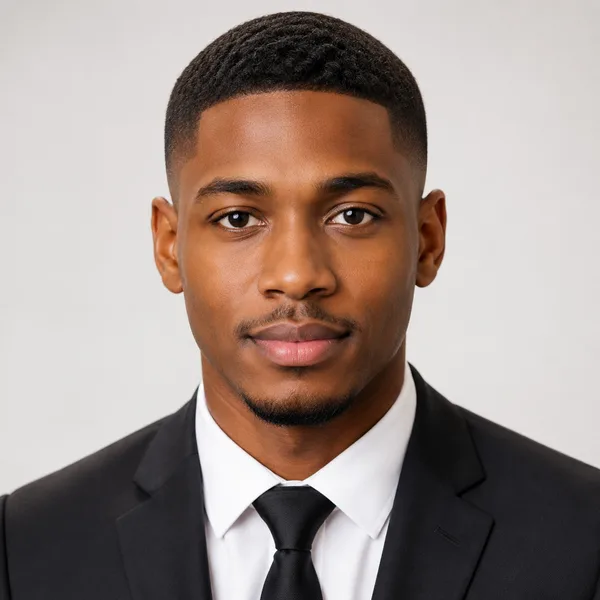
Pick a look and see where it fits — LinkedIn, your resume, a company page. Every face below is an AI-generated example, not a real person.
Fills LinkedIn’s round profile frame without awkward cropping.
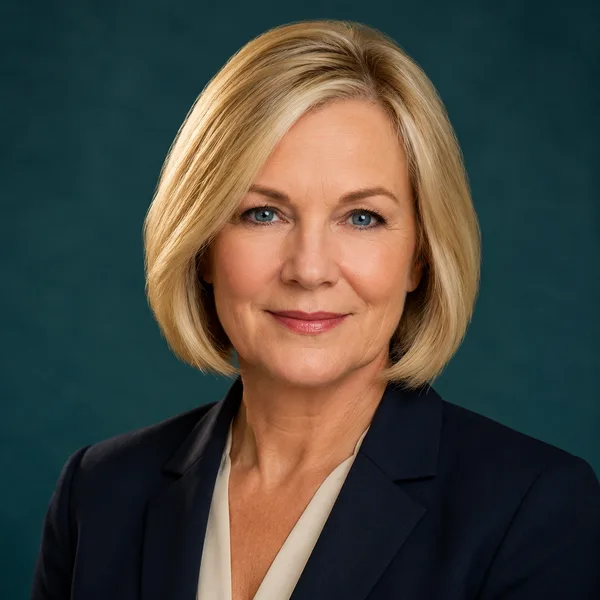
Corporate / Formal
Suit or blazer, clean studio-grey backdrop, classic executive lighting. Best for: LinkedIn, law, finance, consulting, senior roles.
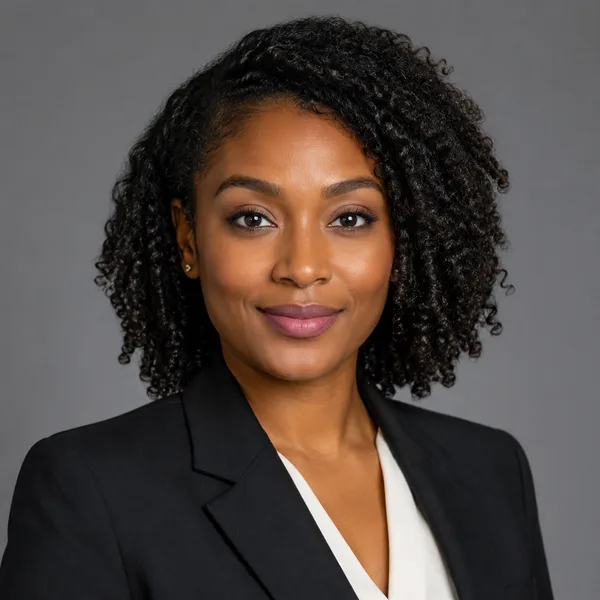


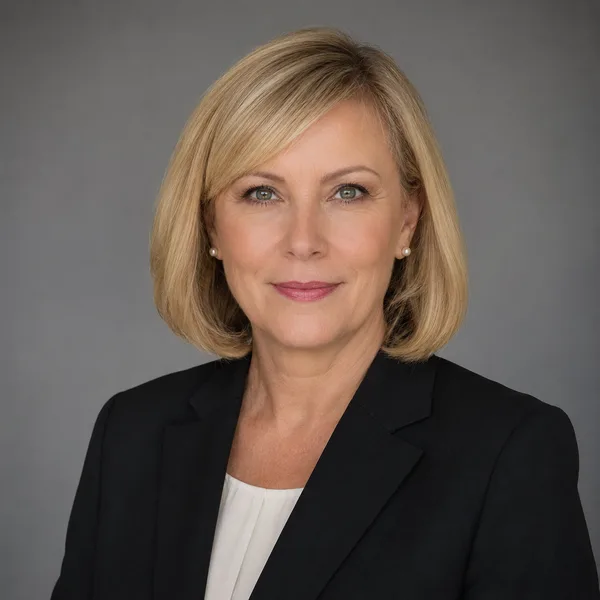
Business Casual
Smart casual shirt or knit, softer background, warm and approachable. Best for: Startups, tech, sales, recruiters, client-facing roles.
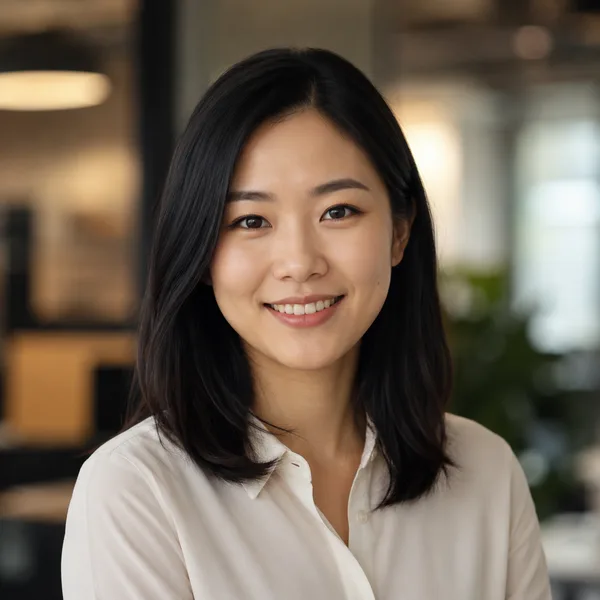

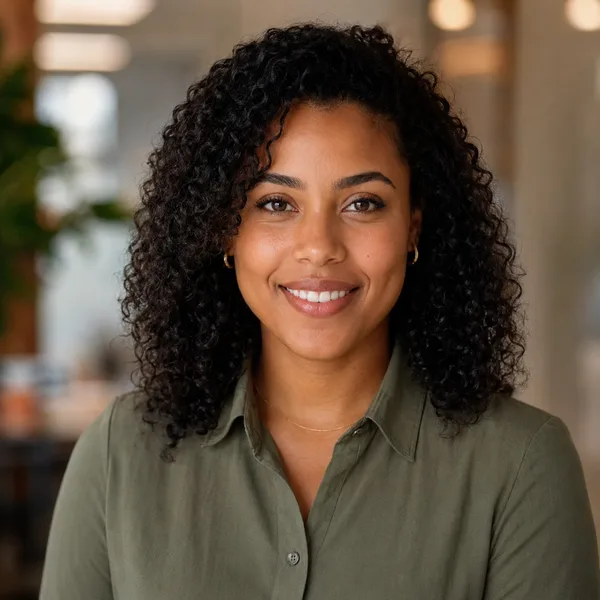

Studio Classic
Clean seamless backdrop, even three-point lighting — the photographer look. Best for: Resumes, company pages, anyone wanting a timeless safe choice.
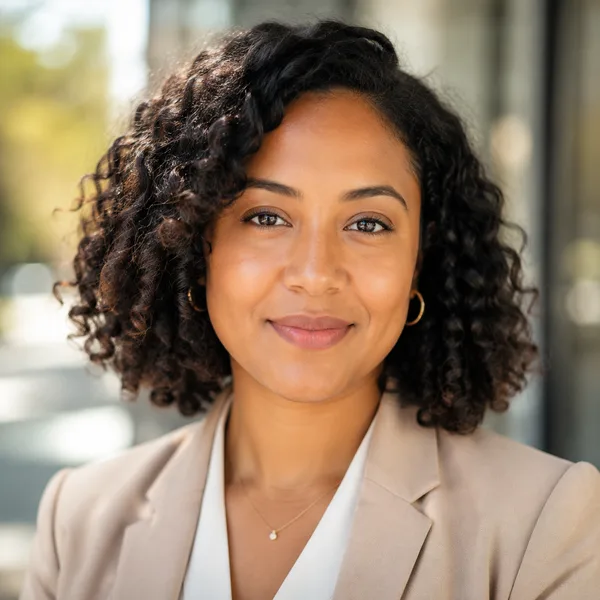
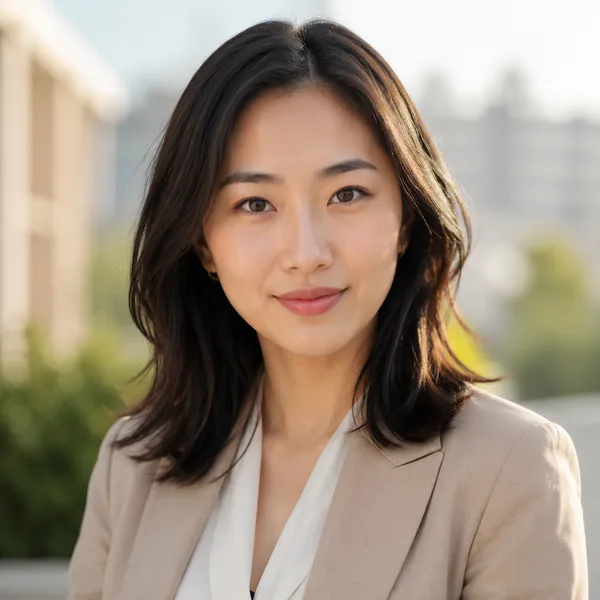
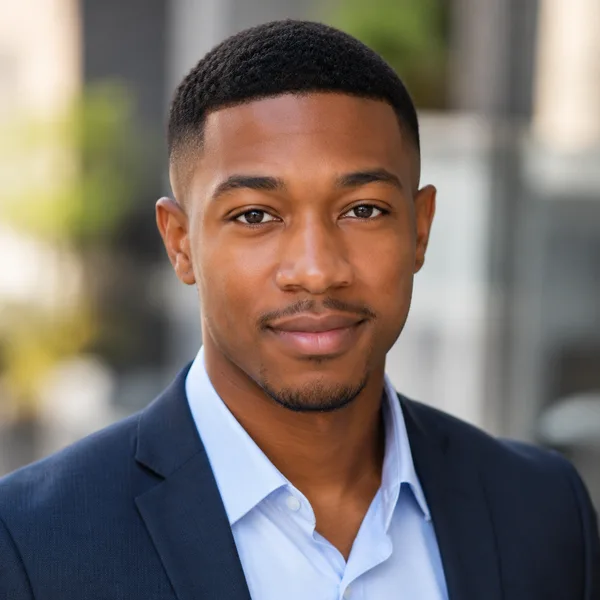
Outdoor / Natural
Natural daylight, softly blurred outdoor or window-lit setting, authentic feel. Best for: Real estate, creatives, coaches, personal brands.

Creative / Modern
Editorial colour backdrop, contemporary styling, a touch of personality. Best for: Founders, designers, marketers, speakers.

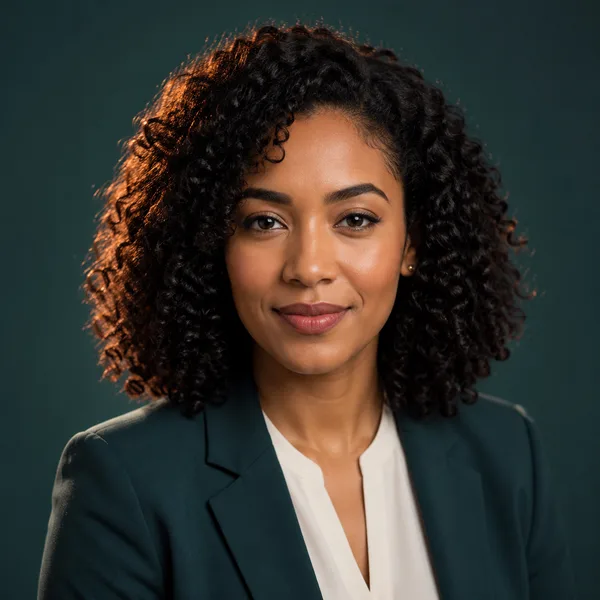
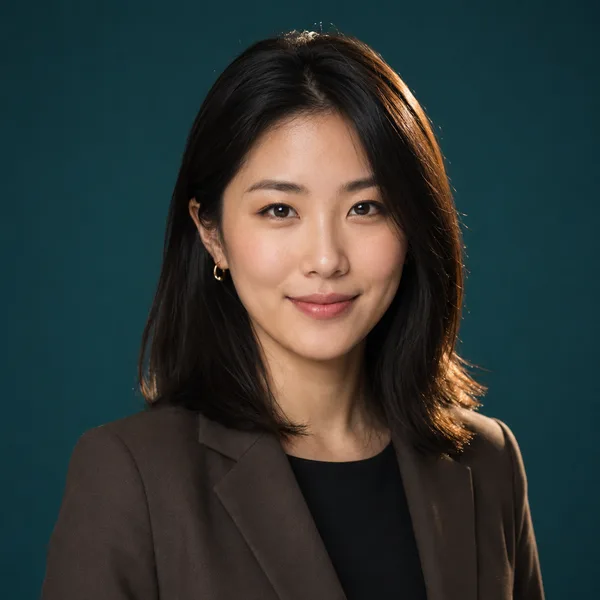
Executive B&W
Dramatic monochrome, strong contrast — for leadership and author bios. Best for: Executives, board bios, authors, keynote speakers.
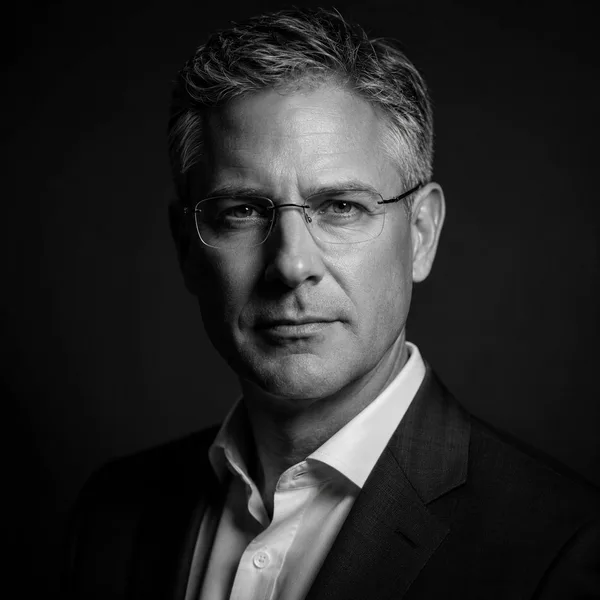
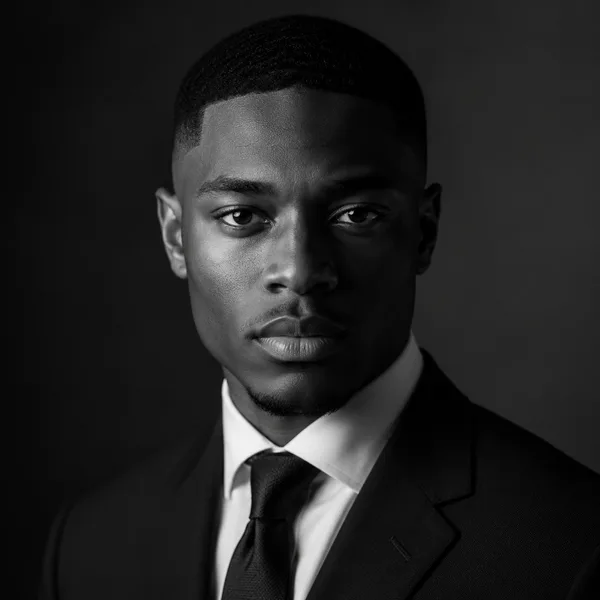
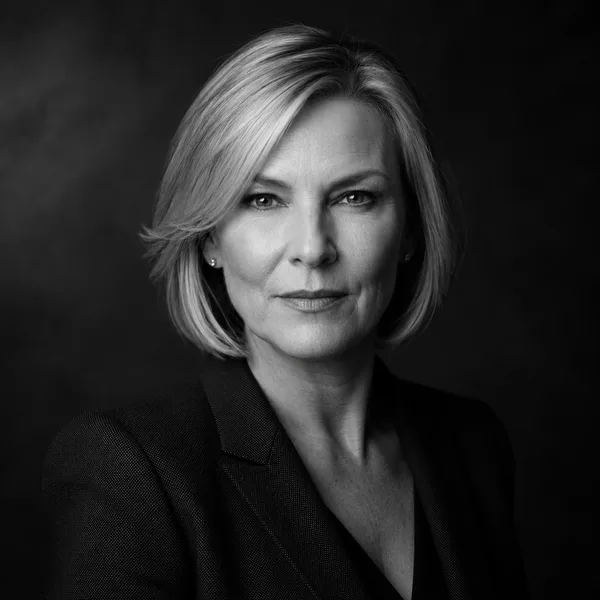
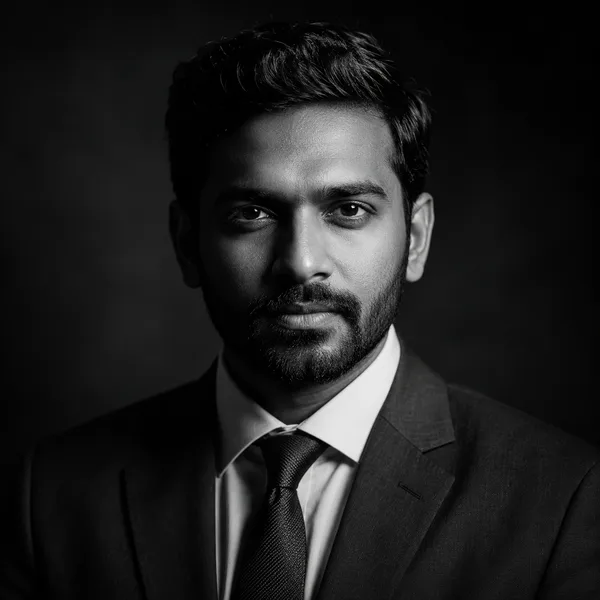
Showing every style. Enable JavaScript to filter by style and platform.
Browsing every style above needs no account. Upload-your-own-photo previews are rolling out carefully — privacy and consent first. Drop your email only if you want to be first in line.
A profile picture isn’t an ID photo or an application photo
It’s worth being clear about which photo you actually need, because the rules are different. A profile picture (or avatar) is the image that represents you on LinkedIn, social networks, messaging apps, Slack and personal sites — usually shown small and round, and allowed a little more personality. An ID or passport photo is a strict, plain-white-background document photo. A job-application photo — a Bewerbungsfoto in Germany, a 취업사진 in Korea — is a formal portrait for a CV or application. Same face, three different jobs.
This page is about the first one: a portrait you’re happy to put on your profiles. If you actually need the formal versions, they each have their own page — see “ID & passport photos” and “Job application photo” in the footer. For a profile picture you have more freedom: pick a style that looks like the professional, or simply the real, version of you.
Pick a portrait that works at avatar size, everywhere
A profile picture is almost always shown small and cropped to a circle, so the same rules win across every platform: a tight head-and-shoulders crop, your face filling most of the frame, a clean or softly blurred background and a genuine expression. Detail at the edges is lost in a circle, so anything below the shoulders is wasted, and a face that fills the frame is simply easier to recognise in a feed or a contact list.
How much personality to show depends on the network. For LinkedIn and work profiles, Business Casual or Studio Classic read as competent and approachable; for social and messaging avatars, Outdoor / Natural or Creative / Modern feel warmer and more personal. Whichever you pick, use the same picture everywhere — one consistent profile picture is what makes you instantly recognisable across LinkedIn, social and your inbox. Browse the styles above on the round LinkedIn and avatar crops to see how each holds up.
Frequently asked questions
What’s the difference between a profile picture and an ID or application photo?
A profile picture (avatar) represents you on LinkedIn, social, messaging and company profiles — usually small and round, with room for personality. An ID or passport photo is a strict white-background document photo. A job-application photo (a Bewerbungsfoto, a 취업사진) is a formal CV portrait. This page is for profile pictures; the ID & passport and job-application pages cover the others.
What makes a good AI profile picture?
A tight head-and-shoulders crop with your face filling most of the frame, a clean or softly blurred background and a genuine expression — because a profile picture is shown small and cropped to a circle on most platforms. Anything below the shoulders is lost at avatar size.
Can I use one profile picture everywhere?
Yes, and you should. Using the same picture across LinkedIn, social, messaging and your email avatar makes you instantly recognisable. Pick one that suits the most professional place it will appear, then reuse it.
Is it free, and do I need to sign up?
Browsing every style and avatar crop is free with no account. Upload-and-generate is in early access; when it opens you’ll get a free preview before any paid download, and any photo would be deleted within 7 days and never used to train other models. The example portraits are AI-generated, not real people.