AI headshot generator, free: where the paid line is
Most AI headshot tools let you look for free and charge for the finished result. Here’s where that line usually sits, in plain language — and what you can do here for free: compare styles and crop your own photo to size.
- Your photo stays on your device
- Example faces are AI-generated
- Free, no signup
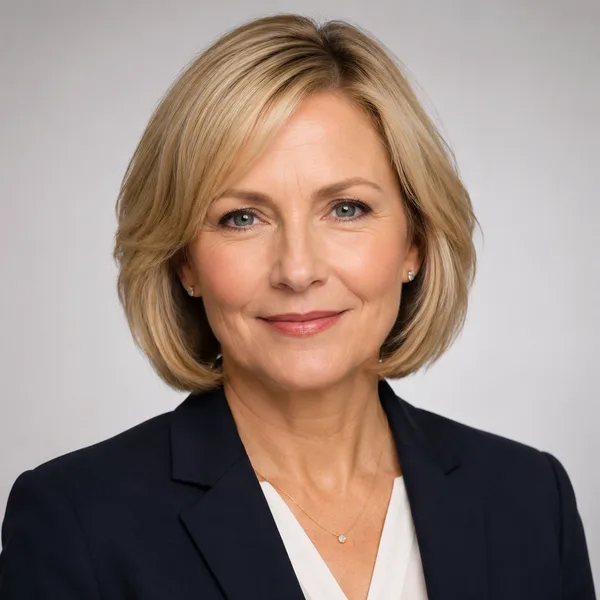
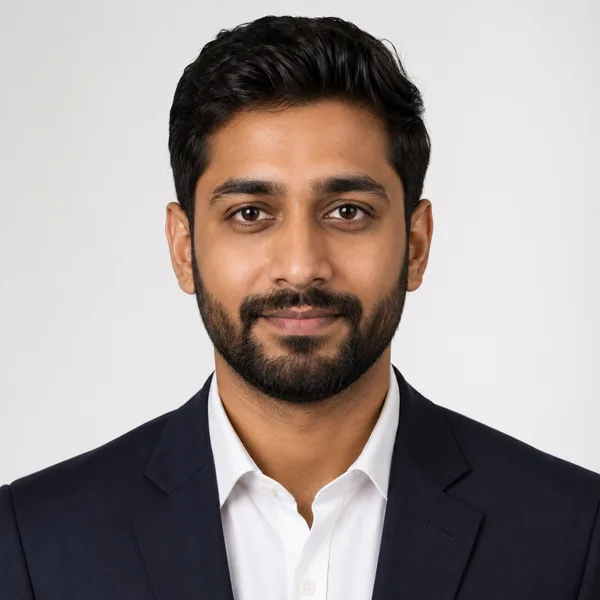
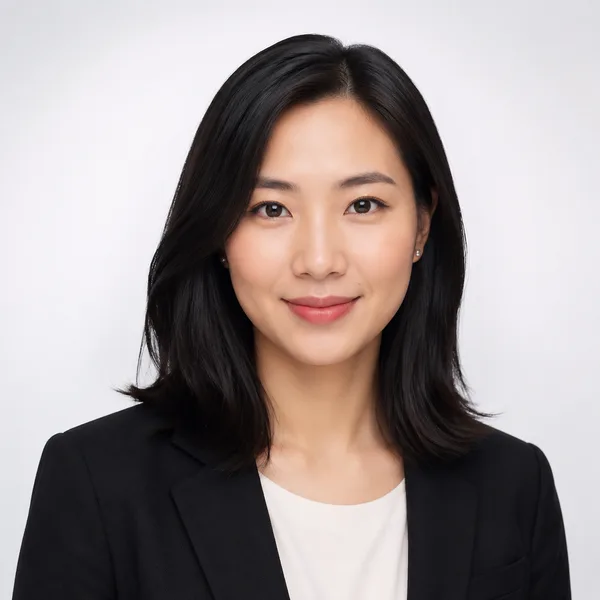
Browse a professional headshot style
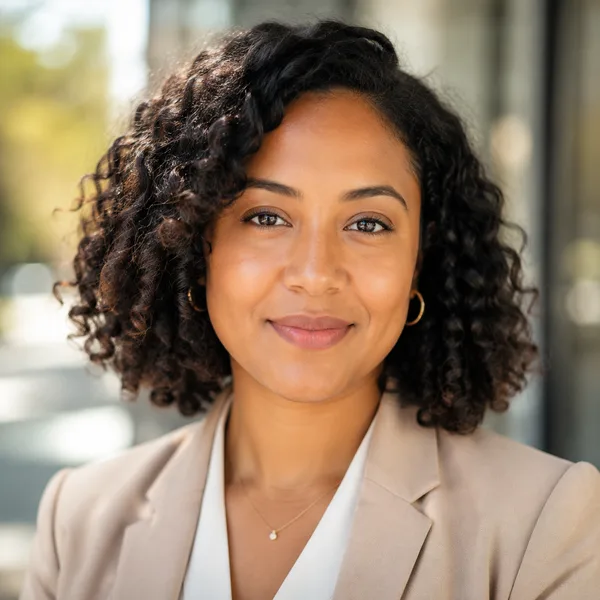
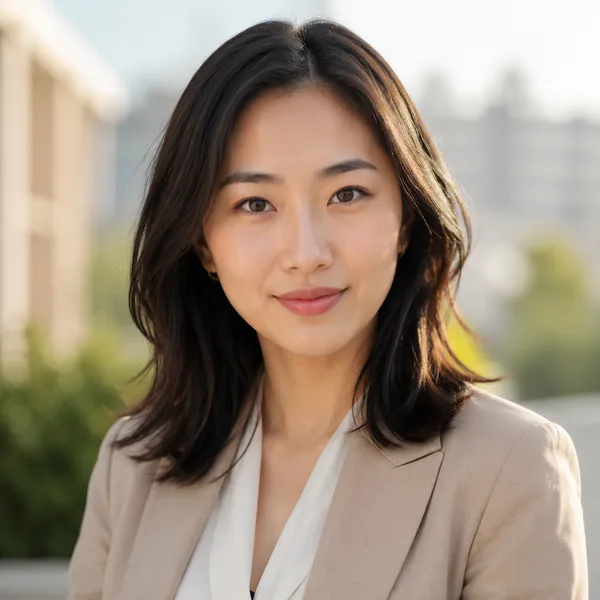
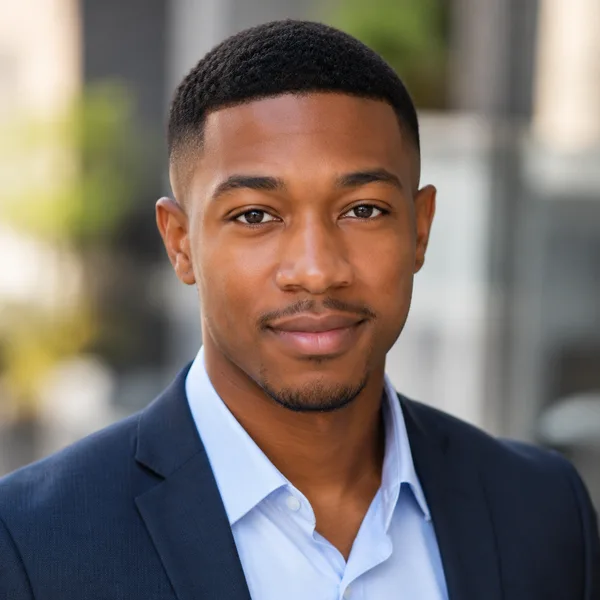
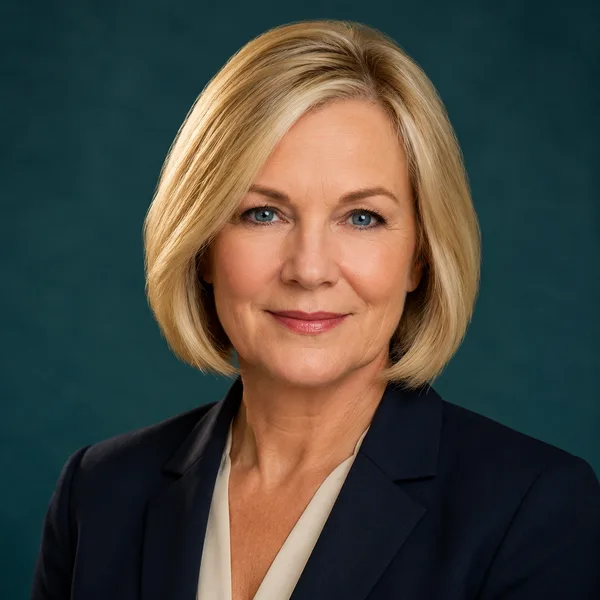
Pick a look and see where it fits — LinkedIn, your resume, a company page. Every face below is an AI-generated example, not a real person.
Fills LinkedIn’s round profile frame without awkward cropping.
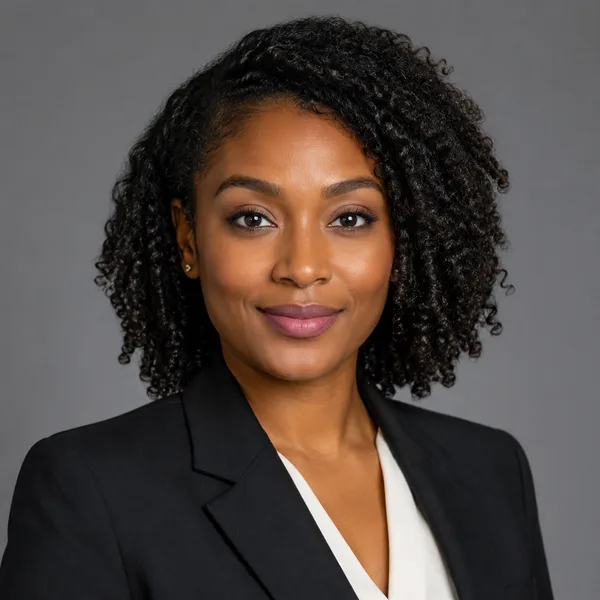
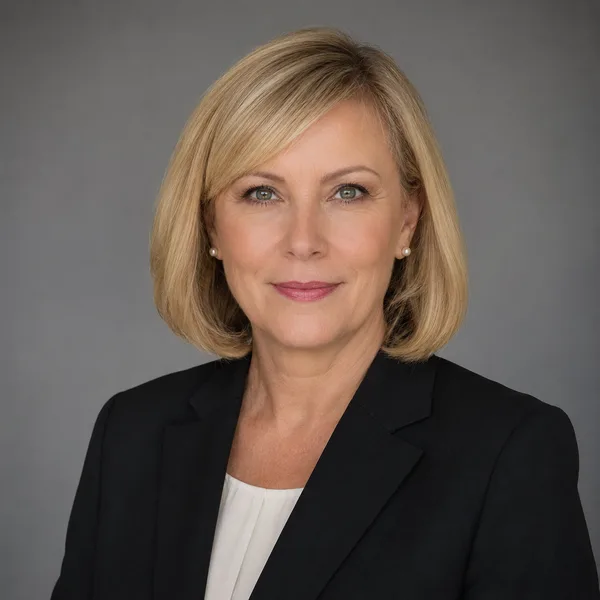
Corporate / Formal
Suit or blazer, clean studio-grey backdrop, classic executive lighting. Best for: LinkedIn, law, finance, consulting, senior roles.


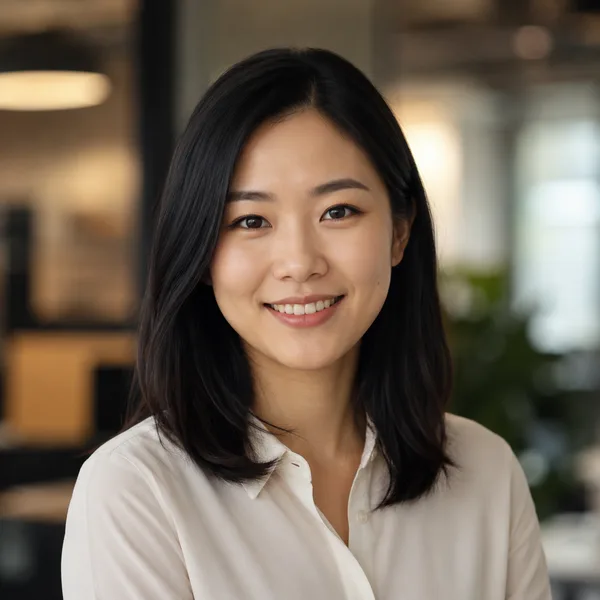
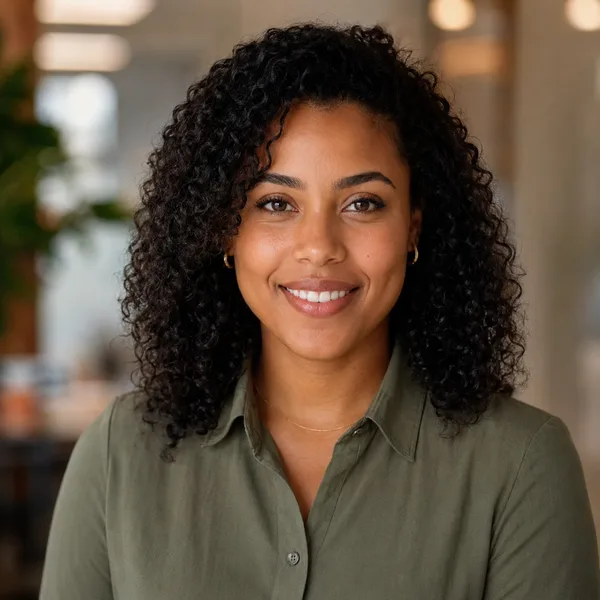
Business Casual
Smart casual shirt or knit, softer background, warm and approachable. Best for: Startups, tech, sales, recruiters, client-facing roles.


Studio Classic
Clean seamless backdrop, even three-point lighting — the photographer look. Best for: Resumes, company pages, anyone wanting a timeless safe choice.
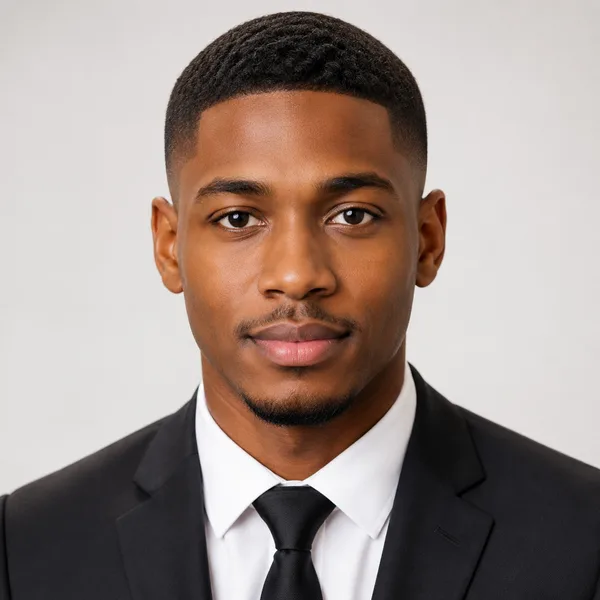
Outdoor / Natural
Natural daylight, softly blurred outdoor or window-lit setting, authentic feel. Best for: Real estate, creatives, coaches, personal brands.

Creative / Modern
Editorial colour backdrop, contemporary styling, a touch of personality. Best for: Founders, designers, marketers, speakers.

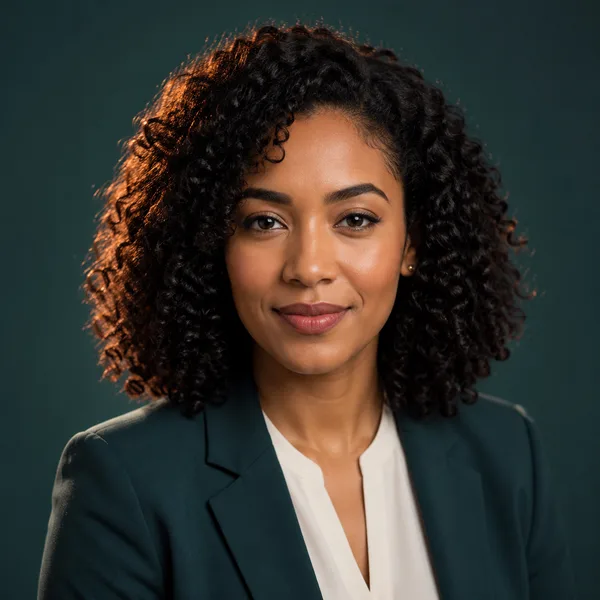
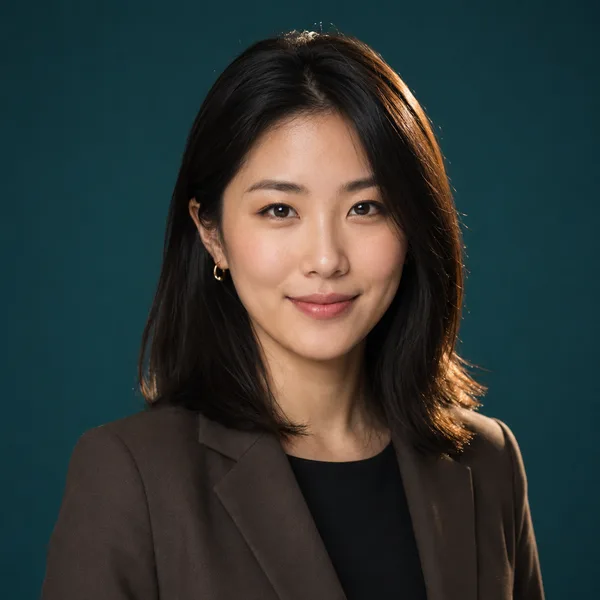
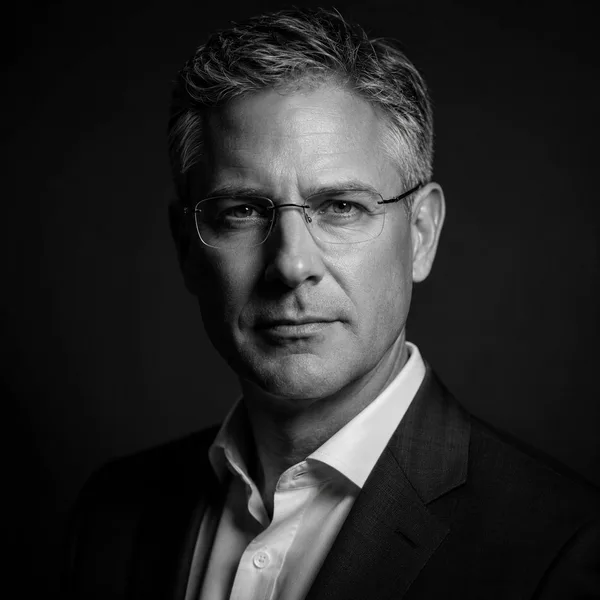
Executive B&W
Dramatic monochrome, strong contrast — for leadership and author bios. Best for: Executives, board bios, authors, keynote speakers.
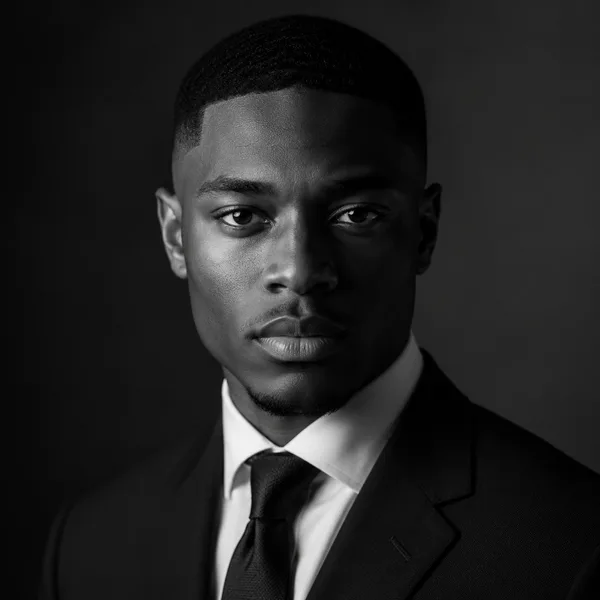
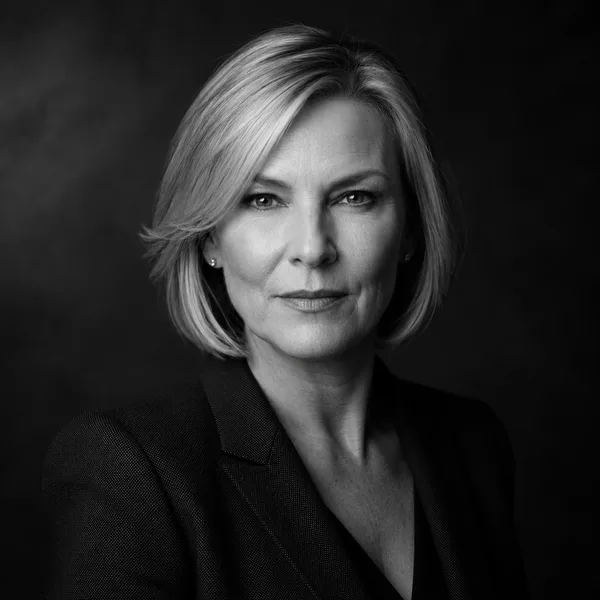
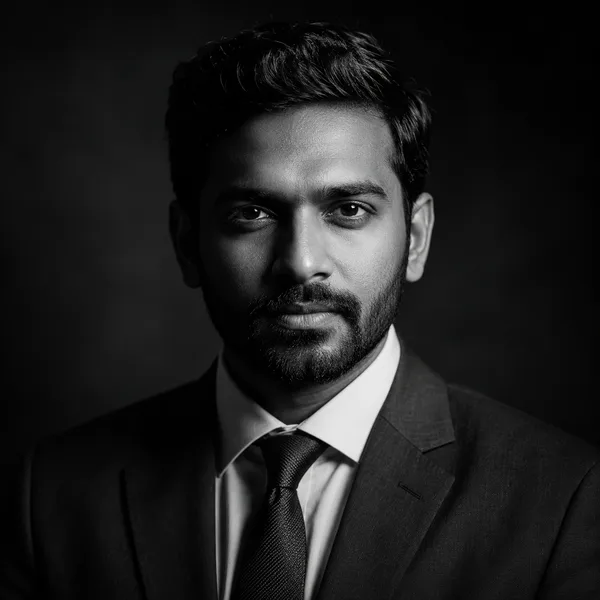
Showing every style. Enable JavaScript to filter by style and platform.
This site doesn’t generate headshots. Already have a photo of yourself? Crop it to 35 × 45 mm, LinkedIn 400 × 400 px or another exact size — in your browser, with nothing uploaded.
JPG at the exact pixel size · runs on your device
Why most AI headshot tools aren’t truly free
Creating professional headshots that actually look like you means building a short-lived model of your face and rendering it across outfits, lighting and backgrounds. That compute costs real money per person, which is why almost every tool charges — and why “100% free, unlimited” usually hides a watermark, a tiny resolution, or a subscription.
That’s why the useful question isn’t “is it free?” but “what exactly is free?” Looking — browsing styles, sometimes a low-resolution preview — is often free. Making — turning your selfies into a finished pack — is where almost every tool charges. Check that line before you upload anything.
What you get without paying
Here, today: browsing all six styles on LinkedIn, résumé, company-page and avatar crops, and a cropper that resizes your own photo to an exact size. No watermark, no email wall, no account.
This site does not generate headshots from your photos. On tools that do, a free tier — where one exists — is typically a watermarked or low-resolution preview; compare it with the price of the full pack before you commit.
Frequently asked questions
Is a completely free AI headshot generator possible?
Browsing and previewing can be free, but rendering a finished, high-resolution headshot of a specific person costs compute, so that step is paid on most tools. Be cautious of tools advertising unlimited free results — the cost usually reappears as a watermark, low resolution, or a subscription.
Will there be a watermark?
Nothing you browse or crop here is watermarked. On AI headshot tools, free previews are often watermarked or low-resolution; check before you upload.
Is it free with no signup?
Yes — browsing styles and using the cropper need no account and no email.
Is there a subscription?
Not here — there is nothing to buy on this site. On AI headshot tools, check whether the price is a one-time pack or a recurring subscription before you pay.