Free AI headshot generator
Browse professional headshot styles for free, see exactly how each one looks on LinkedIn or a resume, and get in line for upload-and-generate — no account, no spam.
- Photos auto-deleted in 7 days
- Never used to train other models
- Free to browse, no signup
Browse a professional headshot style
Pick a look and see where it fits — LinkedIn, your resume, a company page. Every face below is an AI-generated example, not a real person.
Fills LinkedIn’s round profile frame without awkward cropping.
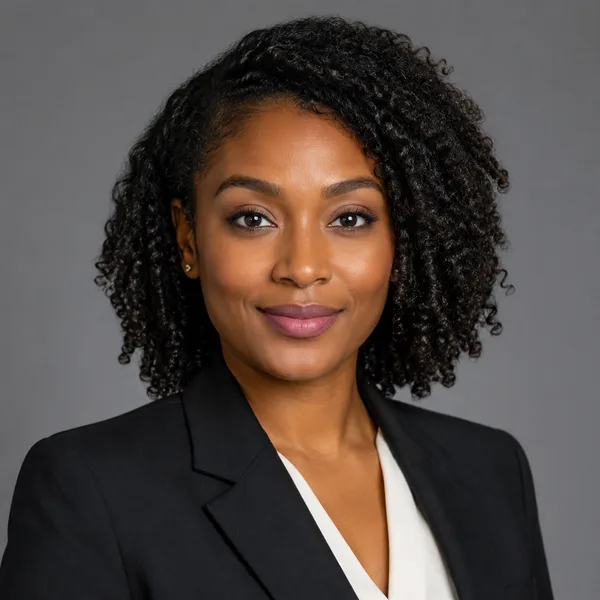
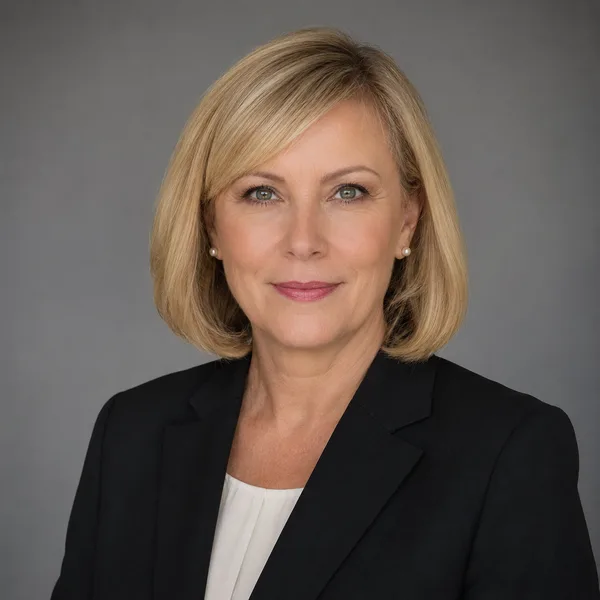
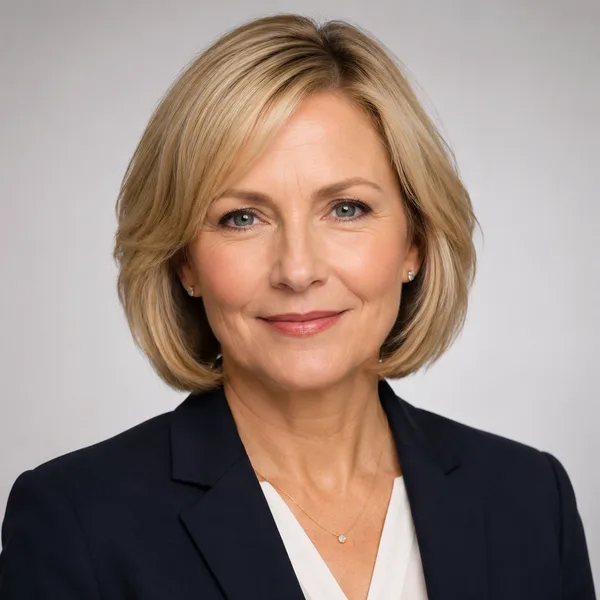
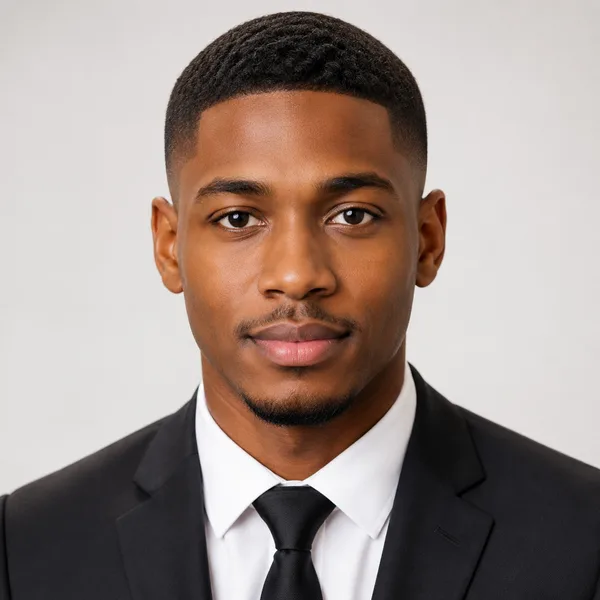
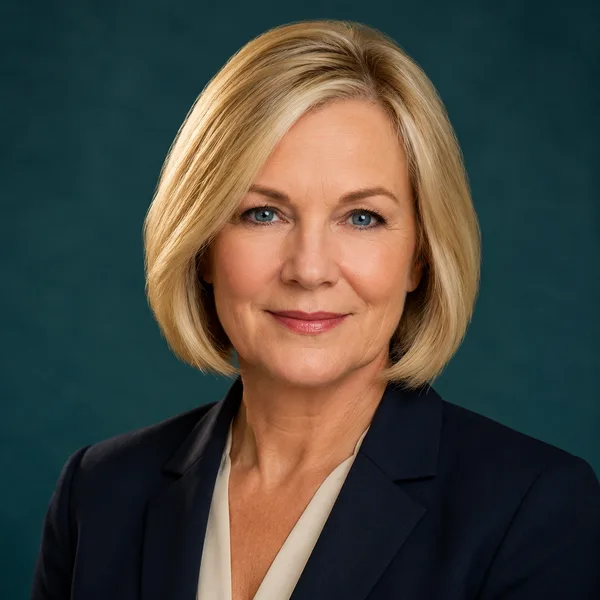
Corporate / Formal
Suit or blazer, clean studio-grey backdrop, classic executive lighting. Best for: LinkedIn, law, finance, consulting, senior roles.


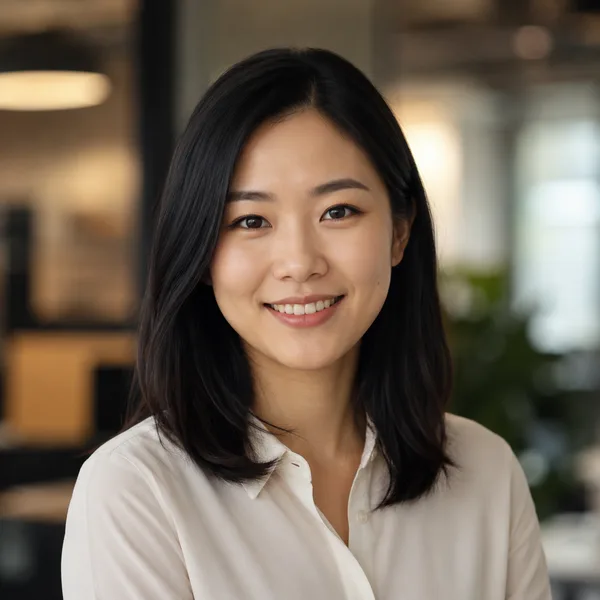
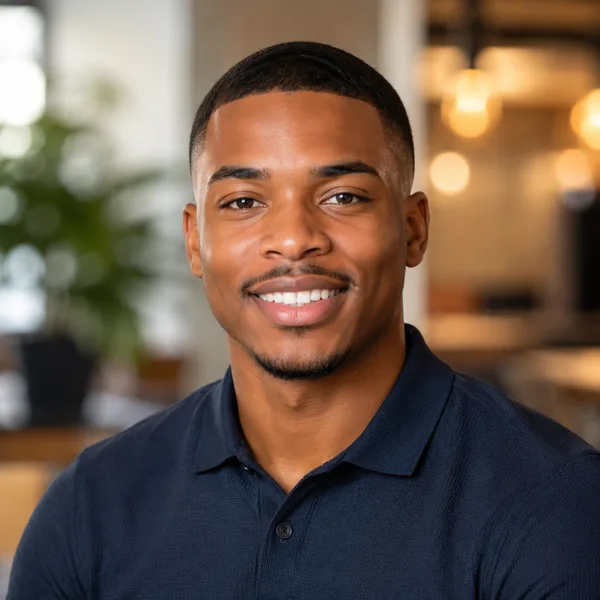
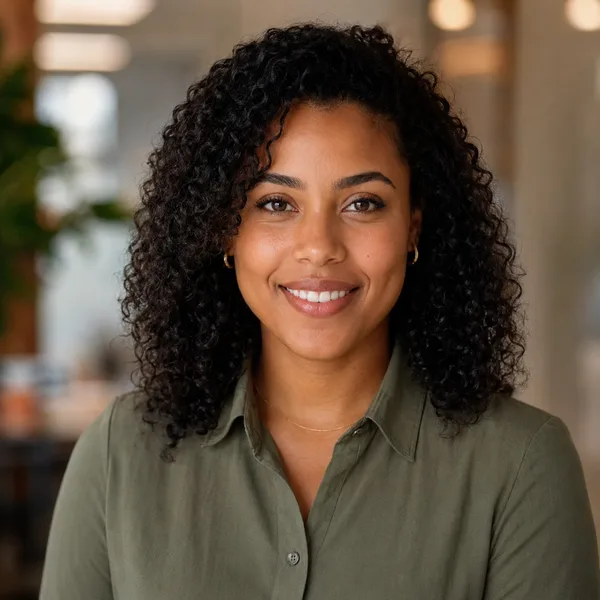
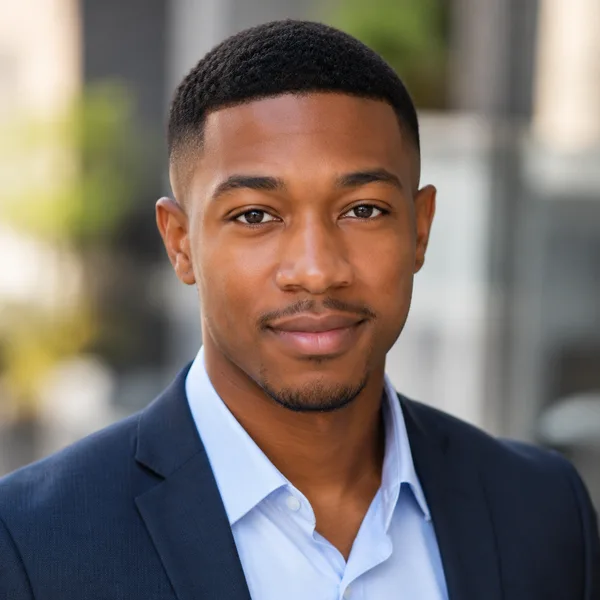
Business Casual
Smart casual shirt or knit, softer background, warm and approachable. Best for: Startups, tech, sales, recruiters, client-facing roles.

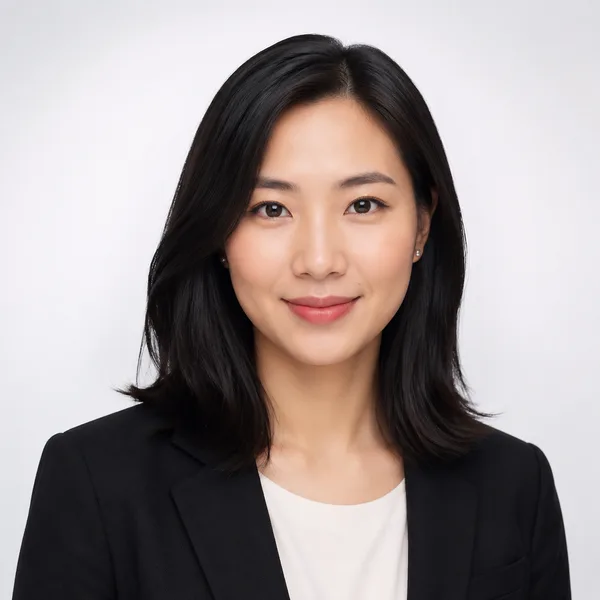
Studio Classic
Clean seamless backdrop, even three-point lighting — the photographer look. Best for: Resumes, company pages, anyone wanting a timeless safe choice.

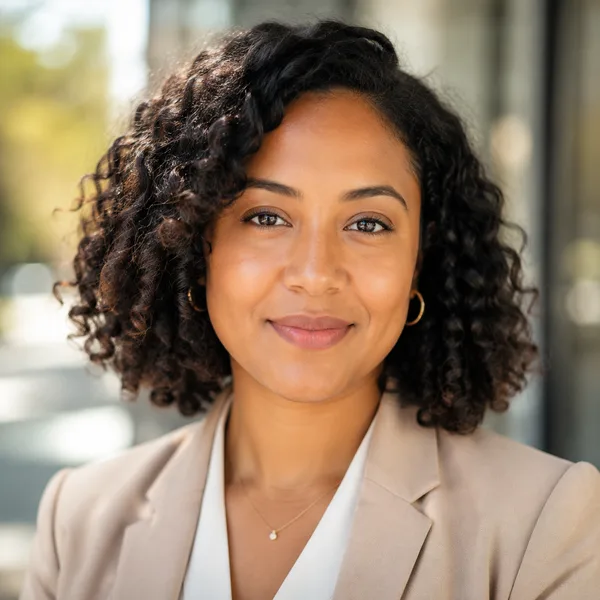
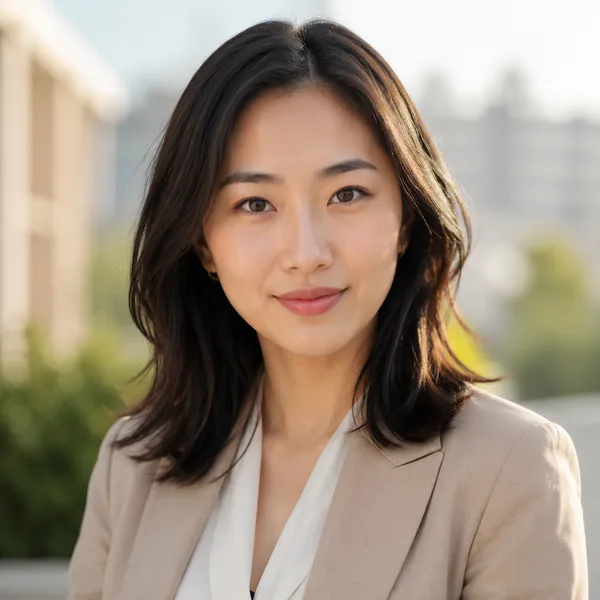
Outdoor / Natural
Natural daylight, softly blurred outdoor or window-lit setting, authentic feel. Best for: Real estate, creatives, coaches, personal brands.

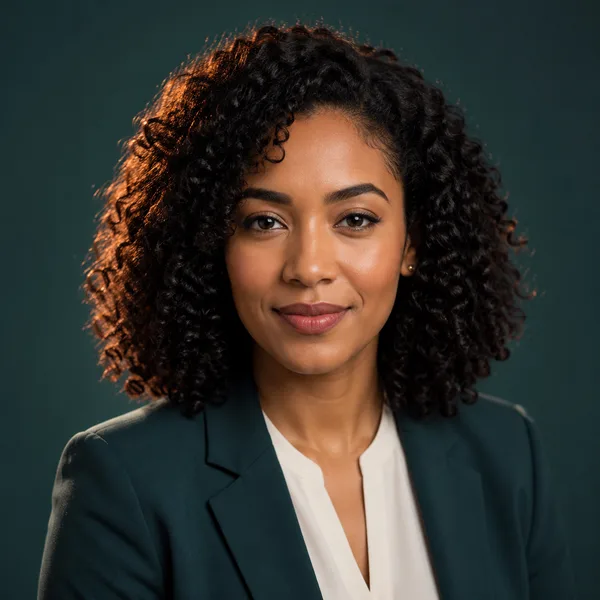
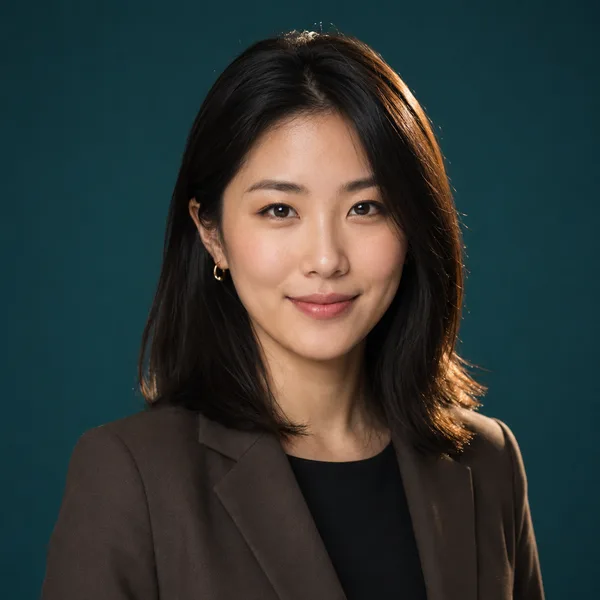
Creative / Modern
Editorial colour backdrop, contemporary styling, a touch of personality. Best for: Founders, designers, marketers, speakers.

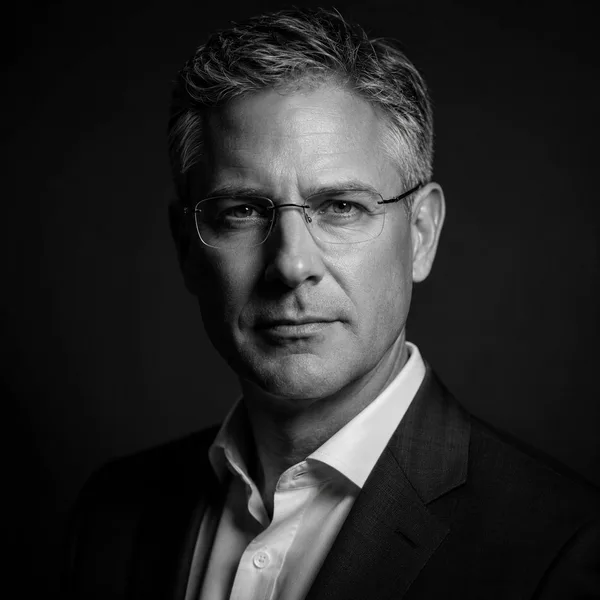
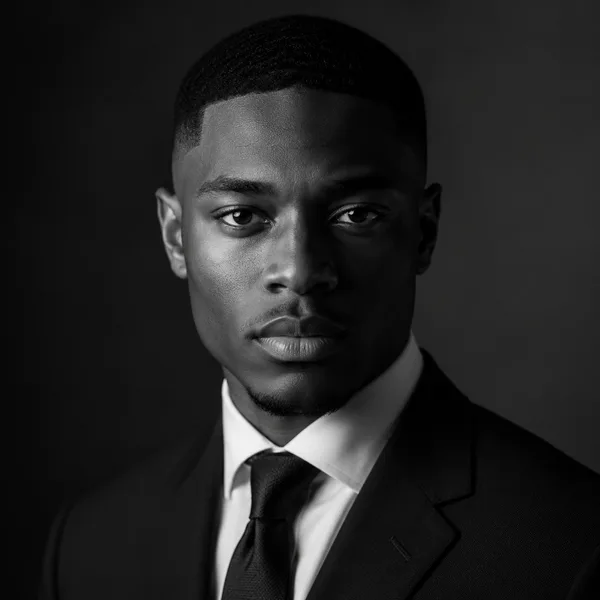
Executive B&W
Dramatic monochrome, strong contrast — for leadership and author bios. Best for: Executives, board bios, authors, keynote speakers.
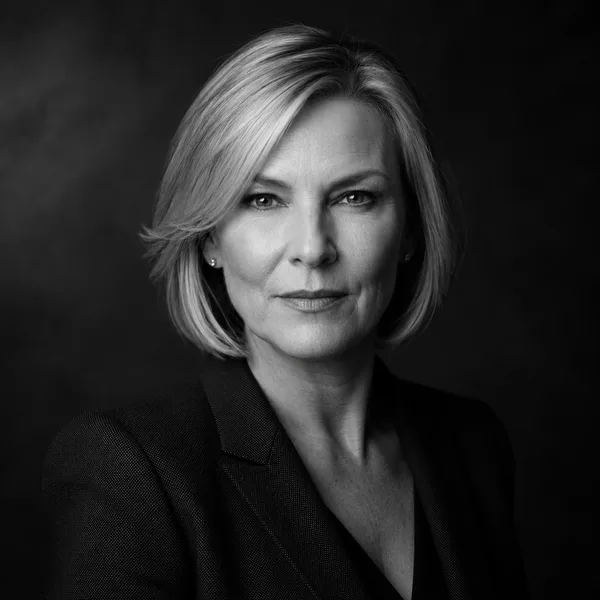
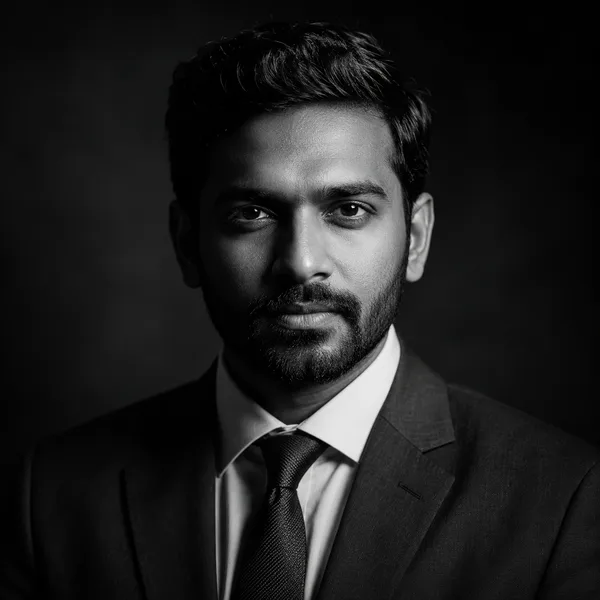
Showing every style. Enable JavaScript to filter by style and platform.
Browsing every style above needs no account. Upload-your-own-photo previews are rolling out carefully — privacy and consent first. Drop your email only if you want to be first in line.
What “free” actually means on this site
Plenty of “free” AI headshot tools ask for an email, a sign-up, or a card before they show you anything. Here, browsing styles and seeing how each one is cropped for LinkedIn, a resume or a company page is genuinely free and needs no account. When photo upload opens, the plan is a free low-resolution preview so you can judge the quality before you ever pay — the high-resolution download is the only paid step.
We’re upfront about why: generating a faithful, consistent likeness of one person is the expensive part. Rather than hide that behind a fake “unlimited free” promise, we keep the preview free and charge only for the finished, high-resolution pack. No subscription, no surprise renewal.
How to land on a headshot you’ll actually use
Start from where the photo will live. A LinkedIn profile shows your face in a small circle, so a tighter crop and a clean background read best. A resume photo (where photos are expected) sits in a header at a few centimetres tall, so clarity matters more than mood. Pick the platform first, then the style.
Then match the style to your field. Law, finance and consulting tend to suit the Corporate / Formal look; startups, sales and recruiting often do better with the warmer Business Casual style; real-estate agents and coaches frequently choose the Outdoor / Natural look. Use the explorer above to compare them side by side.
Frequently asked questions
Is this AI headshot generator really free to use?
Browsing every style and seeing how it’s cropped for LinkedIn, a resume or a company page is free and needs no account. When photo upload opens, you’ll get a free low-resolution preview; only the high-resolution download is paid. There’s no subscription.
Do I need to create an account or upload a photo now?
No. Right now you can explore styles and join the early-access list with just an email. Upload-and-generate is rolling out carefully, with privacy and consent first.
What happens to my photo when upload opens?
Any photo you upload will be processed privately to create your headshots, never used to train other models, never shared, and deleted within 7 days — and you’ll be able to delete it instantly at any time.
Which styles are available?
Corporate / Formal, Business Casual, Studio Classic, Outdoor / Natural, Creative / Modern and Executive Black & White — each shown on real platform crops so you can see the fit before you commit.