Professional AI headshot generator
A professional headshot does a quiet job: it tells people you’re competent and approachable before you say a word. Browse studio-grade styles and see what “professional” really looks like.
- Photos auto-deleted in 7 days
- Never used to train other models
- Free to browse, no signup
Browse a professional headshot style
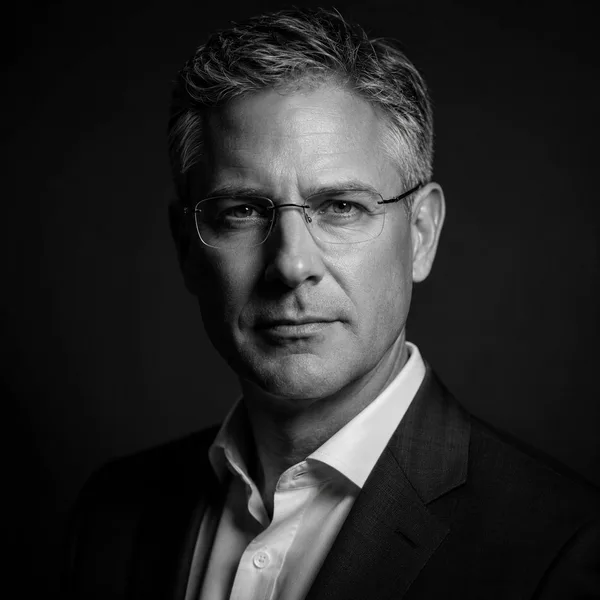
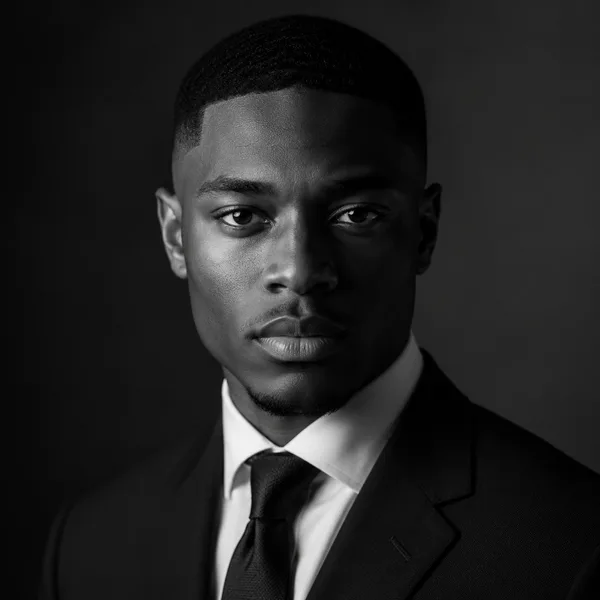
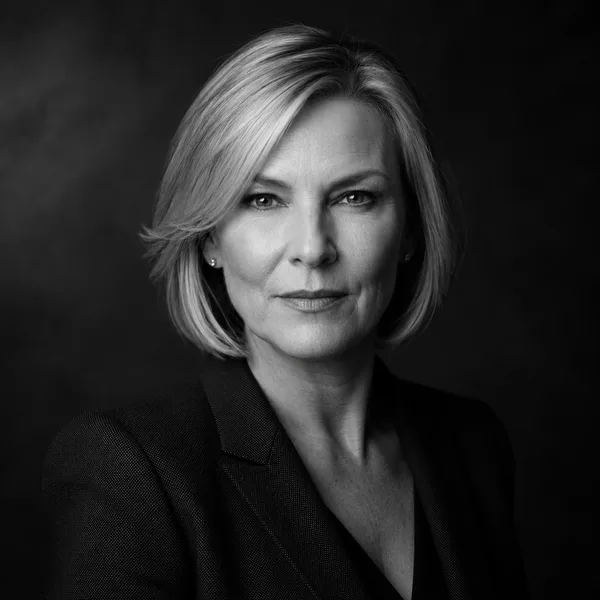
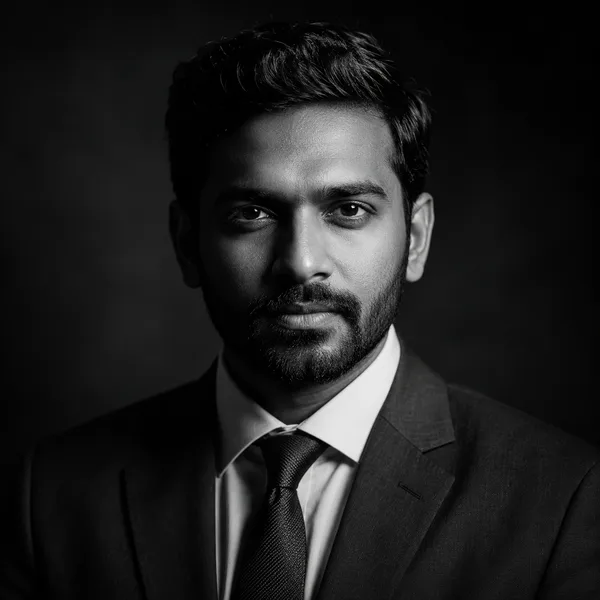
Pick a look and see where it fits — LinkedIn, your resume, a company page. Every face below is an AI-generated example, not a real person.
A consistent square crop for About / Team pages.
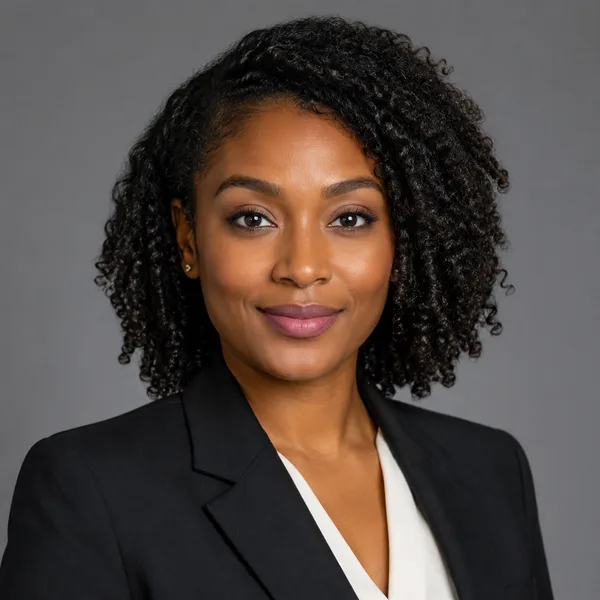
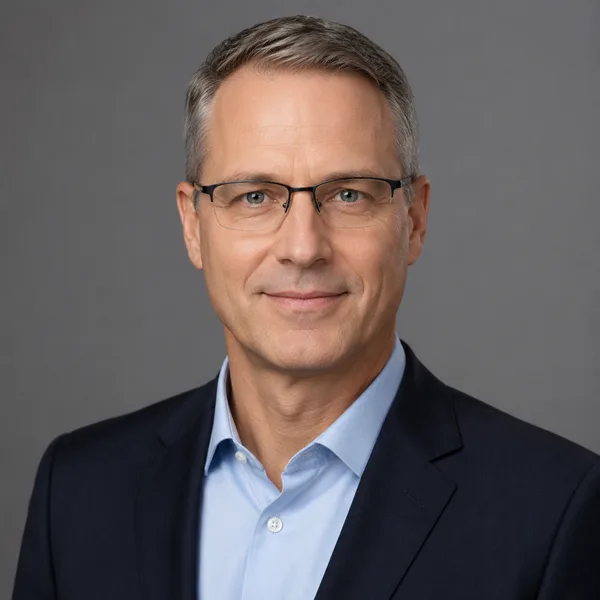
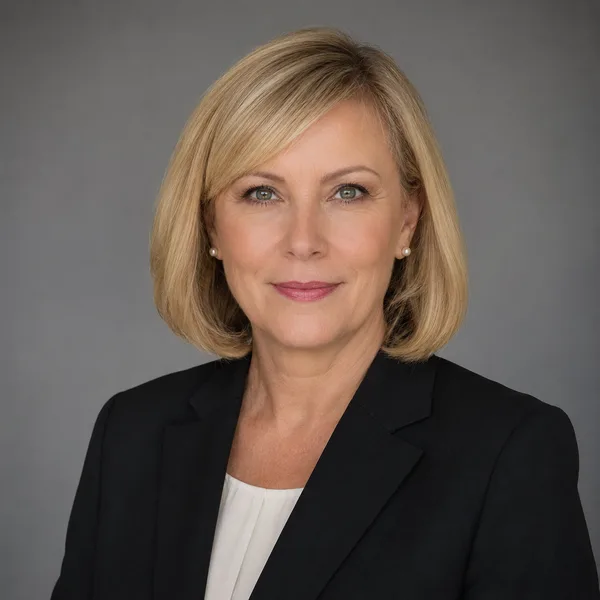
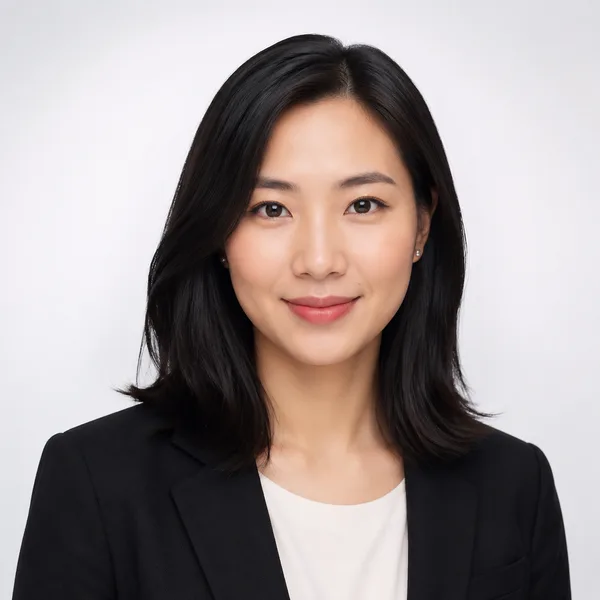
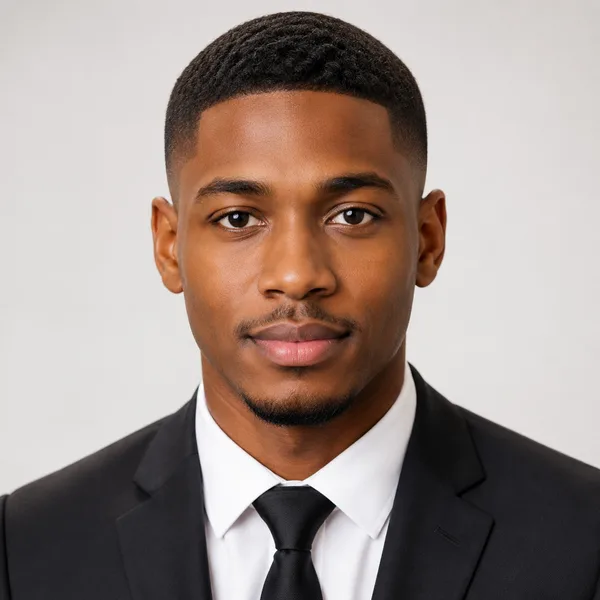
Corporate / Formal
Suit or blazer, clean studio-grey backdrop, classic executive lighting. Best for: LinkedIn, law, finance, consulting, senior roles.

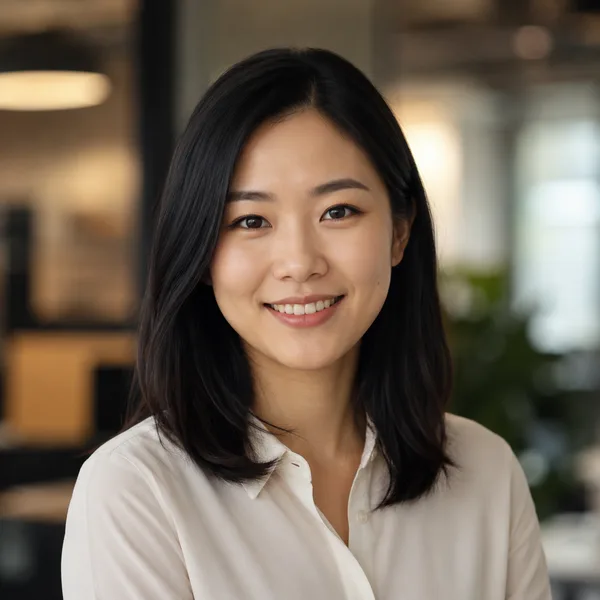
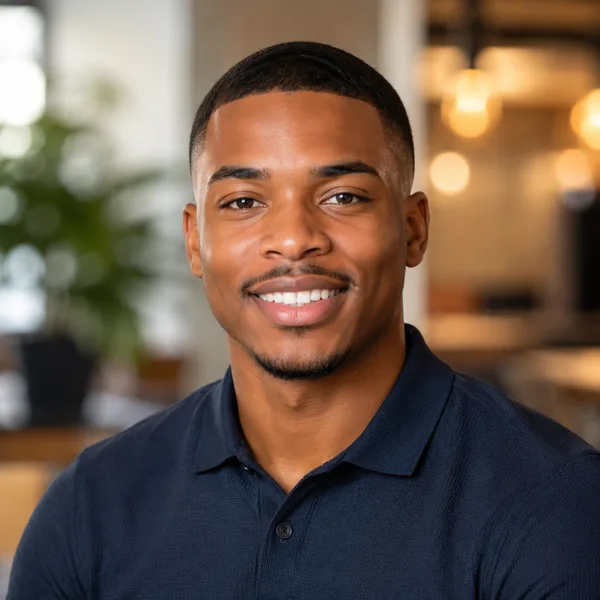
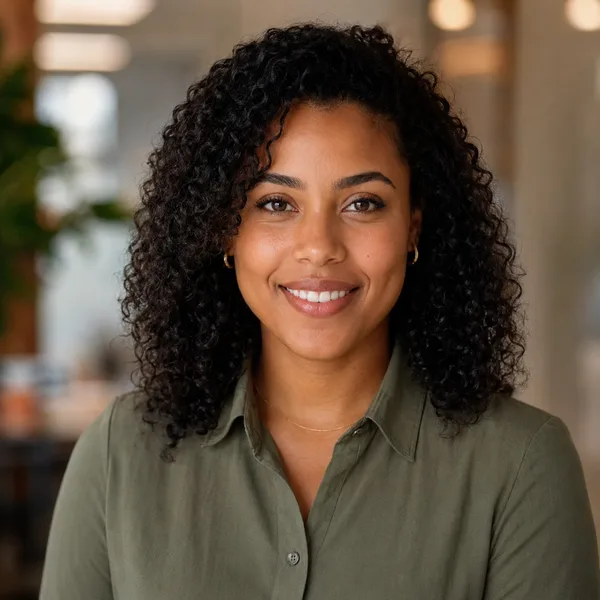
Business Casual
Smart casual shirt or knit, softer background, warm and approachable. Best for: Startups, tech, sales, recruiters, client-facing roles.

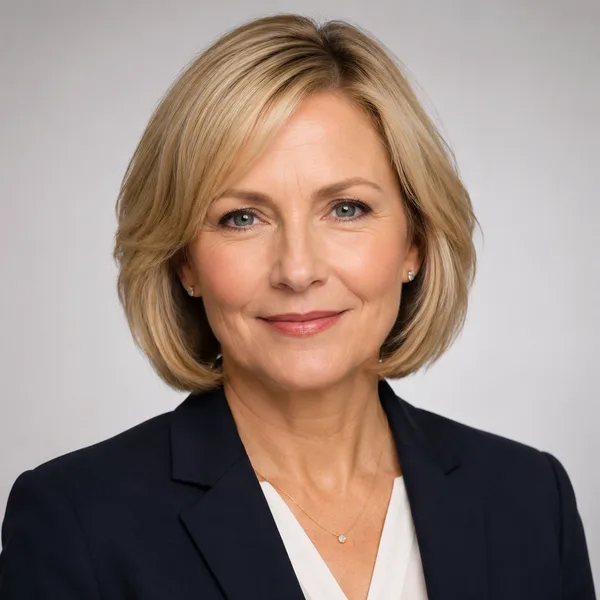
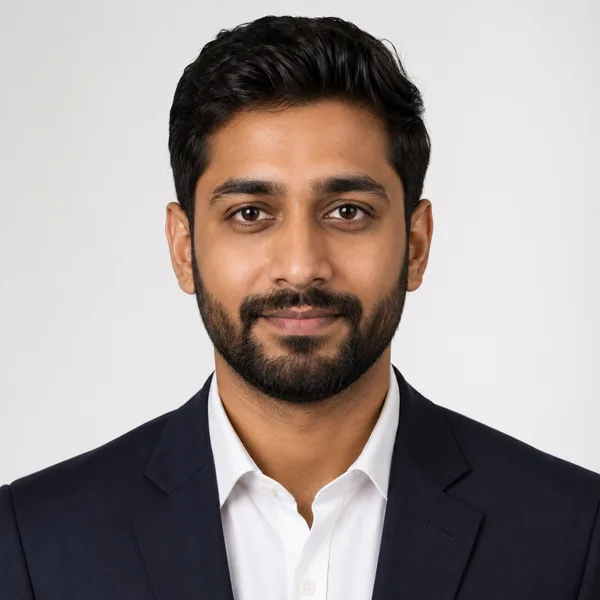
Studio Classic
Clean seamless backdrop, even three-point lighting — the photographer look. Best for: Resumes, company pages, anyone wanting a timeless safe choice.
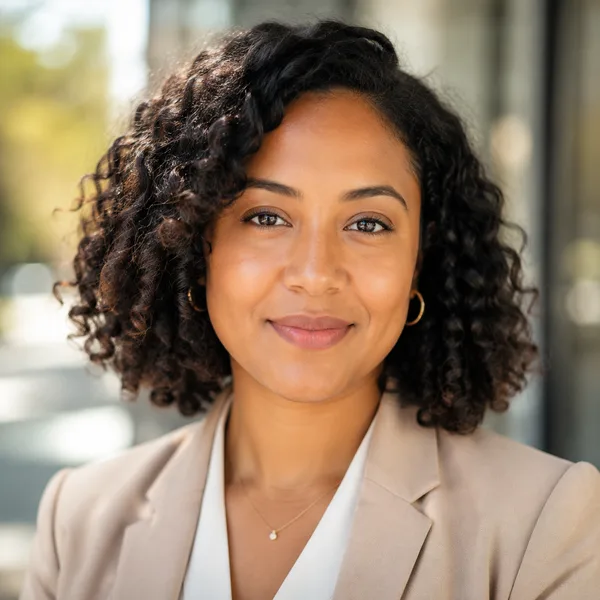
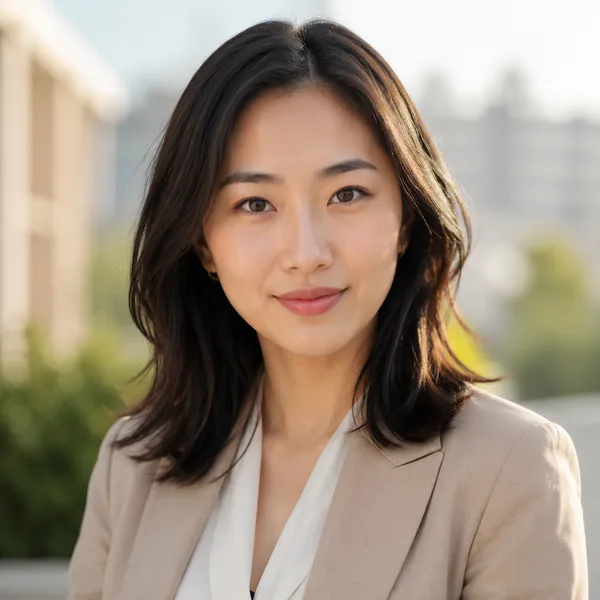
Outdoor / Natural
Natural daylight, softly blurred outdoor or window-lit setting, authentic feel. Best for: Real estate, creatives, coaches, personal brands.

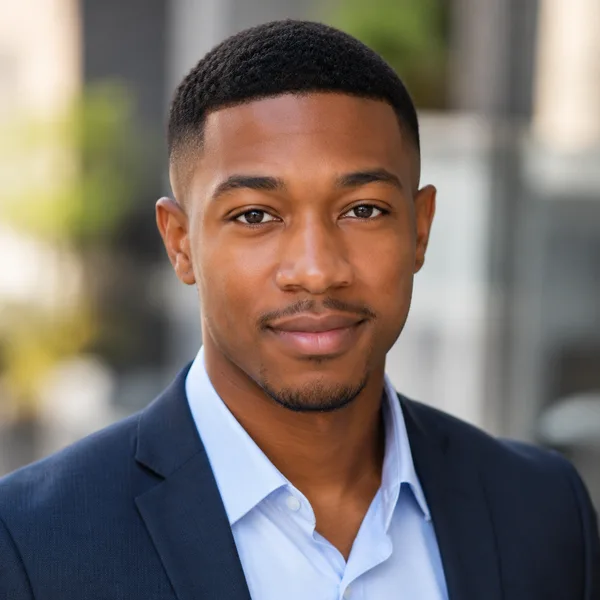
Creative / Modern
Editorial colour backdrop, contemporary styling, a touch of personality. Best for: Founders, designers, marketers, speakers.

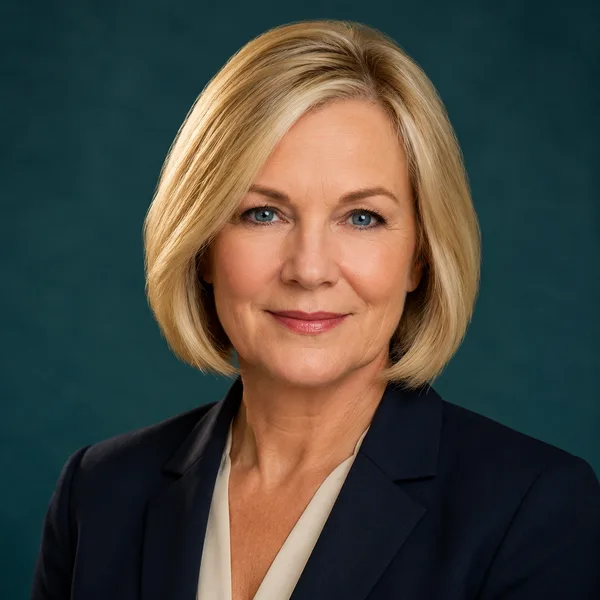
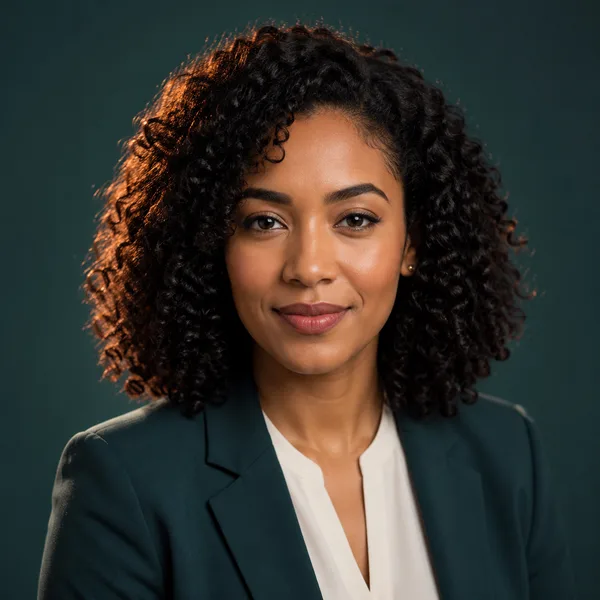
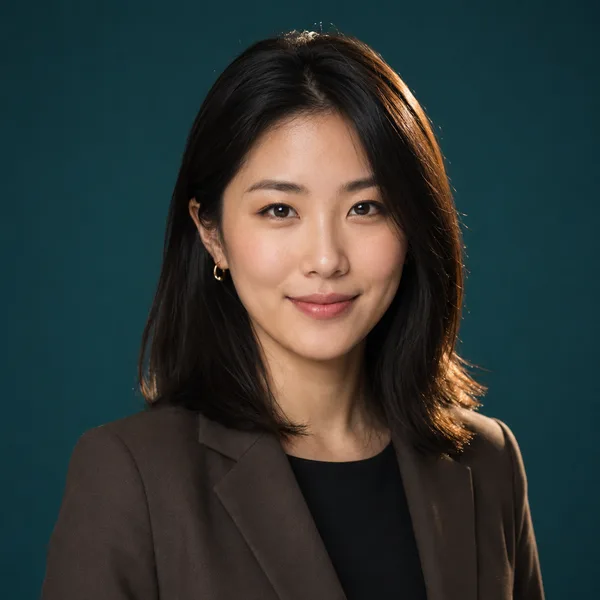
Executive B&W
Dramatic monochrome, strong contrast — for leadership and author bios. Best for: Executives, board bios, authors, keynote speakers.
Showing every style. Enable JavaScript to filter by style and platform.
Browsing every style above needs no account. Upload-your-own-photo previews are rolling out carefully — privacy and consent first. Drop your email only if you want to be first in line.
What actually makes a headshot look professional
Three things do most of the work: lighting, framing and background. Soft, even lighting with a catchlight in the eyes flatters almost everyone; a head-and-shoulders crop with your eyes about a third from the top feels natural; and a clean, uncluttered background keeps the attention on you. Expression matters too — a relaxed, genuine half-smile reads as confident and warm.
Notice what’s missing: gimmicks. Professional headshots avoid heavy filters, busy backgrounds, distracting colours and extreme angles. Each style in the explorer above is built around those fundamentals, so the result looks like a photographer took it, not an app.
Match the style to your field
Conservative fields — law, finance, accounting, executive roles — are best served by Corporate / Formal or Executive Black & White: darker tailoring, neutral backdrop, composed expression. Client-facing and creative roles can relax into Business Casual, Outdoor / Natural or Creative / Modern, which feel warmer and more contemporary.
When in doubt, pick the look you’d wear to meet your most important client. The goal isn’t the most dramatic photo; it’s the one that looks unmistakably like a competent version of you.
Frequently asked questions
What makes an AI headshot look professional?
Soft even lighting, a head-and-shoulders crop with eyes about a third from the top, a clean background, and a relaxed genuine expression. The styles here are built around those fundamentals rather than filters or gimmicks.
Which style should I choose for my industry?
Conservative fields (law, finance, executive) suit Corporate / Formal or Executive Black & White. Client-facing and creative roles often do better with Business Casual, Outdoor / Natural or Creative / Modern.
Can AI headshots really replace a photographer?
For LinkedIn, resumes and most online profiles, a good AI headshot is a fast, affordable substitute. For a printed brand campaign or where authenticity is scrutinised, a real shoot still has its place. Quality is the deciding factor, which is why you should always preview first.
Will the headshot still look like me?
That’s the whole point. When upload opens, the tool builds your headshots from your own photos and shows a free preview so you can confirm the likeness before paying.